
YouTube Shorts Analytics Explained: How to Read Your Channel Insights
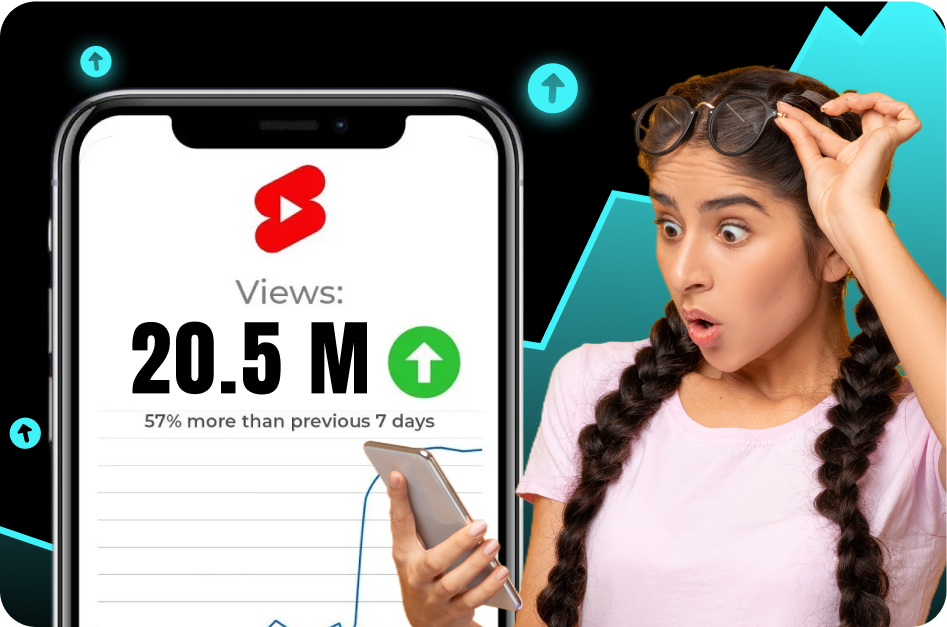
Creating great YouTube Shorts is only half the battle. If you're simply posting content and hoping for the best, you're navigating without a map. The real key to unlocking explosive growth? Understanding your analytics. This data is YouTube’s way of telling you exactly what’s working, what’s not, and - most importantly - why.
But for many creators, the analytics dashboard can feel overwhelming. What do all those graphs, spikes, and percentages actually mean?
This guide breaks down the most important YouTube Shorts metrics in clear, simple terms. We’ll show you how to read your channel's insights to make smarter content decisions and build a strategy for consistent, sustainable growth.
The Foundation: Great Data Starts with Great Content
Before diving into the metrics, it’s important to understand that the quality of your insights depends on the quality of your content.
One of the most impactful elements? On-screen text.
Clear, engaging captions not only help retain viewers - they give the algorithm more context to categorize and recommend your content. By using a tool like Capsai.co, you can instantly generate stylish, AI-powered captions that elevate your Shorts and feed smarter data back into your analytics.
How to Access Shorts Analytics
To view metrics for a specific Short:
- Open YouTube Studio (app or desktop).
- Navigate to the Content tab.
- Click on the Short you want to analyze.
- Select the Analytics section.
Now, let’s decode the key metrics that matter most.
1. Audience Retention: Your Hook's Report Card
This is the most crucial graph in your analytics. It shows how many viewers are still watching at every second of your Short.
Why It Matters: It’s the algorithm’s primary signal for determining whether your content deserves more reach.
How to Read It:
- First 1-3 seconds: A steep drop? Your hook missed the mark. A flat line? You nailed it.
- Gradual decline: Completely normal. Almost all videos trail off slowly.
- Spikes in the graph: These indicate viewers rewatched that moment. Study it - it’s your sweet spot.
Pro Tip: Top-performing Shorts often exceed 100% retention, meaning they’re looped and rewatched. Aim for an average of 80%+.
How to Improve It: Use a bold, visual hook in the opening seconds. Combine that with punchy editing and strong on-screen captions from Capsai.co.
2. Views vs. Shown in Feed: Your Swipe Rate
This tells you how enticing your Short is before someone even taps on it.
Key Terms:
- Shown in feed: How many times your Short appeared on the Shorts shelf.
- Views: How many viewers actually watched it.
Swipe Rate Formula:
Views ÷ Shown in Feed = Viewed %
Example: 80 views ÷ 100 shown = 80% viewed rate.
What to Aim For: 70%+ viewed rate means your first frame or title is strong enough to convert impressions into views.
How to Improve It: Make sure your first frame is visually captivating and your title is compelling.
3. Traffic Sources: Where Are Your Views Coming From?
Understanding where your viewers come from helps you focus your distribution strategy.
Key Sources:
- Shorts Feed: Your main discovery channel. Dominating here = high growth.
- YouTube Search: Gold mine. It means your Shorts have long-term value and searchable relevance.
- Channel Pages: Indicates brand loyalty. Viewers are actively checking out your content.
- External: Referrals from blogs, apps, or social media.
Optimization Tip: Use on-screen keywords and voiceovers to boost discoverability in search. Capsai.co helps you create text that’s both viewer-friendly and algorithm-savvy.
4. Subscribers Gained: Your Real Growth Metric
This shows how many people hit "subscribe" after watching your Short.
Why It Matters: Views are nice, but subscribers are your community. A Short that earns high subs is aligned with your brand and resonates deeply.
How to Boost This Metric:
- End with a clear call to action ("Follow for more insights like this!").
- Ensure the Short reflects your core content style and value.
From Metrics to Momentum: Ask the Right Questions
Data is only powerful if you know what to do with it. Here are a few smart questions to guide your next moves:
- Which hook style led to the highest retention?
- What Short drove the most subscribers - and why?
- Which topics perform best in YouTube search?
- Did any particular editing style lead to repeat views?
Action Step: Use tools like Capsai.co to enhance every Short from the start. Better visuals = better retention = better data.
Final Takeaway: Let Your Data Drive Your Strategy
YouTube Shorts success isn’t random - it’s measurable, repeatable, and scalable. Focus on the metrics that matter. Optimize every hook. Build each video with the end result in mind.
And above all, create with intention. Because when you understand how your content performs, you don’t just make Shorts - you build a strategy that scales.
Why This Matters in 2026
The landscape of youtube shorts has shifted dramatically in 2026. Creators who adapt quickly gain a massive competitive advantage. With over 2 billion short-form videos consumed daily across platforms, understanding the nuances of youtube shorts is no longer optional-it is essential for growth.
YouTube Shorts now receives over 70 billion daily views globally. Creators using AI-powered tools for caption generation and video optimization report 40% faster production times and 2.5x higher average view counts.
The competition for viewer attention has never been fiercer. With millions of Shorts uploaded daily, standing out requires a combination of compelling content, technical optimization, and consistent publishing. Creators who invest in understanding the algorithm and leveraging AI tools are seeing exponential growth-some channels growing from zero to 100K subscribers in under 90 days purely through optimized Shorts content.
Key Benefits and Advantages
Understanding the specific advantages gives you clarity on where to focus your efforts. Here are the key benefits that make this approach valuable for creators at every level.
Rapid Audience Growth
YouTube Shorts tap into a discovery engine separate from your main channel. New Shorts are shown to viewers who have never seen your content, creating a massive top-of-funnel for subscriber growth. Channels using Shorts consistently report 5-10x faster subscriber growth compared to long-form only strategies.
Lower Production Barrier
Unlike long-form content that requires extensive planning, recording, and editing, Shorts can be produced in minutes. This lower barrier means you can test more ideas, iterate faster, and discover what resonates with your audience without significant time investment per piece.
Cross-Platform Leverage
A well-produced Short can be cross-posted to Instagram Reels, TikTok, and Facebook Reels with minimal modification. This multiplies your reach without multiplying your workload. One 45-second video can generate thousands of views across four platforms simultaneously.
Monetization Opportunities
YouTube Shorts Fund and ad revenue sharing mean creators earn directly from Short views. Combined with driving traffic to longer monetized content, Shorts create a dual revenue stream that compounds as your audience grows.
Complete Step-by-Step Guide
Follow this proven workflow to achieve professional results. Each step builds on the previous one, creating a systematic approach that saves time while maximizing quality and engagement.
Step 1: Content Planning and Research
Start by identifying trending topics in your niche using YouTube Analytics and Google Trends. Look for topics with high search volume but low competition. Plan your hook-the first 3 seconds determine whether viewers stay or scroll.
- Research 5-10 trending topics in your niche weekly
- Script your hook, main point, and call-to-action
- Keep total runtime between 30-58 seconds for optimal performance
Step 2: Recording and Formatting
Record in vertical 9:16 format natively when possible. If repurposing long-form content, use an AI tool to identify the most engaging segments automatically. Ensure proper lighting and clear audio-these factors heavily influence watch time.
- Film in 1080p minimum, 4K preferred for quality
- Use natural lighting or a ring light for consistency
- Record audio separately if possible for clearer sound
Step 3: Editing and Enhancement
Use jump cuts to maintain pacing and remove dead air. Add text overlays for key points, transitions between segments, and background music that matches your energy level. AI editing tools can handle most of this automatically.
- Add captions-85% of viewers watch without sound
- Use 2-3 text animations per Short for visual interest
- Keep transitions under 0.5 seconds to maintain momentum
Step 4: Optimization and Publishing
Write a compelling title with your target keyword. Add 3-5 relevant hashtags. Choose a custom thumbnail if available, and publish during your audience peak hours. Cross-promote on your other platforms within the first hour.
- Include your main keyword in the first 50 characters of the title
- Post during peak engagement hours (typically 12-3 PM and 7-9 PM)
- Add a pinned comment with a call-to-action or additional context
Advanced Strategies for 2026
Once you have the fundamentals down, these advanced strategies will help you outperform the competition and achieve exponential growth rather than linear improvement.
The Loop Strategy
Create Shorts where the ending seamlessly connects to the beginning, encouraging viewers to watch multiple times. Looped Shorts receive 3-5x more total watch time, which the algorithm interprets as extremely high-quality content. Structure your hook to reference the payoff, and your payoff to set up the hook.
- End your Short mid-sentence and start with the completion
- Use visual transitions that create seamless loops
- The best loops feel like a complete story that you want to rewatch
Series and Cliffhangers
Create multi-part Shorts that leave viewers wanting more. Series content drives profile visits, subscription, and binge-watching behavior. The algorithm notices when viewers watch multiple videos from the same creator in one session and rewards this with increased distribution.
- End each part with a cliffhanger or unanswered question
- Number your series clearly (Part 1, Part 2)
- Release parts 24-48 hours apart for maximum anticipation
Comment-Driven Content
Use your most-asked comment questions as content ideas. This creates a feedback loop: viewers feel heard, engagement increases, and you never run out of topic ideas. Reply to comments with new Shorts to drive notification-based views.
- Pin comments that spark discussion
- Create response Shorts tagged to the original commenter
- Use polls and questions in community posts to source ideas
Best Practices and Pro Tips
After working with thousands of creators, these best practices consistently separate high-performing content from the rest. Apply these principles to see measurable improvements in engagement and growth.
- Hook viewers in the first 1.5 seconds-state a bold claim, ask a question, or show the end result
- Loop your Shorts by making the ending connect to the beginning for higher replay rates
- Use on-screen text to reinforce your spoken message-retention improves by 25%
- Post 3-5 Shorts per week minimum for algorithmic momentum
- Study your Shorts analytics weekly-identify patterns in your top performers
- Add captions to every Short-accessibility drives algorithmic reach
- Repurpose your best long-form moments into Shorts within 24 hours of publishing
- Test different hooks on the same content-small changes create big performance differences
Remember that consistency in applying these practices matters more than perfection. Implement one or two at a time, measure the results, and gradually incorporate more as they become habitual. The creators who succeed long-term are those who build sustainable systems rather than relying on sporadic bursts of effort.
Common Mistakes to Avoid
These common pitfalls hold creators back from reaching their full potential. Recognizing and avoiding these mistakes can dramatically accelerate your growth.
Ignoring the Hook
Many creators dive straight into content without a compelling opening. The first 1-2 seconds determine whether someone watches or scrolls. Always lead with your strongest visual, boldest statement, or most intriguing question.
Inconsistent Publishing
The YouTube Shorts algorithm rewards consistency. Posting sporadically-even with high-quality content-signals unreliability to the algorithm. Establish a minimum posting schedule and maintain it regardless of individual video performance.
Not Adding Captions
Shorts without captions lose 40-60% of potential viewers who browse with sound off. This is especially critical during commute hours and in public spaces. AI caption tools make this a 30-second task with no excuse to skip.
Tools and Platform Comparison
When choosing tools for your youtube shorts workflow, consider these factors: processing speed (how quickly can you go from raw content to published?), output quality (do results need heavy manual editing?), platform compatibility (does it export optimized for your target platforms?), and cost efficiency (what is the ROI per video?). CapsAI excels across all four dimensions by offering instant AI processing, 98%+ accuracy, multi-platform export presets, and a generous free tier that lets you start without financial risk. Unlike fragmented solutions that handle only one task, CapsAI provides an integrated workflow from import to export.
How CapsAI Helps You Succeed
CapsAI provides a complete suite of AI-powered tools designed for modern creators. Whether you need to generate captions automatically, convert long videos to short clips, or download content for repurposing, CapsAI streamlines your entire workflow.
- AI-powered caption generation with 98%+ accuracy in 100+ languages
- Automatic video cropping and reformatting from horizontal to vertical (9:16)
- Smart clip detection that identifies the most engaging moments in long videos
- One-click subtitle styling with customizable fonts, colors, and animations
- Batch processing for multiple videos-save hours on repetitive tasks
- Direct export optimized for YouTube Shorts, Instagram Reels, and TikTok
- Built-in transcript generation for SEO and accessibility compliance
- Cloud-based processing-no powerful hardware required, works on any device
- Template library with trending caption styles updated weekly
- Team collaboration features for agencies and multi-creator workflows
Getting started with CapsAI takes under 60 seconds. Upload your first video, let the AI process it, and see the difference professional captions and smart editing make to your content quality. The free tier includes enough processing for most creators to experience the full workflow before upgrading.
Real-World Creator Use Cases
Here is how real creators are using these strategies and tools to grow their channels and reach new audiences in 2026.
Education Creators
Teachers and course creators repurpose their lecture content into bite-sized clips. A 60-minute lecture becomes 10-15 short-form videos with AI-generated captions in multiple languages. This approach has helped education channels grow 5x faster while reaching international audiences without additional production costs.
Results: One education creator grew from 2K to 45K subscribers in 4 months by posting daily Shorts with multilingual captions, reaching audiences in India, Brazil, and Southeast Asia simultaneously.
Business and Marketing Teams
Marketing teams use AI tools to produce 20-30 short-form videos per week from existing long-form content. By adding professional captions and optimizing for each platform, they maintain brand consistency across YouTube, Instagram, TikTok, and LinkedIn simultaneously.
Results: A SaaS company increased their social media leads by 340% after switching to AI-captioned short-form video content, reducing their content production cost per lead by 75%.
Independent Creators and Vloggers
Solo creators leverage AI automation to compete with larger production teams. Tools like CapsAI handle captioning, clipping, and formatting automatically, allowing independent creators to maintain a daily publishing schedule without burning out or hiring additional staff.
Results: A travel vlogger went from posting twice weekly to daily across three platforms using AI-powered batch processing. Their monthly revenue tripled within 60 days of increasing output.
Podcast and Audio Creators
Podcasters convert audio episodes into captioned video clips for social media distribution. By extracting key moments and adding dynamic captions with speaker identification, audio content gains visual appeal that performs well in video-first feeds.
Results: A business podcast grew their YouTube audience from 500 to 25K subscribers by posting daily captioned clips from weekly episodes, driving 3x more download traffic back to the full episodes.
Platform-Specific Optimization Tips
Each platform has unique characteristics that influence how your content performs. Optimizing for platform-specific behaviors maximizes your reach on each one.
YouTube Shorts Optimization
YouTube Shorts prioritize watch time and viewer retention above all other metrics. The algorithm tests your Short with a small audience first, then expands distribution based on completion rate. Videos under 45 seconds with strong hooks and clean endings consistently outperform longer Shorts. Add your Short to a relevant playlist to extend its discoverability beyond the Shorts shelf.
Instagram Reels Optimization
Instagram Reels reward shares, saves, and replay behavior. The algorithm favors content that keeps users on the platform longer. Use trending audio within the first 48 hours of its surge. Post Reels to your main grid (not just Reels tab) for maximum feed exposure. Engage with every comment in the first hour to boost your Reel in the algorithm.
TikTok Optimization
TikTok is unique in showing content to non-followers by default. This means every video competes on its own merit regardless of your follower count. Focus on the first frame (it serves as your thumbnail in search), use text hooks that create curiosity, and optimize for sound-on viewing since TikTok users are more likely to have audio enabled than other platforms.
What to Expect in 2026 and Beyond
The content creation landscape continues to evolve rapidly. In 2026 and beyond, expect AI tools to become even more integrated into creator workflows-from automated content ideation to real-time performance optimization. Platforms will increasingly reward accessible content (captions, translations) and consistent publishing. Creators who adopt AI-powered tools early will maintain their competitive edge as the industry standard rises. The key is to use automation for efficiency while keeping your creative voice and authentic connection with your audience at the center of everything you produce.
The most important trend to watch is the convergence of AI capabilities with creator tools. We are moving toward a future where content ideation, production, optimization, and distribution are all AI-assisted-not AI-replaced. Creators who learn to collaborate with AI tools effectively will maintain an insurmountable advantage over those who either resist the technology or rely on it entirely without adding human creativity and perspective. The sweet spot is using AI for efficiency while maintaining authentic human connection in your content.
Getting Started: Your Action Checklist
Follow this checklist to implement everything covered in this guide:
- Audit your current workflow and identify the 3 biggest time sinks
- Set up CapsAI account and test the auto-caption feature on one video
- Establish a minimum publishing schedule you can maintain for 90 days
- Create content templates for your 3 most common video formats
- Set up analytics tracking to measure baseline performance
- Batch-produce your first week of content in one session
- Add captions to every video before publishing (use AI tools for speed)
- Cross-post your best content to at least 2 additional platforms
- Review your first week of analytics and identify one pattern to exploit
- Scale production volume by 50% while maintaining quality standards
- Experiment with one advanced strategy from this guide each week
- Build a 30-day content calendar based on your performance data
Recommended CapsAI Tools
Enhance your workflow with these powerful tools designed specifically for content creators:
→ AI subtitle generator - perfect for creators who want to add professional captions to their videos instantly.
→ auto caption generator - perfect for creators who want to add professional captions to their videos instantly.
→ video caption generator - perfect for creators who want to generate accurate video captions in 100+ languages.
→ YouTube Shorts downloader - perfect for creators who want to download and repurpose YouTube Shorts content.
→ Instagram Reels downloader - perfect for creators who want to save Instagram Reels for editing and cross-posting.
→ YouTube transcript generator - perfect for creators who want to create searchable transcripts from any YouTube video.
→ long video to short video converter - perfect for creators who want to convert long-form content into viral short clips.
Written by CapsAI Team | Last Updated: June 2026 | Reviewed by Video Caption Specialists
FAQs
What is the ideal length for YouTube Shorts?
The ideal length for YouTube Shorts in 2026 is between 30-58 seconds. Shorts under 15 seconds may not provide enough value, while those hitting the 60-second limit give the algorithm maximum data points to assess engagement quality.
How often should I post YouTube Shorts?
For optimal growth, post 3-7 Shorts per week. Consistency matters more than volume-posting daily is ideal, but a reliable 3x per week schedule outperforms sporadic daily posting followed by breaks.
Do YouTube Shorts need captions?
Yes, adding captions to YouTube Shorts significantly improves performance. Studies show that Shorts with captions receive 40% higher watch time since 85% of mobile viewers watch without sound. AI caption tools make this process instant.
Can I monetize YouTube Shorts?
Yes, YouTube Shorts can be monetized through the YouTube Partner Program. Creators need 1,000 subscribers and either 10 million Shorts views in 90 days or 4,000 watch hours on long-form content. Shorts ad revenue is shared from ads shown between Shorts in the feed.
How do I make YouTube Shorts go viral?
Viral Shorts typically have a strong hook in the first 1.5 seconds, deliver value quickly, encourage rewatching (loops), and include captions. Focus on high retention rate rather than views-the algorithm promotes Shorts that keep viewers watching.
What tools do I need to create YouTube Shorts?
At minimum, you need a smartphone and a caption generator like CapsAI. For professional results, add a ring light, external microphone, and video editing tool. AI-powered tools like CapsAI can handle editing, captioning, and formatting automatically.
Can I repurpose long videos into YouTube Shorts?
Absolutely. Repurposing long-form content into Shorts is one of the most efficient content strategies. AI tools can identify engaging moments, crop to vertical format, and add captions automatically-turning one long video into 10-15 Shorts.
Do hashtags help YouTube Shorts performance?
Hashtags have minimal direct impact on Shorts distribution in 2026. YouTube primarily uses AI to understand content and match it with interested viewers. However, including 2-3 relevant hashtags can help with discoverability in hashtag search results.
What makes this guide about "YouTube Shorts Analytics Explained: How to Read Your Channel Insights" different from others?
This guide is regularly updated (last reviewed June 2026) with current best practices, real-world creator examples, and tool recommendations that reflect the current state of the industry. We focus on actionable strategies backed by data rather than generic advice.
Where can I get started with the tools mentioned in this article?
You can get started immediately with CapsAI at capsai.co. The platform offers a free tier that includes basic captioning, video clipping, and transcription. Premium features unlock unlimited processing, multi-language support, and advanced styling options.
Related CapsAI tools
Related Posts
View all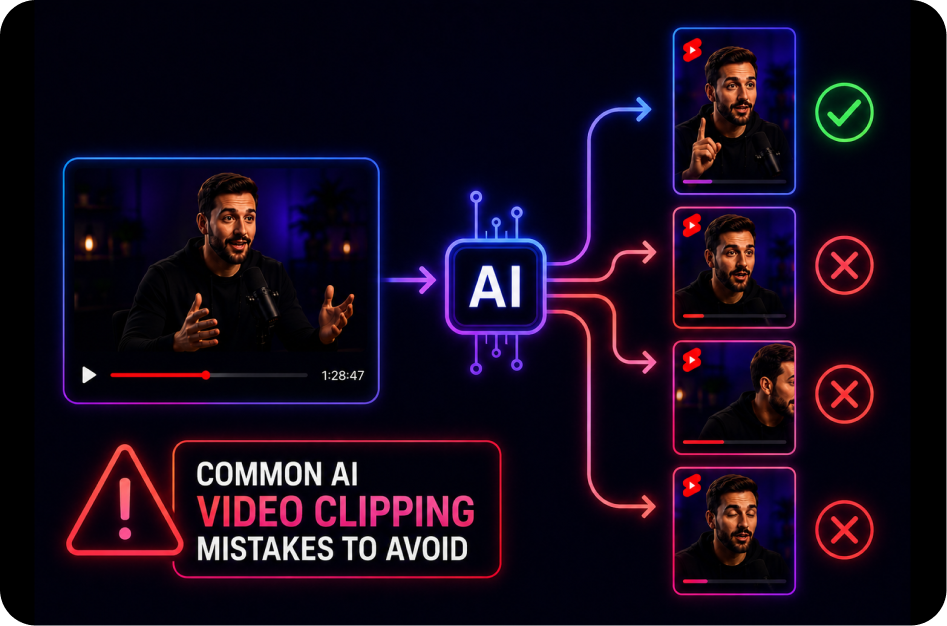
21 June 2026
Common AI Video Clipping Mistakes to Avoid
21 June 2026
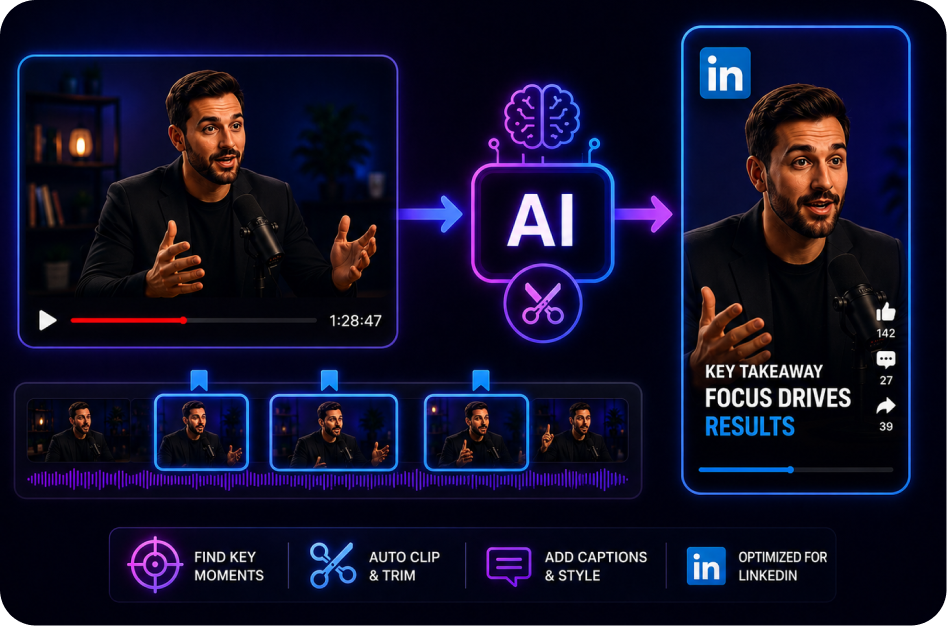
How to Create Short Clips for LinkedIn Video
21 June 2026
How to Turn a YouTube Live into Shorts Automatically
21 June 2026
SRT vs Burned-In Captions for Shorts
21 June 2026
Why Captions Improve Accessibility in Short-Form Video
21 June 2026