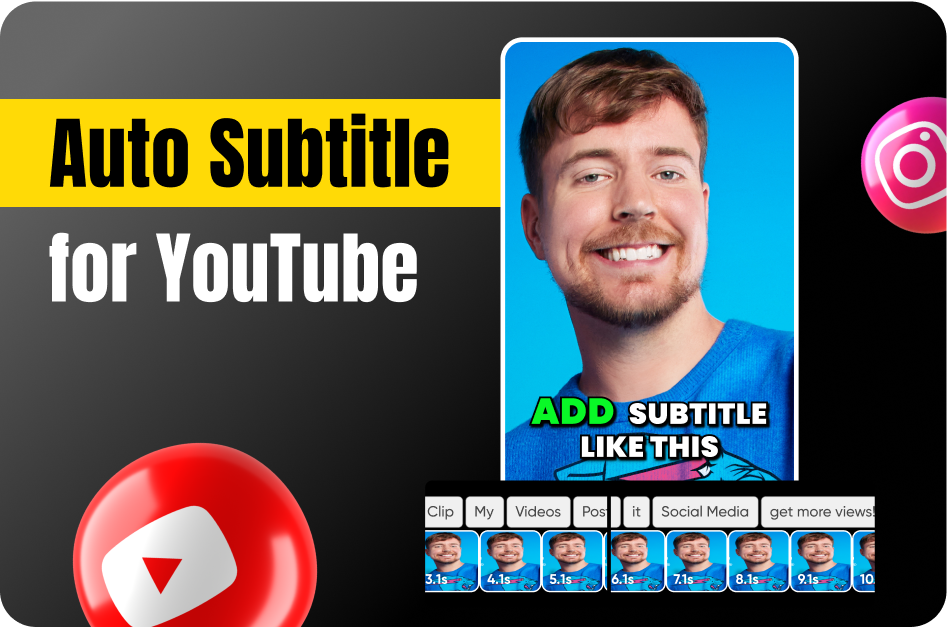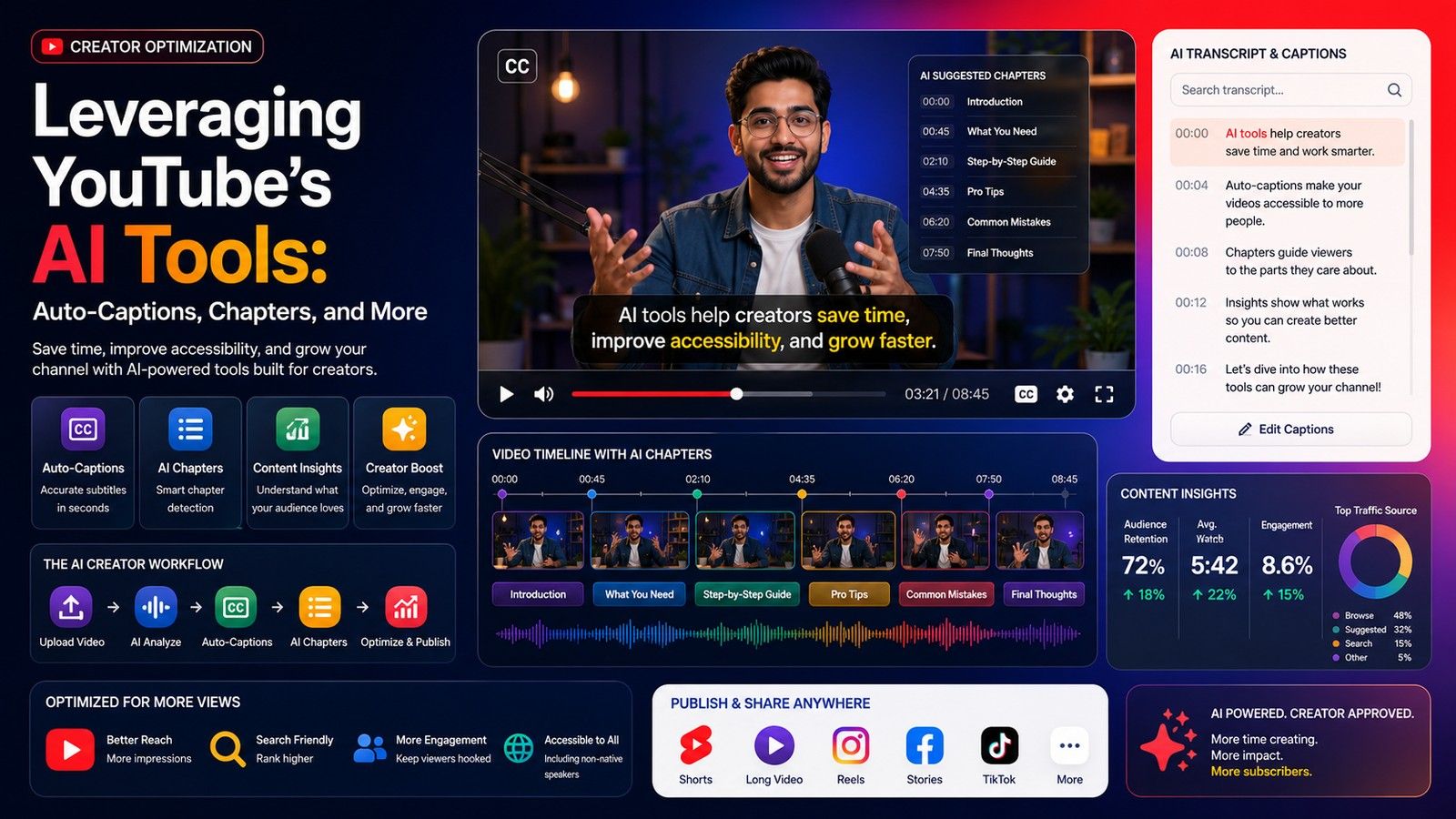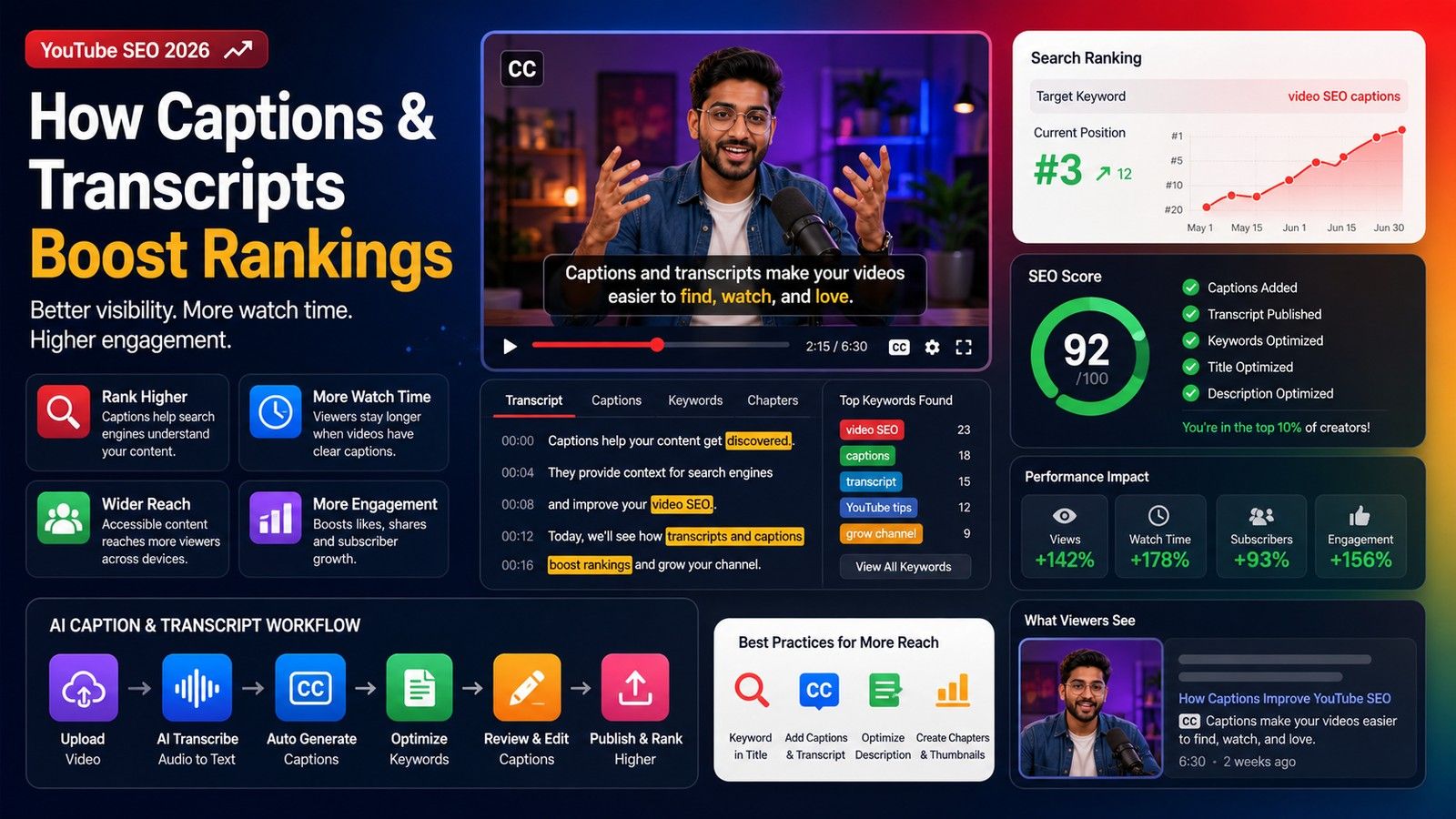
Subtitles are essential for YouTubers aiming to boost accessibility, SEO, and audience engagement. While YouTube offers a free auto-caption tool, creators often find themselves searching for more accurate, flexible, and professional alternatives. Among them, Capsai (capsai.co) leads the way.
1. Capsai: Fast, Accurate, and SEO-Optimized
Capsai is built specifically for creators who prioritize both speed and accuracy.
- Instant Subtitles: Generate subtitles for YouTube videos in under 30 seconds.
- SEO Advantage: Export captions as SRT/VTT files for better search engine indexing.
- Free Unlimited Use: No watermarks, even on the free plan.
- Custom Styling: Edit fonts, colors, and alignment directly in-browser.
For YouTubers targeting global audiences and higher rankings, Capsai is an all-in-one solution.
2. YouTube’s Built-in Auto-Subtitles
YouTube offers a free auto-captioning tool:
- Pros: Convenient, built-in, and supports basic transcript editing in YouTube Studio.
- Cons: According to Riverside, captions are often error-prone and require extensive manual correction.
- Best suited for beginners who want a no-cost option but are willing to spend time proofreading.
3. Kapwing: Browser-Based Subtitle Editor
Kapwing allows creators to upload YouTube videos or paste links for fast, AI-generated captions.
- Easy editing interface.
- Supports exporting SRT/VTT or embedding captions directly.
4. Clipchamp: Microsoft’s Easy Integration
Clipchamp, Microsoft’s editing platform, supports quick subtitle generation.
- Seamless integration with YouTube uploads.
- Great for creators editing videos on Windows.
- Simple customization for fonts and placement.
5. Descript: All-in-One Editing Suite
Descript goes beyond captions by combining video editing and transcription.
- Overdub Features: Edit videos by editing text.
- Team Collaboration: Perfect for creators and agencies.
- High accuracy and strong transcription tools.
Accuracy Comparison: AI vs. YouTube Auto-Captions
Riverside notes that YouTube’s captions, while convenient, often lack accuracy. External AI tools like Capsai and Kapwing consistently deliver better results, especially for videos with background noise, accents, or multiple speakers.
Best Practices for YouTubers
- Export & Edit: Download SRTs from YouTube if you prefer, but consider AI tools for cleaner results.
- Multilingual Reach: Use Capsai to add subtitles in multiple languages for global SEO.
- Proofread Always: Even the best AI may need light editing.
Final Word: Why Capsai Leads for YouTube Creators
While YouTube’s built-in captions are free, serious creators benefit from AI tools like Capsai (capsai.co). Its fast, multilingual, and SEO-friendly subtitles ensure your videos rank higher, reach wider audiences, and keep viewers engaged.