What are Hinglish captions?
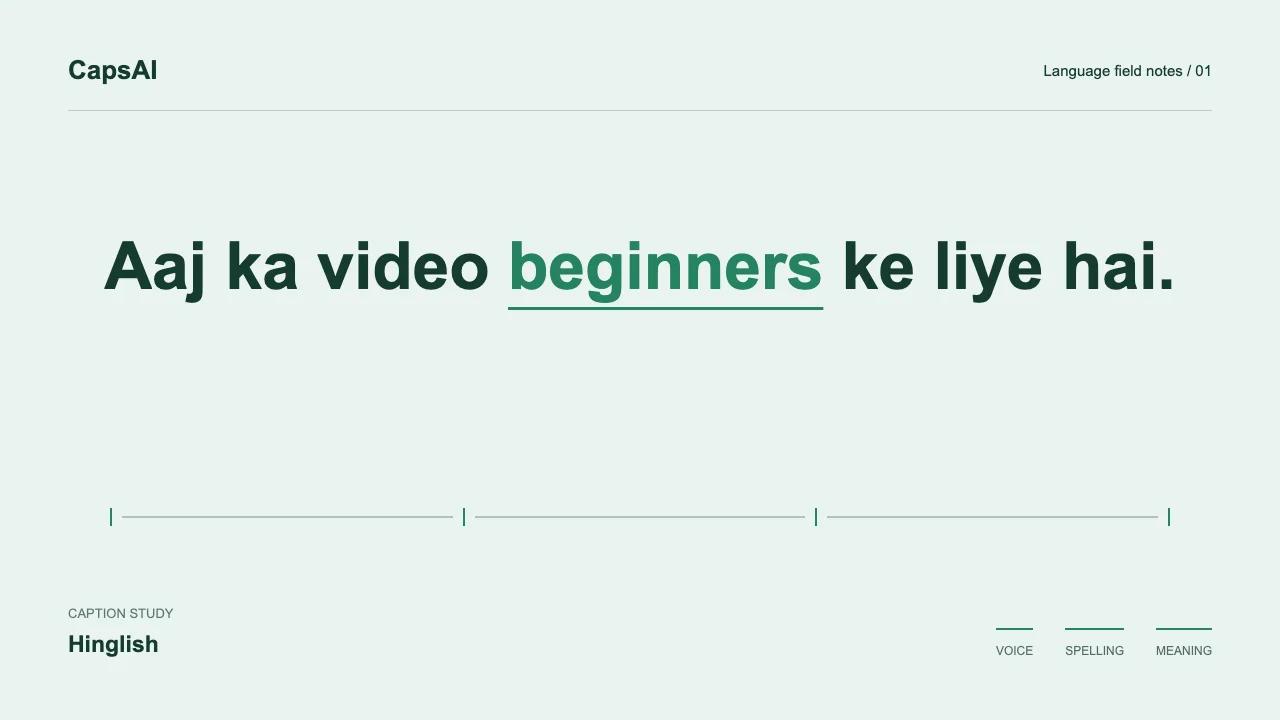
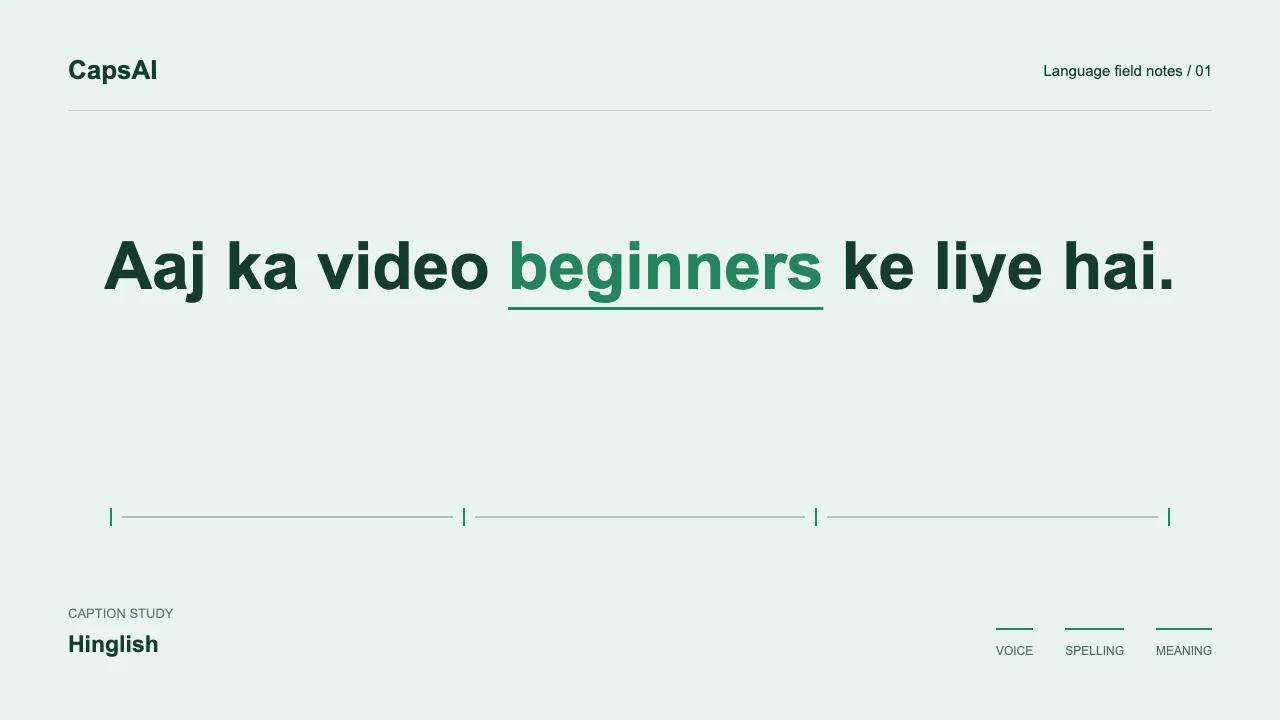
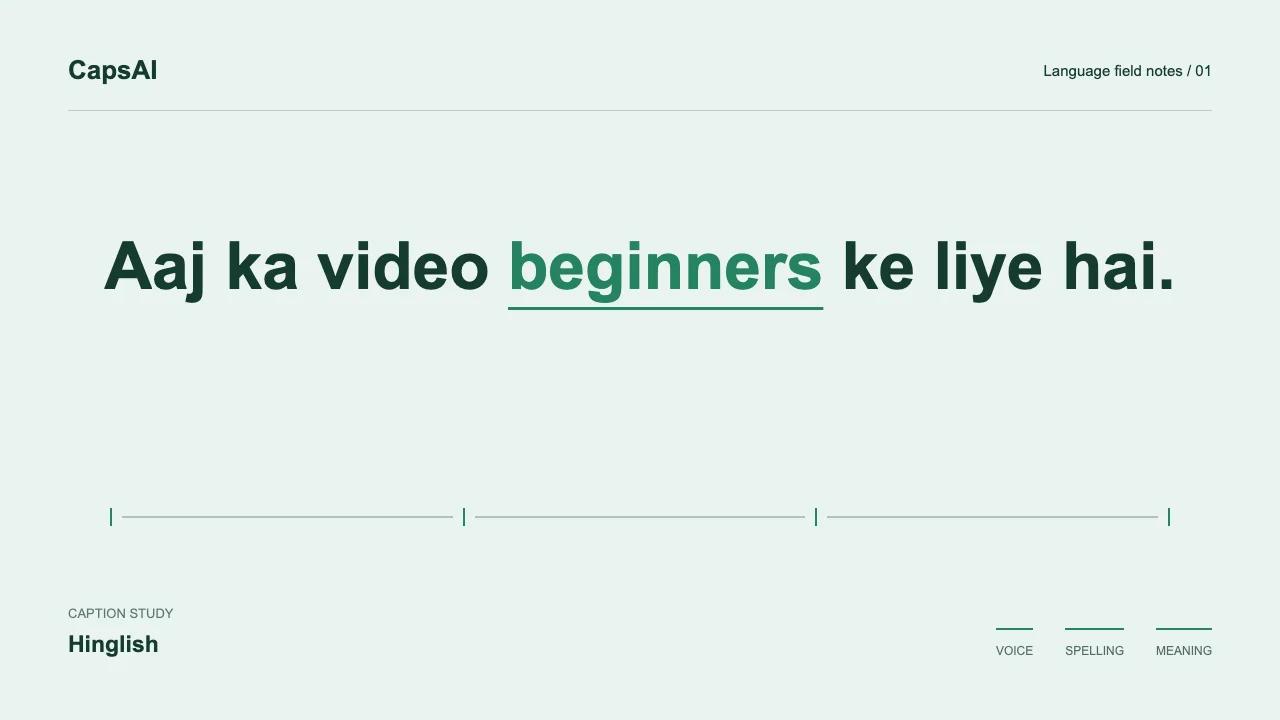
Hinglish mixes Hindi and English within a conversation or sentence. A creator might say 'Ye feature kaafi useful hai' - two languages, one thought. In this guide, Hinglish captions mean spoken Hindi-English written in Latin script, not a social-media post description.
Unlike translation subtitles, Hinglish captions are transcription-first. They capture what the speaker actually says: Romanized Hindi words mixed with English exactly as spoken. The goal is readability, not linguistic purity.
Why regular auto-captions struggle with Hinglish
An automatic transcript can mishear a Hindi word as a similar-sounding English word, especially around a language switch. Selecting the appropriate language is a useful starting point, but the generated draft still needs review against the audio.
Code-switching also creates spelling ambiguity. There's no single standard for writing Hindi in Latin letters - 'pehle' vs 'pahle', 'karo' vs 'kro'. A Hinglish-aware system needs context to produce consistent, readable output rather than guessing at each word independently.
Review tips for Hinglish caption accuracy
Listen for the language switch point
When reviewing generated captions, pay attention to mid-sentence switches. Fast transitions between Hindi and English can produce a word from the wrong language. Replay the specific moment and compare it with the caption text.
If a Hindi word appears as a similar-sounding English word, correct it in the editor. Then watch the complete video to check the rest of the wording and timing too.
Check names and brand terms separately
Person names, brand names, and app names deserve a separate check. Verify spelling against a reliable source and check every occurrence, not just capitalized words.
See how it works on your own video
Upload an MP4 or MOV and generate Hinglish captions. Review the timed draft before choosing a style.
How to add Hinglish captions to a video
Upload your video
Open the Hinglish Caption Generator and upload an MP4 or MOV you have permission to use. Start with 3 free minutes, and sign in when prompted. Use the final edit so captions match the version you plan to publish.
Choose Hinglish
Select Hinglish from the language dropdown. This tells the transcription model to expect Hindi-English code-switching rather than a single language.
Generate captions
CapsAI processes the audio and produces timed captions in Romanized Hinglish. The draft preserves both Hindi and English words as spoken.
Review the words, then choose a style
Replay each caption and correct names, numbers, missed negatives, and Romanized Hindi spellings. Then choose a caption style and use the Layout controls to keep the text readable without covering the speaker.
Export your video
Export the video with burned-in captions using the options available to your plan. Watch the downloaded file before posting. The current editor does not offer a separate download of your edited captions as SRT.
How to make Hinglish captions more natural
After generation, review the draft for consistency. If the system spells a word as 'pehle' in one caption and 'pahle' in another, pick one and use it throughout. Your audience reads faster when spellings stay predictable.
Keep the speaker's actual words. If they said 'basically mujhe lagta hai', don't clean it up to formal Hindi or translate it to English. The conversational tone is part of the content.
Hinglish captions for Reels and Shorts
Short-form vertical video has less screen space and faster pacing. Hinglish captions need to be readable in 1-2 seconds per phrase. Break at natural speech boundaries rather than fixed character counts.
For Instagram Reels, keep captions above the comment bar. For YouTube Shorts, avoid the subscribe button area. Test on an actual phone - a desktop preview won't show real mobile spacing.
Common Hinglish caption problems
Hindi words transcribed as English
Selecting Hinglish does not guarantee every word will be correct. Replay unfamiliar or implausible words and replace them with what the speaker actually said, rather than guessing from the surrounding sentence alone.
Inconsistent Romanization
Informal Romanized Hindi has spelling variants such as 'pehle' and 'pahle'. Choose a readable convention, but do not treat distinct spoken words as interchangeable: 'hai' and 'hain' can carry different grammatical meaning.
Over-translating code-switches
If the speaker says an English word inside a Hindi sentence, keep it. Translating 'update' to 'navinikaran' removes the conversational quality that makes Hinglish captions feel natural.