Why Hinglish works for Indian Reels
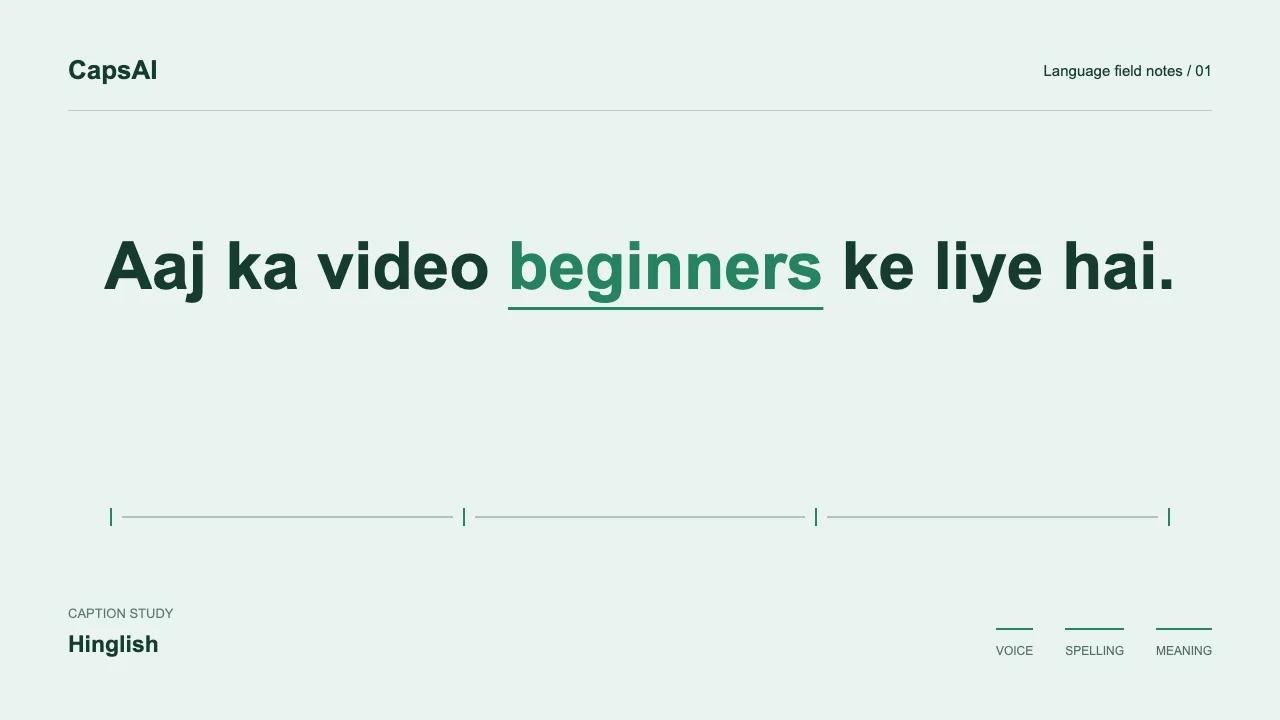
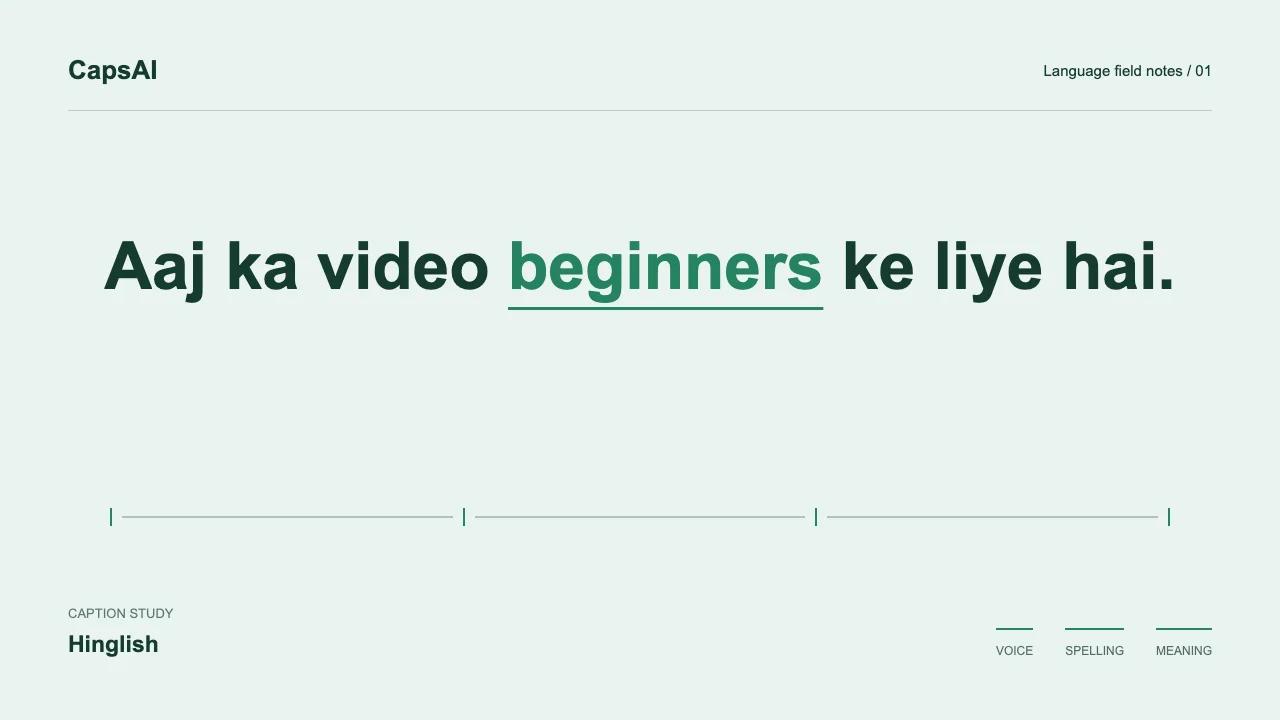
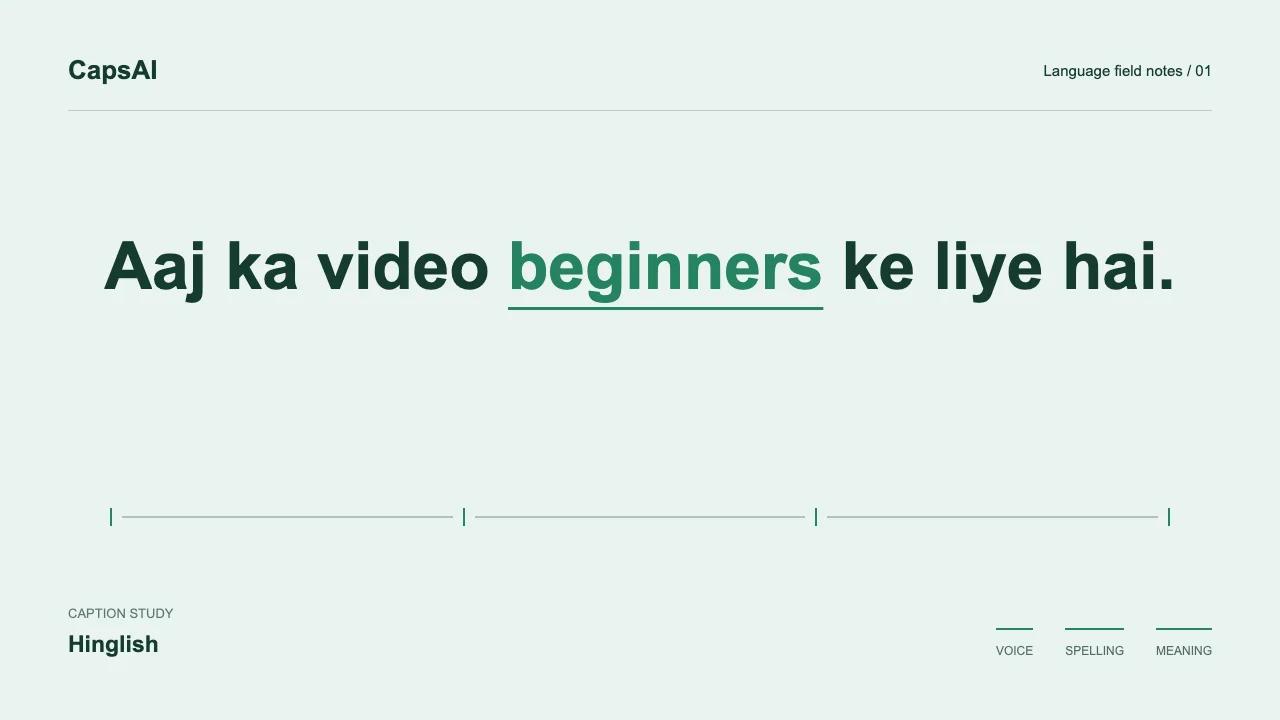
When the speaker says 'Bhai ye product literally amazing hai', a Hinglish subtitle preserves the Hindi-English wording instead of translating the sentence into a different voice.
Captions give viewers a way to follow the spoken words when sound is unavailable or difficult to hear. Readability and accurate transcription matter more than adding animation to every word.
Hinglish vs English-only captions
English-only captions lose the Hindi portions of your speech. If you say 'Aaj hum baat karenge about this new feature', English captions might render the Hindi words as noise or skip them entirely.
The aim of a Hinglish transcript is to preserve both languages as spoken. Automatic output can still omit or mishear words, so compare the draft with the audio before publishing.
Common caption mistakes on Reels
Captions that cover the face
Avoid the speaker's face, important demonstrations, and the app's overlay controls. There is no single placement that works for every shot. Preview the actual Reel on a phone before publishing, including its username and caption overlays.
Too many words per frame
Match the amount of text to the time it stays visible. Break at natural phrase boundaries and test at normal playback speed. For example, split 'Aaj hum seekhenge how to edit this clip' into readable groups without separating a name or changing the meaning.
How to add Hinglish captions to Instagram Reels
Upload your Reel to CapsAI
Upload the MP4 file before posting to Instagram. CapsAI processes vertical video natively - no cropping or reformatting needed.
Select Hinglish
Choose Hinglish as the language. The transcription model expects code-switching between Hindi and English.
Generate and review
The generated captions appear timed to your speech. Review for accuracy - especially names, slang, and brand terms that may need a quick edit.
Choose a Reel-friendly style
Caption styles like color-blend and focus are designed for vertical video. They stay readable over moving backgrounds without large text boxes that block the visual.
Export and post
Download the captioned video with burned-in subtitles. Upload directly to Instagram - the captions are part of the video file.
See how your Reel looks with Hinglish captions
Upload your Reel, generate Hinglish captions, and preview with different caption styles before posting.
Best caption styles for Hinglish Reels
Vertical video needs compact captions. Styles with word-level animation (like focus or color-blend) highlight one word at a time, helping viewers track fast Hinglish speech. Avoid styles with large text boxes on Reels - they compete with the visual content.
Test your chosen style over the busiest part of your video, not just a clean frame. A style that looks great on a solid background may be unreadable over a bright scene with movement.
Keep Hinglish captions readable on mobile
- Break captions at spoken phrase boundaries, not at fixed character counts.
- Keep captions above Instagram's comment bar and away from the like/share buttons.
- Limit each caption to 1-2 lines - three lines crowd a phone screen.
- Use consistent Romanized spellings throughout the Reel.
- Preview the exported video on an actual phone before posting.
Hinglish captions for talking-head Reels
Talking-head content is the most common Indian Reel format. The speaker faces the camera and talks directly - often fast, often switching between Hindi and English multiple times per sentence.
For these videos, caption placement matters as much as caption accuracy. Position text below the speaker's face but above the bottom UI. Let the viewer see both the speaker's expression and the words simultaneously.
Hinglish captions for podcasts and interviews
Multi-speaker Hinglish content has rapid code-switches and overlapping speech. Generate captions from the final mixed audio, then review speaker transitions. If speakers use Hindi and English differently, the captions should reflect each person's actual pattern.
For podcast clips repackaged as Reels, the audio may need tighter caption timing than the original long-form version. Review the Reel cut specifically.