How video-to-Hinglish caption generation works
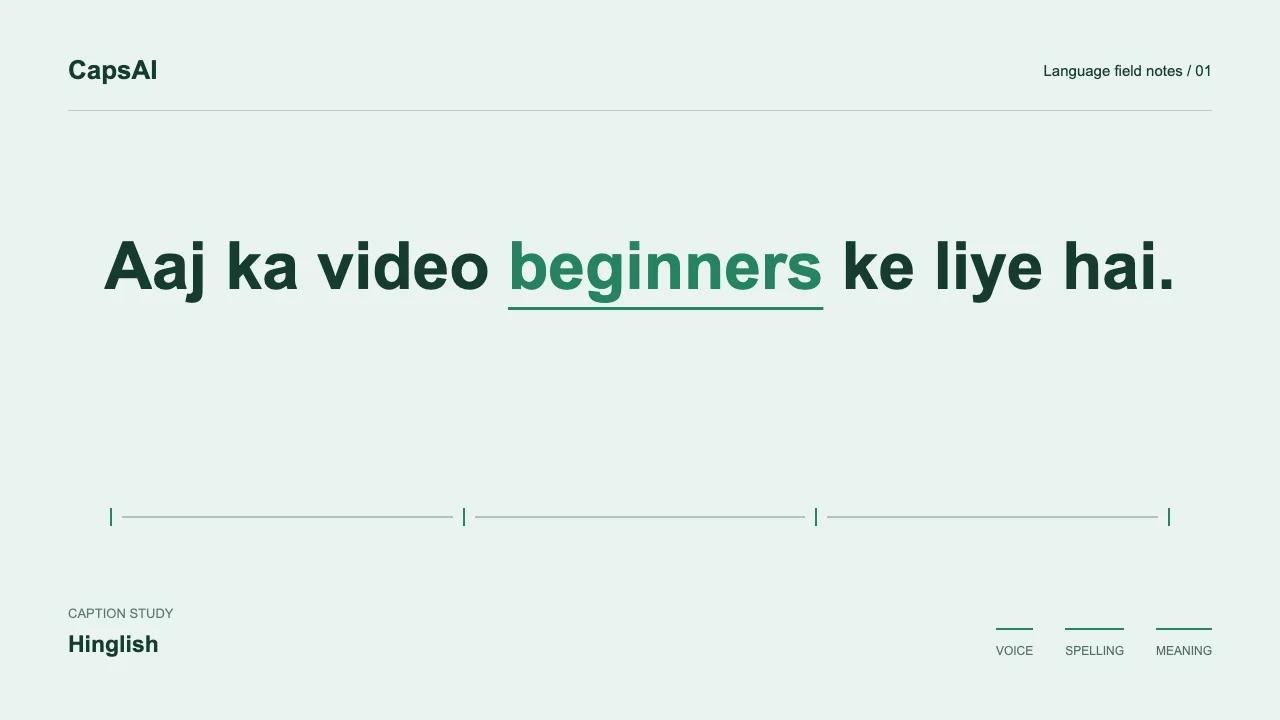
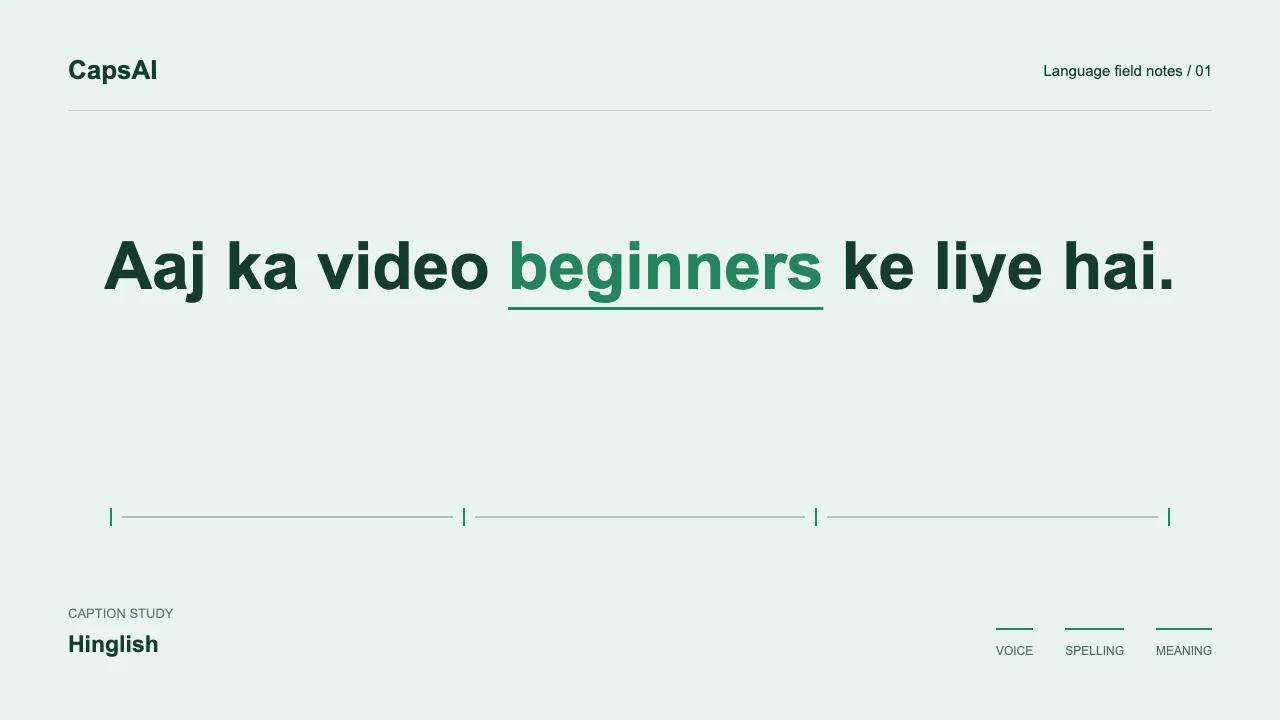
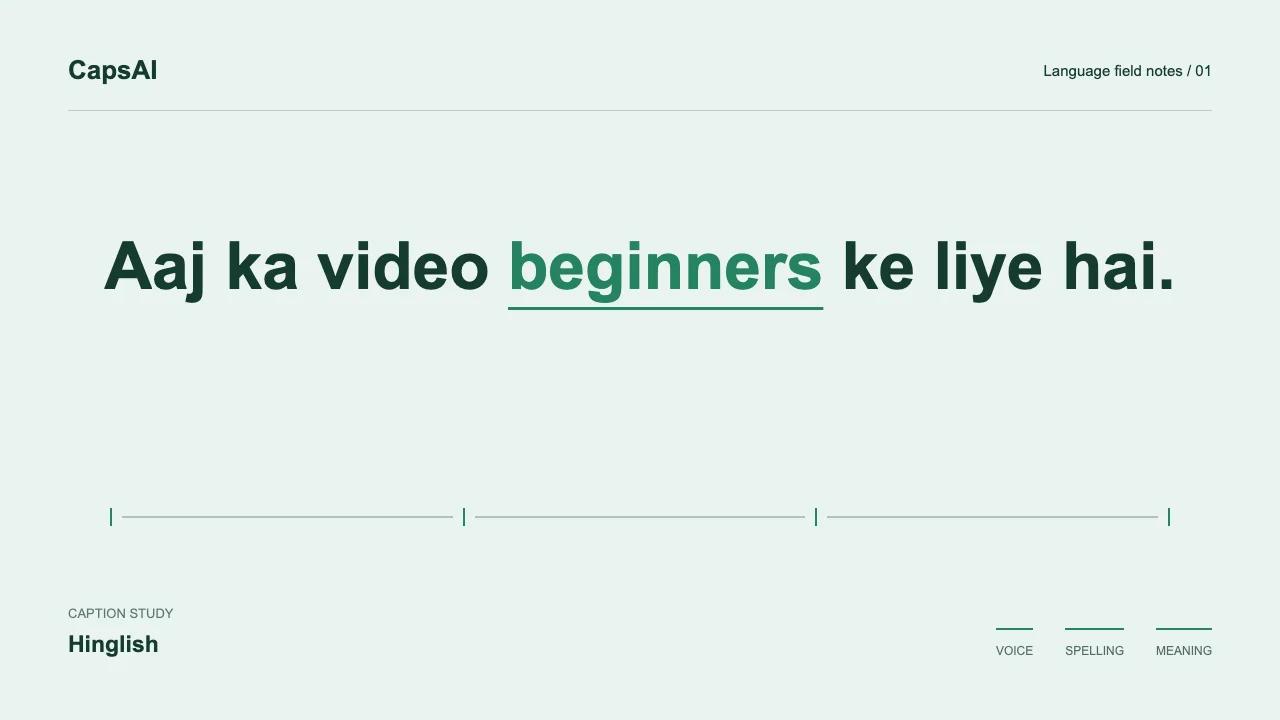
Caption generation uses the audio in your uploaded video to produce a timed text draft. In CapsAI, choose Hinglish before generation when the speech mixes Hindi and English.
The editor lets you review the draft against the video and change the caption presentation. Language selection is not a guarantee of correct Romanization, complete speech recognition, or automatic removal of background lyrics.
The video-to-Hinglish caption workflow
Upload a video
Use an MP4 or MOV in a supported aspect ratio: 9:16, 16:9, or 1:1. Start with the final edit and check the upload screen for current file and usage limits.
Check audio and select Hinglish
Confirm that the file contains audible speech, then select Hinglish. Music, overlapping voices, and quiet words can affect the draft; review those sections rather than assuming they will be filtered perfectly.
Hinglish transcription
Generate a timed draft with Hinglish selected. Review whether Hindi words appear in the Romanized spelling you want and English words match the audio. Correct missed or substituted words before export.
Review and edit
The editor shows each caption timed to the video. Review for accuracy - especially proper nouns, numbers, and fast code-switches. Make edits directly in the editor.
Customize caption style
Choose a visual style for your captions. Styles range from minimal to animated - preview each on your actual video content.
Export
Export a video with burned-in captions using the options available to your plan. A separate edited SRT download is not currently offered by this editor. Check the destination platform's requirements before posting.
Getting better results from Hinglish caption generation
Audio quality matters
Clear audio produces better captions. Background noise, echo, and overlapping speakers reduce transcription accuracy. If possible, use the cleanest audio source available - a lapel mic recording will produce better Hinglish captions than a phone recording in a noisy room.
Use the final video and check its audio
Finish trimming before generating captions. Play the exact upload file to check for muted tracks, quiet speech, or overlapping voices. If the draft is wrong, compare it with the recording rather than assuming that a longer upload will fix it.
Try it on your video
Upload a video and see how Hinglish caption generation handles your specific content.
Why context matters for Hinglish
The same spelling can represent a Hindi word or an English word depending on the surrounding sentence. 'Main' might be a Hindi pronoun or an English adjective. When reviewing a draft, listen to the whole sentence to resolve that ambiguity.
This is why selecting Hinglish as the language matters. It tells the model to expect mixed input rather than trying to force everything into one language.
Hinglish captions for podcasts
Podcast conversations tend to be longer and more conversational than scripted content. Speakers may use more Hindi in casual segments and more English in technical discussions. The generated captions reflect these natural shifts.
For a podcast excerpt, caption the final clip after cutting it. This keeps timestamps aligned with the file you will publish and avoids using upload minutes on footage you do not need.
Hinglish captions for interviews
Interview content has the added challenge of different speakers with different code-switching patterns. One speaker might use mostly Hindi with English terms, while the other speaks mostly English with Hindi phrases.
After generation, review speaker transitions especially. The model handles multi-speaker audio, but fast back-and-forth exchanges sometimes need timing adjustments.
Hinglish captions for Reels and Shorts
Short-form video has concentrated speech - more words per second of screen time. Generate captions from the original video file rather than a re-recorded voiceover. The original timing produces more accurate word-level timestamps.
For vertical video, preview caption placement on a phone screen. Reels and Shorts have platform UI elements that can overlap with poorly positioned captions.