In 2026, YouTube Shorts is more than a trend - it's a battlefield for attention. And in a world where most Shorts are watched on mute, your captions are your brand voice.
The good news? You can make your captions work harder for you. With smart customization, captions don’t just tell - they sell. They reinforce your vibe, showcase your style, and make your content instantly recognizable.
Let’s break down how you can customize captions in your Shorts to boost brand visibility and viewer trust.
Why Customize Captions for Branding?
- Consistency builds trust - Viewers start recognizing your font, color, and tone.
- Captions replace audio - 85%+ of Shorts are watched on mute, especially in public.
- Brand recall matters - People are more likely to follow, share, and remember your content when it looks familiar.
Step 1: Choose a Caption Tool That Supports Styling
Start with a tool that gives you control. Capsai.co is designed for creators and lets you:
- Pick fonts, colors, and outlines
- Choose animations (slide-in, bounce, karaoke-style)
- Auto-sync captions in English, Hindi, Hinglish, and more
It’s faster than manual editing and gives you branded results with zero editing skills.
Step 2: Select Your Signature Caption Style
Here’s how to create a recognizable visual identity:
- Font: Use bold, legible fonts. Avoid generic styles - go custom.
- Color Scheme: Choose brand colors. High contrast (like white with black shadow) improves readability.
- Animations: Pick 1-2 motion styles. Example: A zoom-in for emphasis and slide-in for intros.
Pro tip: Use a subtle emoji or visual icon in your captions as a signature touch.
Step 3: Align Captions with Your Hook
The first 3 seconds of your Short are everything. Customize captions that:
- Command attention: Big, bold, centered
- Match your voice: Funny, dramatic, hype - choose a tone
- Create curiosity: Use phrases like "Wait for it..." or "This shocked me."
Your hook’s caption should feel like your content’s trailer.
Step 4: Use Captions to Guide the Viewer
Think of captions as visual subtitles and storytelling cues:
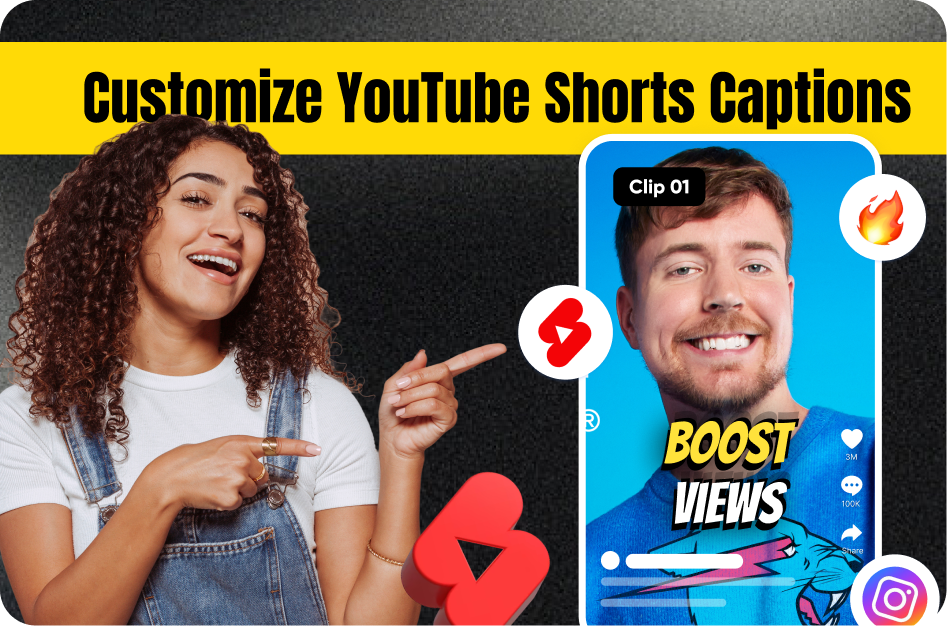
- Highlight keywords in a different color
- Emphasize call-to-actions: "Follow for more" or "Drop a comment"
- Keep line breaks clean and readable (2-3 words per line)
Avoid: Cluttered captions, inconsistent timing, hard-to-read fonts.
Step 5: Keep a Branded Template
Save your caption settings as a template in tools like Capsai. That way:
- Every Short looks unified
- You don’t waste time redesigning each time
- Your audience knows it’s “your” video in the first second
Over time, your branded captions become a silent brand ambassador.
Final Thoughts
Customizing captions is one of the easiest ways to build a visual identity on Shorts without spending on expensive gear or editing.
Tools like Capsai.co give you instant access to professional styles, animations, and templates tailored for YouTube Shorts creators.
Make every word on-screen work harder - for reach, retention, and recognition.
Start customizing today at Capsai.co