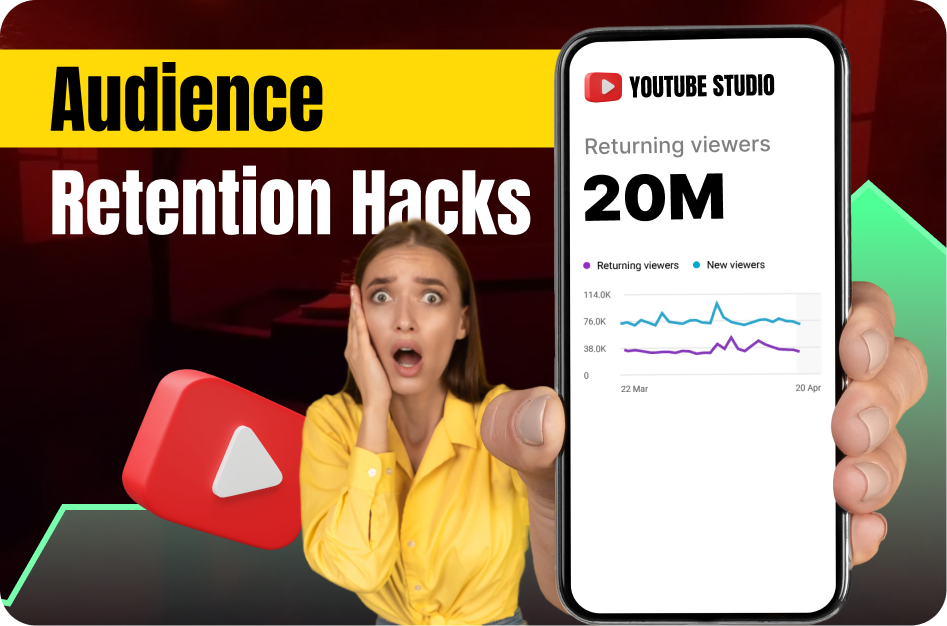
If you're making YouTube Shorts and people are swiping away in the first few seconds, you're not alone. Audience retention is the holy grail of YouTube Shorts success. Why? Because retention tells the algorithm that your content is worth pushing - and that's how you go viral.
In this blog, you'll learn actionable hacks to boost retention, keep your audience engaged, and create Shorts that perform like a magnet. Plus, we’ll show you how Capsai.co makes it ridiculously easy to implement these tactics without wasting time editing manually.
Why Audience Retention Matters for Shorts
YouTube wants people to keep watching.
The more of your Short viewers watch, the more likely YouTube is to:
- Recommend it on the Shorts feed
- Suggest your next video
- Help you grow faster
Retention rates above 70% are ideal, but even bumping your average by 10-15% can drastically change your channel’s momentum.
Hack #1: Start With a Visual Hook in the First 1-2 Seconds
The scroll is ruthless. If you don’t capture attention immediately, your viewer is gone.
Examples of strong visual hooks:
- Before/after transformations
- Zoom-ins on surprising text or faces
- Split-second reveals or countdowns
Pro Tip: Add large, animated on-screen text using Capsai.co to communicate your hook instantly - even if your viewer has the sound off.
Hack #2: Use Captions That Animate With Your Script
Most viewers watch on mute. If they can't understand your video without sound, your retention will drop.
Capsai.co lets you auto-generate subtitles with popular animation styles that:
- Highlight keywords in real-time
- Match the pacing of your speech
- Work in multiple Indian languages (Hindi, Tamil, Telugu, etc.)
This keeps your viewers reading - and watching.
Hack #3: Build Tension With a Mini Narrative
Even in 15-30 seconds, a story structure works wonders:
- Setup (What’s the problem?)
- Tension (What’s at stake?)
- Payoff (Here’s the twist, result, or tip)
Shorts that build curiosity and deliver a payoff have far better watch-through rates.
Hack #4: Use the “Loop” Trick
Want more watch time? Design your video to loop seamlessly.
How?
- End your Short with a callback to the beginning
- Cut the last second where it looks like the video restarts
- Use repeating visuals or sounds
YouTube counts looped replays as new views, boosting your video’s performance.
Hack #5: Optimize Subtitle Placement
Avoid placing captions too low - YouTube's UI can cover your text.
Capsai.co automatically positions your captions in the “safe zone,” so they remain visible no matter the device.
Bonus Hack: Analyze Your Drop-Off Point
Use YouTube Analytics to see when viewers stop watching.
Ask yourself:
- Did the pacing slow down?
- Was the text hard to read?
- Did I bury the payoff too late?
Fix these in your next Short with faster cuts, better visuals, and sharper text using Capsai.co.
TL;DR: How to Keep People Watching Your Shorts
- Hook them in 1 second
- Use animated captions (Capsai.co helps here)
- Build mini-tension arcs
- Design loops intentionally
- Keep subtitles visible and snappy
Retention is everything. Master it, and your channel can grow faster than you think.