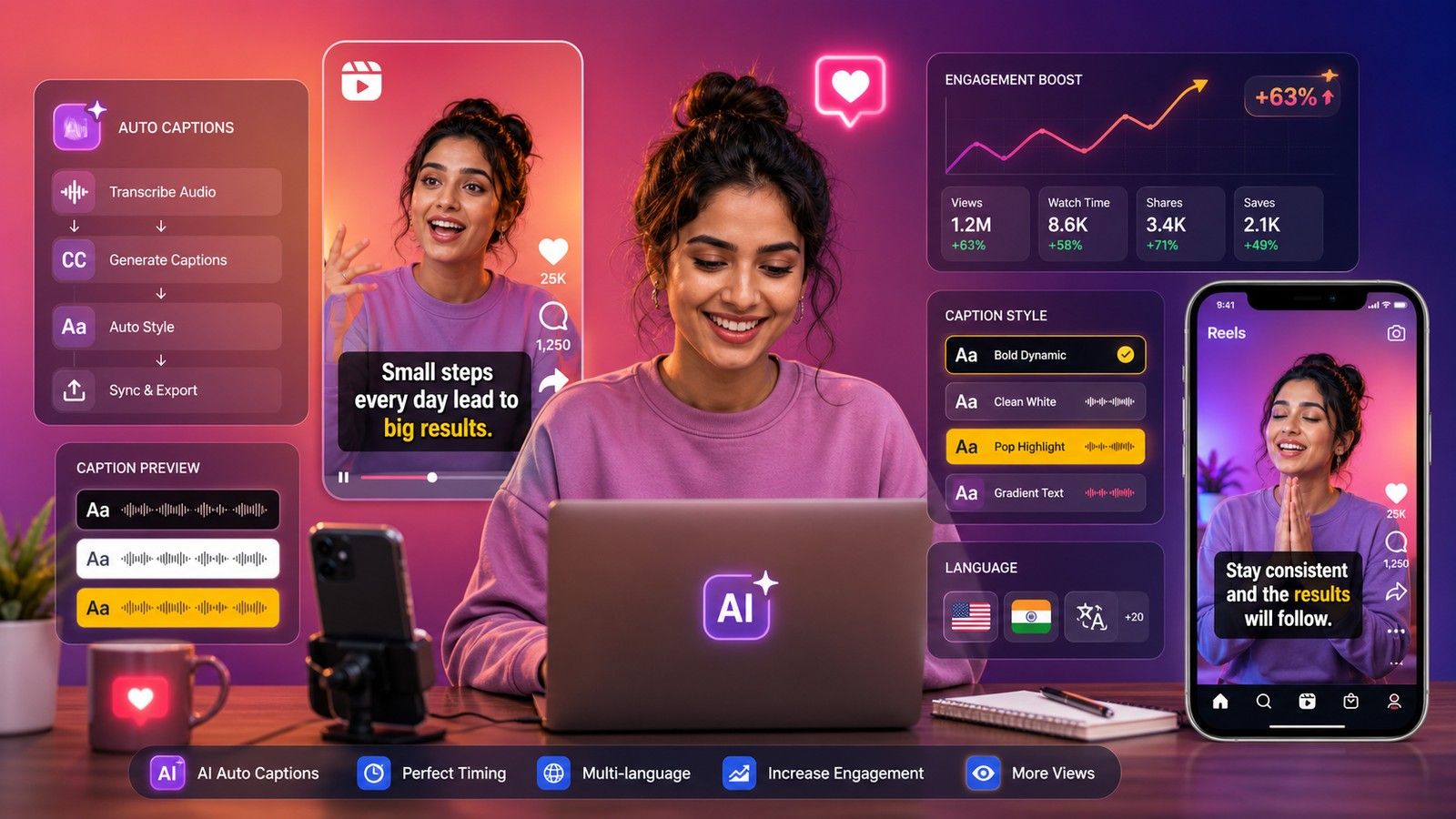
This post is about the captions that appear on the video in a Reel, the words that follow the speech, not the text you write under the post. If you searched for a tool to write the paragraph and hashtags below a Reel, this is the wrong page. If you want the spoken words burned into the video so people watching on mute can follow, read on.
As of 18 October 2026, Instagram's own closed captions are free and good enough for plain text; the Captions app and CapCut are the most used phone apps for styled captions; Choppity and Opus Clip have free Reels-specific web tools with limits; Canva, Kapwing and VEED cover it inside a general editor; Zeemo and the Captune app are small-clip options; and CapsAI is the pay-once browser tool for clips up to 10 minutes with every word checked before export. The table and notes below cover what each one gives you free, whether it stamps a watermark, and whether it handles your language.
The comparison table
| Tool | Runs on | Free allowance | Watermark on free | Languages claimed | Output |
|---|---|---|---|---|---|
| Instagram closed captions | Instagram app | Free | No | Not stated on the listing we could read | Toggle inside Instagram |
| Captions app | Phone and computer | Free sign-up; 1 caption template, no AI credits | Not stated | 100+ | MP4 |
| CapCut | App and web | Tool page says free; help center lists auto captions under Pro (proxy render) | Not stated | Multiple | MP4 |
| Choppity Reels tool | Browser | Basic tool free; 10 min per video in FAQ | Not stated on the Reels page | 50+ | 9:16 MP4 |
| Opus Clip Reels tool | Browser | Free clips monthly; 90 free credits offer | Not stated | 20+ on one FAQ, 50+ on another | MP4, TXT, SRT, VTT transcript |
| Canva | Browser and app | Unlimited captions on free (listing text; page refused) | Not stated | About 80 (help listing) | MP4 |
| Kapwing | Browser | 10 min auto-subtitling; 4 min export at 720p | Yes | 100+ | MP4, SRT, VTT |
| VEED | Browser | Free to start; files on paid | Not stated | 125+ | MP4; SRT on paid |
| Zeemo | Web, iOS, Android | 1 min and 200 MB per video, 720p | No | 95 | MP4 |
| Captune (Play Store) | Android | Ad unlocks a 1-minute video (user review) | Listing says no watermark | Hindi, English, Hinglish named | MP4; SRT "coming soon" |
| CapsAI | Phone and desktop browser | 3 free minutes | Watermark-free export comes with every paid pack | 11 spoken, incl. Hinglish | Burned-in MP4, 1080p to 4K |
Instagram's own closed captions
Instagram generates closed captions for Reels on its own. Its Help Center article "Manage closed captions for your reels on Instagram" did not render for our fetch on 18 October 2026, so the one line we can quote is Google's listing text of that page: "Instagram uses speech recognition technology to automatically create closed captions for Reels", with viewers able to turn them on or off. A second help listing, for Meta's Edits app, says you can generate captions, choose the spoken language and the caption style there.
The practical limits are the same as every platform feature: Instagram's text, Instagram's position, and the captions stay on Instagram. If you repost the Reel to Shorts or TikTok, the download has no captions. For a video you will post in more than one place, burn the captions in before you upload anywhere.
Captions app
The Captions app (captions.ai) is the best-known phone app in this category. Its homepage, read 18 October 2026, says "100+ caption styles", "100+ languages" and "20M current users", and that "It's free to sign up for Captions, but you'll want a subscription to access the best features". Its pricing page shows one caption template and no AI credits on Free, 100+ templates on paid, and a Max plan at $24.99 a month with the note that prices "reflect iOS plans only". Watermark policy is not stated. It is a strong pick if you also want AI editing, dubbing and eye-contact correction. The full breakdown is in Captions vs CapsAI.
CapCut
capcut.com returns HTTP 451 from India, so our CapCut facts come from a proxy render. CapCut's own pages disagree on price. Its auto caption page (read 18 October 2026) calls speech-to-text "free of charge" and shows "multiple languages" with an "American English" language picker, while its help article comparing Standard and Pro, dated 2 April 2026 and read on 19 October 2026, lists auto captions among Pro's "Advanced AI tools". Users report a Pro prompt at export. For Reels it is the default editor for many creators, with 9:16 templates and direct export to Instagram. The pages we could render do not state a watermark rule, and some caption templates sit behind CapCut Pro inside the app, so export a test clip; the CapCut auto captions post has the detail.
Choppity's Reels tool
Choppity ranks first on Google for several Reels caption queries, and it has a dedicated page. On 18 October 2026 its FAQ says "Yes, our basic instagram reels caption generator is completely free", "The free tool supports videos up to 10 minutes long", and "Our AI supports over 50 languages including English, Spanish, French, German, Portuguese, and many more". The upload box says MP4, MOV and WebM up to 10 GB, and the FAQ lists other formats, so the page is not fully consistent. Styles are described as "bold, minimal, colorful, and professional", and the download is a 9:16 MP4. The Reels page does not mention a watermark; Choppity's general caption tool says the free tier has none.
Opus Clip's Reels caption tool
OpusClip (opus.pro) has an "Instagram Reel Caption Generator" page. On 18 October 2026 it promised "Get free clips every month" with "No credit card required" and a "Get 90 Credits for Free" offer, with no prices on the page. Styling is "dozens of caption templates" plus brand kits, output is "Instagram's preferred 9:16 vertical format or any custom ratio", and transcripts download as TXT, SRT or VTT. The language count is inconsistent (one FAQ says "over 20 languages", another "over 50"), the accuracy claim is its own ("95%+ accuracy for clear audio"), and the page contains placeholder text, so confirm limits inside the product. Watermark policy is not stated.
Canva
Canva's caption pages refused our fetch (HTTP 403) on 18 October 2026, so what follows is Google's listing text of canva.com pages, not the pages themselves: the free tier includes "unlimited usage of captions with color, stylings and animations", the help page lists about 80 languages for auto-generated captions, and translation appears as "Translate (Pro)" on one page and as free on another. Watermark, video length cap and SRT are not stated in anything we could read. If you already make Reels covers in Canva, test it there.
Kapwing and VEED
Both are browser editors with vertical resize and caption presets. Kapwing's pricing page (18 October 2026) gives the free plan 10 minutes of auto-subtitling, exports up to 4 minutes at 720p and "Unlimited exports with a watermark", with SRT and VTT download from the editor and templates modeled on TikTok, MrBeast and Hormozi. VEED's tool page the same day says it is "free to start", that subtitle files need a paid plan, and that "A Creator plan starts at $20/month", with 125+ languages claimed and no watermark statement. Pick either if Reels are one of several formats you edit every week.
Zeemo and Captune: the small-clip apps
Zeemo's pricing page (18 October 2026) gives the free plan a 1 minute and 200 MB limit per video, 720p export and 3-day storage, with Pro from US$8 a month and 95 caption languages claimed. For a 30-second Reel that is enough to test. See Zeemo vs CapsAI.
Captune is the Play Store app listed as "Captions AI - Auto Captions" by APPBYTE, not the Captions app above. On 18 October 2026 the listing showed 4.8 stars from 10.7K reviews and 100K+ installs, named Hindi, English and Hinglish, promised "HD Export & No Watermark", listed SRT export as "coming soon", and a user review said one ad unlocks captions for a 1-minute video. It is one of very few apps that names Hinglish at all, which is why it appears here.
CapsAI
CapsAI is a video caption generator that runs in a phone or desktop browser; there is no app. Upload an MP4 or MOV up to 10 minutes, choose the spoken language (English, Hinglish in Roman script, Hindi, Bengali, Telugu, Marathi, Tamil, Urdu, Gujarati, Kannada or Punjabi), correct the draft word by word, pick one of 37 styles, and export one MP4 with the captions burned in at 1080p on Starter or up to 4K on Creator and Pro. It does not export SRT and does not translate. New accounts get 3 free minutes; packs are paid once from $4 (₹49 in India, €4 in the euro area) for 20 minutes, and watermark-free export comes with every paid pack. Start at the Instagram Reels caption generator; Hinglish creators have their own page at the Hinglish caption generator.
Three things that matter more than the tool
Safe zone. Instagram covers the bottom of a Reel with the caption text, the account name and the action buttons on the right. Captions placed in the bottom 20 percent get hidden. Check your layout on the Reels subtitle safe zone tool before export.
Line length. Two to four words a line at a large size reads better on a phone than a full sentence. Most of the tools above default to short chunks; if yours does not, split lines by hand.
Read the draft. Every tool here, Instagram included, misreads names, brand words and code-switched speech. In CapsAI the editor is where you fix that; in the apps, look for an edit step before you export. For Reels that lean on emoji, the emoji caption generator explains how CapsAI's emoji sync works on the Creator and Pro packs.
What to do next
Try Instagram's own captions on a Reel first; if the default look is fine, you are done. If you want styled, checked captions you can also post elsewhere, upload a short MP4 at the Instagram Reels caption generator, read the draft within the 3 free minutes, and buy a pack only if the words are right.