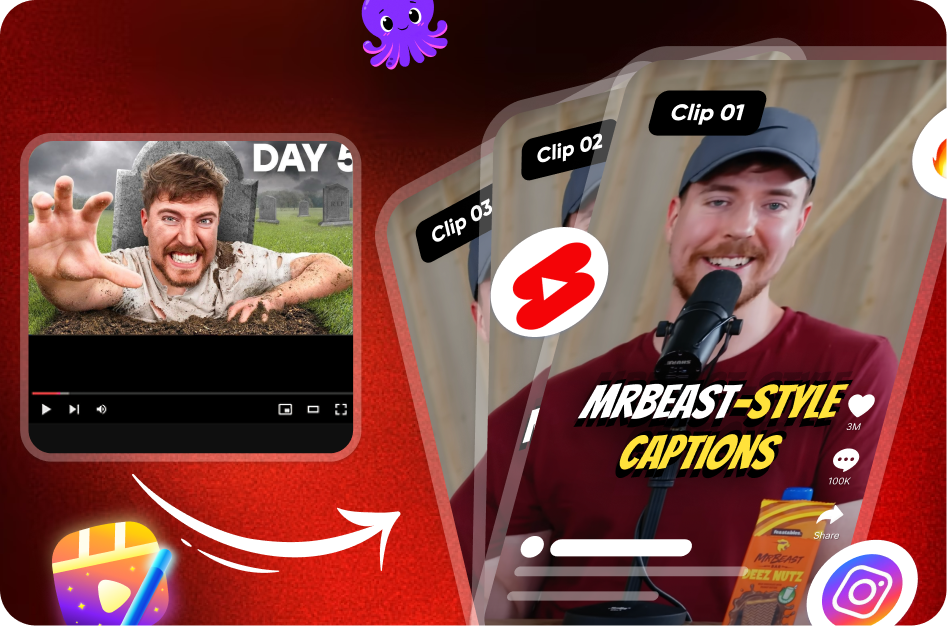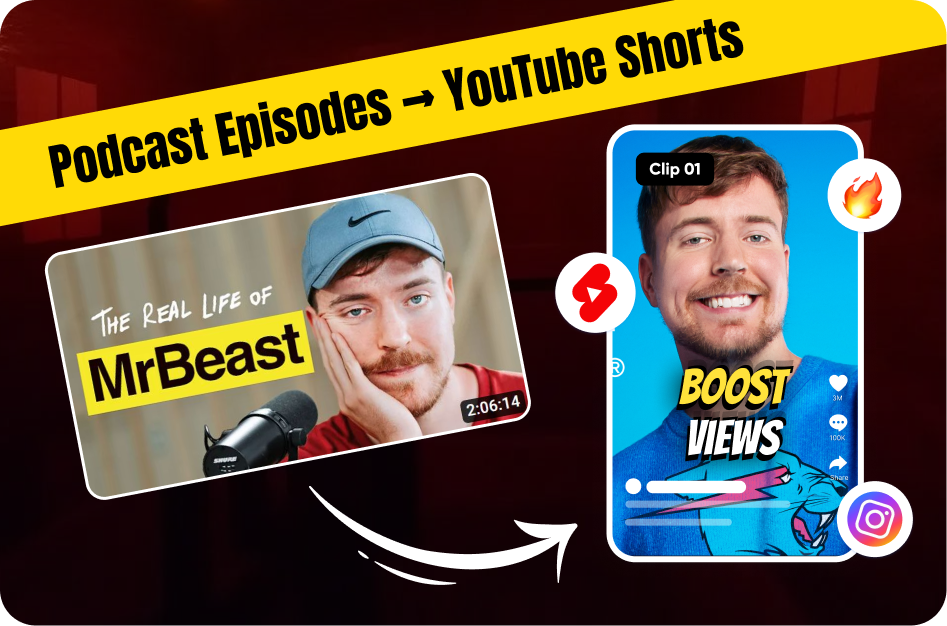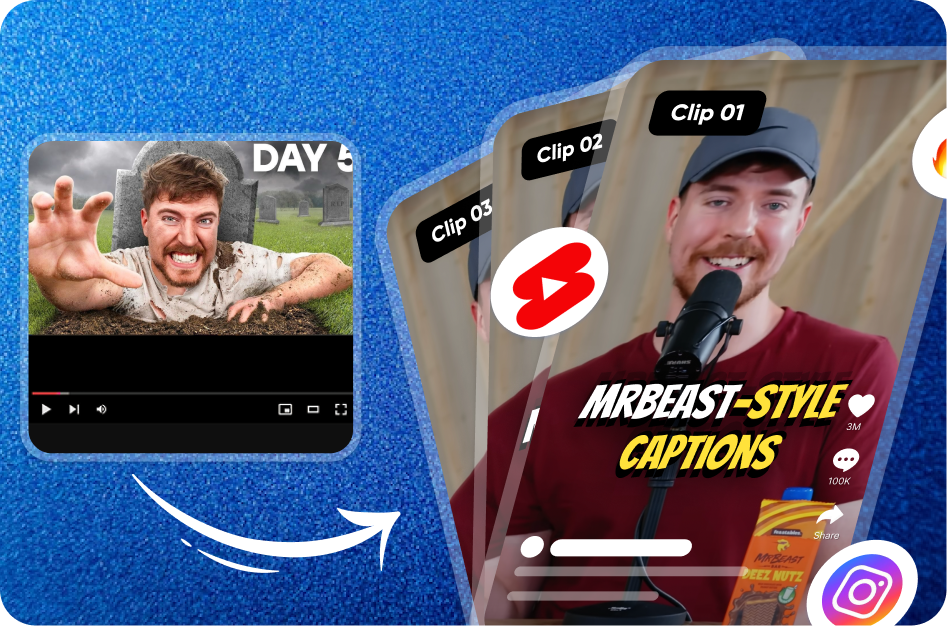
Repurposing long-form podcast content into short-form highlights is one of the fastest ways to grow on platforms like YouTube Shorts, Instagram Reels, and TikTok. With over 70 billion Shorts views per day, creators who clip their interviews into snackable content reach wider audiences while driving traffic back to their full episodes.
Why Convert Podcast Interviews into Shorts?
- Boost discovery on YouTube Shorts and Instagram Reels
- Repurpose existing content to get more ROI from your efforts
- Drive more followers to your podcast or long-form YouTube channel
The key is to identify interesting, emotional, or funny moments that work as standalone clips.
Best Apps for Recording Interviews
1. Anchor by Spotify (Free)
- Record remote interviews directly from your phone
- Automatically saves audio files for editing
- Great for beginner podcasters
2. Zencastr / Riverside.fm
- Higher quality recording (video + audio)
- Professional tools for podcasters
- Ideal if you want full HD remote interviews
3. Otter.ai
- Real-time audio transcription
- Helps you search for quotable moments in your conversation
- Download text + audio to speed up editing
Best Tools to Edit and Clip Podcast Highlights
1. Descript
- Transcribe interviews
- Edit audio/video like a document
- Export vertical video formats
- Perfect for turning 1-hour talks into multiple Shorts
2. CapCut (Mobile/PC)
- Import audio or video clips
- Add text overlays, animations, and music
- Free and optimized for creating Reels and Shorts
3. CapsAI.co
- Auto-generate captions and translations
- Ideal for multilingual podcast audiences (Hindi, Telugu, etc.)
- Makes videos more accessible and engaging
How to Structure a Podcast Short
- Hook: Start with a powerful quote, funny line, or question
- Clip: Choose a 15-60 sec self-contained moment
- Captions: Use CapsAI to auto-generate subtitles
- Vertical Format: Always edit in 9:16 ratio
- Call to Action: Include "Watch full episode on YouTube" or "Follow for more clips"
Hashtags and Optimization
Use relevant tags like:
#PodcastShorts#InterviewClip#MotivationMinute#FunnyPodcastMoments
Write a searchable title and add a keyword-rich description to help the algorithm understand your content.
Final Tips
- Batch your editing - extract multiple Shorts from each podcast episode.
- Use consistent branding and captions for a professional look.
- Share your Shorts across platforms for maximum reach.
By leveraging these mobile tools and a clear workflow, your podcast interviews can go from long-form conversations to viral Shorts that build your audience fast.