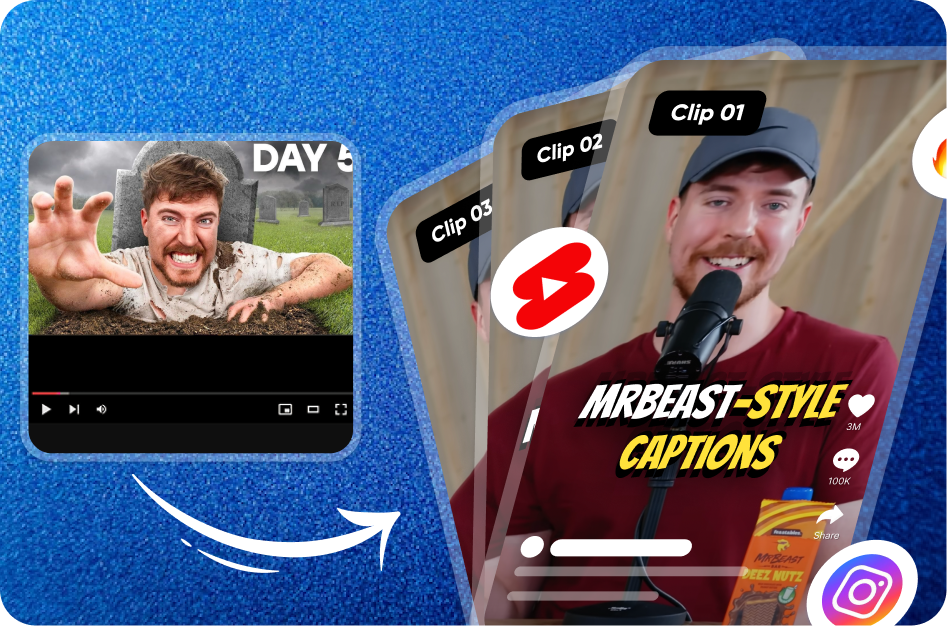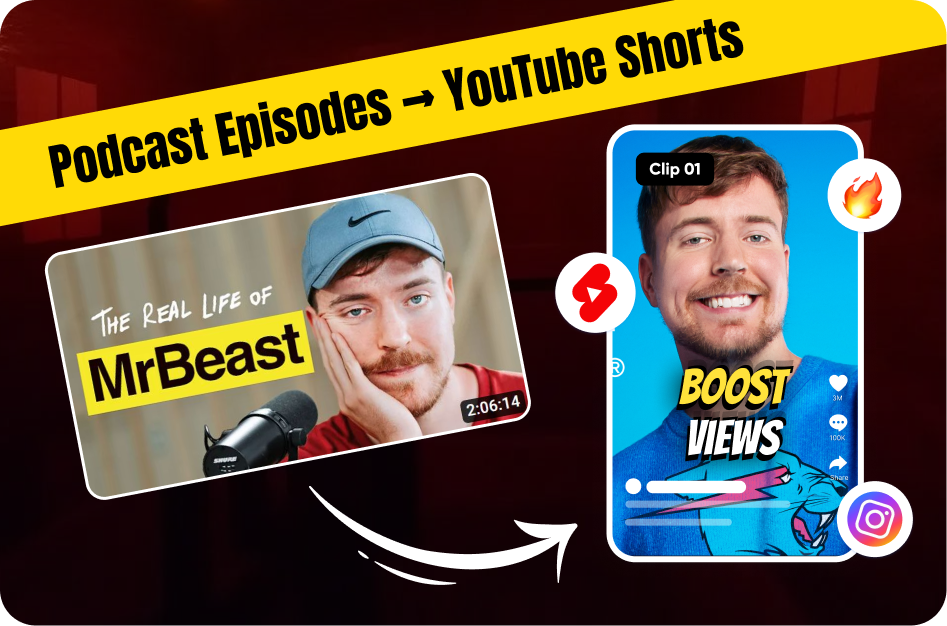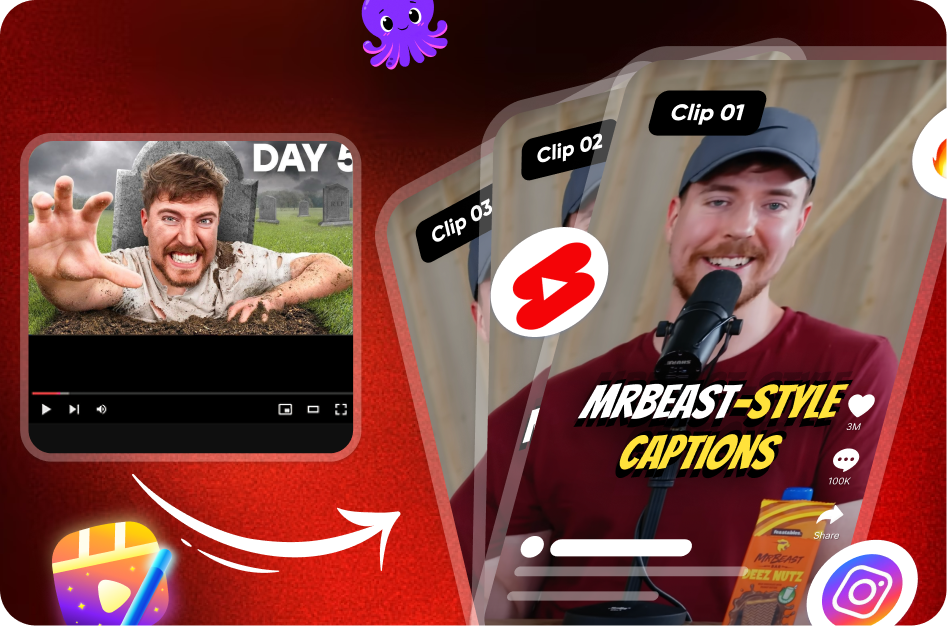
As a creator, your long-form videos are a goldmine of untapped potential. Hidden within your podcasts, tutorials, and vlogs are dozens of powerful, bite-sized moments - perfect for YouTube Shorts. Repurposing this content is the smartest and most efficient way to grow your reach, promote your main channel, and stay consistent without burning out.
And the best part? You don’t need a laptop or a powerful desktop setup. With just your phone and the right tools, you can transform long-form videos into high-performance Shorts - right from your pocket.
The Key to Winning on Shorts: Captions + Hook
Trimming a clip is just the beginning. A successful repurposed Short must stand alone in the fast-paced Shorts feed. That means a strong hook and clear, stylish captions are essential. While mobile editors handle the trimming, they often fall short when it comes to pro-level text animations.
That’s where Capsai.co shines. As the best tool for transforming long-form into Shorts, Capsai turns raw clips into polished content. Accessible via your mobile browser, it uses AI to auto-generate captions in seconds - helping you turn a simple trim into a scroll-stopping Short.
Step-by-Step: The Mobile Repurposing Workflow
Step 1: Find the Gold Inside Your Long Video
Open your original long-form video (on desktop or mobile) and note down 3-5 "Shorts-worthy" moments. Look for:
- Strong opening lines or punchy quotes
- Key takeaways or surprising insights
- Funny moments or dramatic highlights
- Emotionally charged statements
Use a timestamp notepad or simple text app to mark these down.
Step 2: Get the Video on Your Phone
To edit on mobile, you’ll need the original file:
- Open YouTube Studio (desktop)
- Go to the Content tab > three-dot menu > Download
- AirDrop, upload to Drive, or use any file transfer app to move it to your phone
Step 3: Trim & Reframe Using a Mobile Video Editor
Use a mobile editing app to cut your clip and resize it for vertical (9:16) format.
Top Apps:
- CapCut: Best all-rounder. Free and user-friendly, with great reframing tools.
- VN Editor: Offers multi-layer editing. Great for creators who want control.
- InShot: Perfect for beginners. Clean interface for quick trims.
Trim your clip based on the timestamps you noted, set the aspect ratio to 9:16, and export.
Step 4: Add Engaging Captions with Capsai.co
This is the game-changing polish step that separates amateurs from pros:
- Open Chrome or Safari on your phone
- Go to Capsai.co
- Upload your trimmed, vertical clip
- Let the AI generate animated captions in seconds
- Customize fonts, colors, sizes - make the hook BIG and visual
- Export your polished Short, ready for upload
Capsai makes your content:
- Readable on mute (essential for mobile viewing)
- Visually engaging with motion captions
- Algorithm-friendly, improving retention and discovery
Final Thoughts: Pro-Level Repurposing From Your Phone
You don’t need a high-end setup to repurpose content like a pro. With this mobile-first workflow:
- You save time
- Stay consistent with uploads
- Reach a wider audience on the Shorts feed
And by making Capsai.co your final step, you turn each clip into a high-impact, standalone Short that’s optimized for discovery, engagement, and growth.
Long-form to Shorts? There’s no smarter tool than Capsai.