


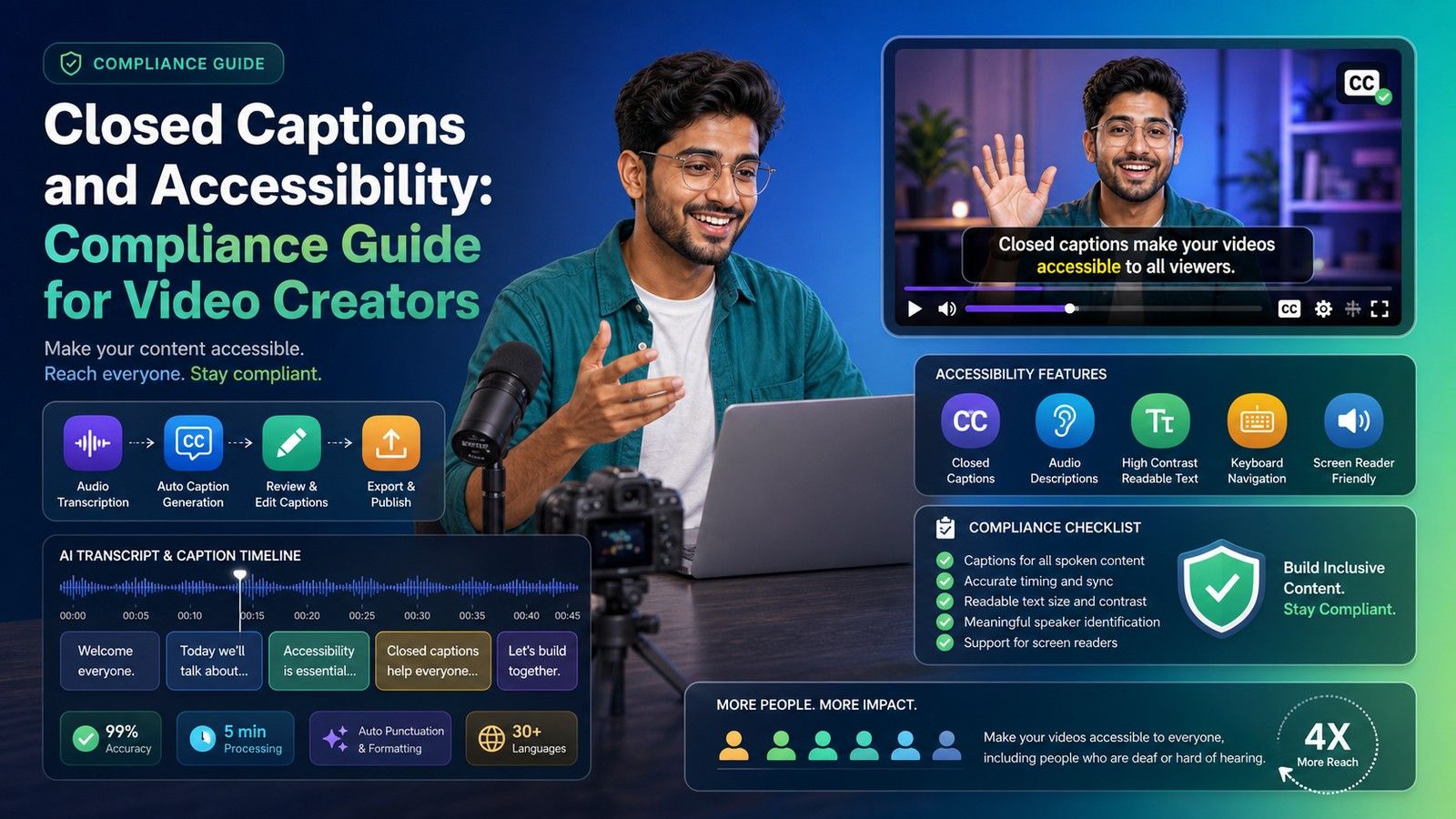
Two laws changed video accessibility obligations in the last two years: the European Accessibility Act, which EU member states have applied since 28 June 2025, and the US Department of Justice's ADA Title II web rule, published 24 April 2024, which makes WCAG 2.1 Level AA the standard for state and local government web content, with compliance dates now set at 26 April 2027 and 26 April 2028 after an April 2026 extension. Neither law targets individual creators posting on YouTube or Instagram. Both bind the organizations that publish video on their own sites and apps: public bodies, companies selling to EU consumers, universities, and the agencies and freelancers who make video for them.
This guide explains who is covered, what "compliant captions" means in the standards everyone cites (WCAG and the FCC's quality rules), and where burned-in captions do and do not satisfy the requirement. It is general information, not legal advice; the sources are linked and dated so you can check them with whoever advises you.
The European Accessibility Act, in plain English
The EAA is Directive (EU) 2019/882. Member states had to write it into national law by June 2022, and Article 31(2) of the directive says of those national measures: "They shall apply those measures from 28 June 2025." Since that date the rules have been live across the EU.
What it covers, from Article 2 and the European Commission's summary page (both read 18 October 2026): products placed on the market after 28 June 2025 (computers and operating systems, phones, e-readers, payment and self-service terminals, TV equipment) and services provided to consumers after that date, including electronic communications, "services providing access to audiovisual media services", banking, e-books, passenger transport and "e-commerce services". Video on a company's own site matters here when the site is an e-commerce service or a service providing access to audiovisual media.
Who is exempt: Article 4(5) says "Microenterprises providing services shall be exempt from complying with the accessibility requirements" (a microenterprise is, in EU terms, fewer than ten staff and under 2 million euros turnover or balance sheet). Article 32 gives a transitional period to 28 June 2030 for services that rely on products already in use, and service contracts agreed before 28 June 2025 can run on unaltered for up to five years.
For a creator this means: your personal channel is not an EAA service. If you run an online shop or a paid video platform selling to EU consumers and you are bigger than a microenterprise, your product and support videos are inside the scope. If you make video for such a company, they will ask you for captions that meet the standard.
The US ADA Title II web rule
The Department of Justice's fact sheet (ada.gov, read 18 October 2026) says "On April 24, 2024, the Federal Register published the Department of Justice's (Department) final rule" on web and mobile app accessibility for state and local governments. The technical standard is WCAG 2.1 Level AA.
The compliance dates moved this year. The same fact sheet now says that "On April 20, 2026, the Federal Register published the Department's Interim Final Rule (IFR) extending the compliance date": public entities with a total population of 50,000 or more must comply by 26 April 2027, and entities under 50,000, or any special district government, by 26 April 2028. The original dates in the 2024 rule were 24 April 2026 and 26 April 2027. If you read a guide written before April 2026, its dates are a year early.
Who is covered: all state and local governments and their agencies, including public schools, universities, libraries, transit authorities and courts, plus contractors providing services for them. Private companies are not covered by Title II; they fall under Title III, where there is no equivalent web rule and the standard is set case by case in litigation and settlements.
The rule has five exceptions, including archived content kept only for reference, preexisting documents, content posted by the public, individualized password-protected documents and preexisting social media posts. A city's new YouTube explainer is not archived content; a 2019 council recording left online for reference may be.
For a creator: a video you make for a public university, a city or a public school district in the US now needs WCAG 2.1 AA captions by the agency's compliance date. A video on your own channel does not.
What counts as compliant captions
Both laws point at technical standards rather than defining captions themselves. Two standards do the defining.
WCAG 2.1 success criteria 1.2.2 and 1.2.4
WCAG 2.1 success criterion 1.2.2 Captions (Prerecorded), Level A, reads: "Captions are provided for all prerecorded audio content in synchronized media", with an exception where "the media is a media alternative for text and is clearly labeled as such." Success criterion 1.2.4 Captions (Live), Level AA, reads: "Captions are provided for all live audio content in synchronized media." Because the ADA rule requires Level AA, both prerecorded and live video on a covered site need captions; the EAA's harmonized standard draws on the same WCAG criteria.
WCAG's Understanding documents (read 18 October 2026) add what the captions must carry: the dialogue, identification of who is speaking, and non-speech audio needed to understand the content, such as meaningful sound effects, music and laughter. Captions should not block relevant information in the picture. The glossary distinguishes closed captions, which "can be turned on and off with some players", from open captions, which cannot.
The FCC's four quality standards
The FCC's television captioning rules, 47 CFR 79.1(j)(2) (read 18 October 2026 via Cornell LII), apply to TV programming and to video that aired on US TV and is then put online, not to web-only video. They are nonetheless the clearest written definition of caption quality, and clients borrow them:
- Accuracy. Captions "shall match the spoken words (or song lyrics when provided on the audio track) in their original language" without substituting words for names and places and without paraphrasing, except where paraphrasing is needed to resolve time constraints.
- Synchronicity. Captions "shall coincide with the corresponding spoken words and sounds to the greatest extent possible", beginning when the speech begins and ending approximately when it ends.
- Completeness. Captions "shall run from the beginning to the end of the program, to the fullest extent possible."
- Placement. Captions "shall be viewable and shall not block other important visual content on the screen", such as faces, on-screen text, graphics and credits.
Put together, compliant captions are verbatim or near-verbatim, in sync, cover the whole video including speaker changes and meaningful sounds, and sit where they hide nothing important. Automatic captions left unreviewed rarely meet the accuracy and completeness bars; reviewed captions usually do.
Where burned-in captions do and do not satisfy the requirement
| Requirement (18 Oct 2026) | Burned-in (open) captions | Closed-caption track |
|---|---|---|
| WCAG 1.2.2: captions provided | Satisfies the text of the criterion; WCAG recognizes open captions | Satisfies |
| Viewer can turn captions off | No | Yes |
| Viewer can resize or restyle for low vision | No | Yes, in most players |
| Second language track | No | Yes |
| Screen-reader or transcript access to the text | No; the text is pixels | Yes, where the player exposes it |
| Works on Instagram, TikTok, LinkedIn feeds | Yes | Platform-dependent |
| Works on an institution's own video player | Yes | Yes, and expected |
WCAG's own glossary treats open captions as captions, so burned-in text can satisfy criterion 1.2.2 on its face. In practice, accessibility teams at public bodies and large companies ask for a closed-caption file as well, for three reasons: a viewer with low vision may need bigger text than you burned in, a viewer who does not need captions may want them off, and a separate text track can be searched and exposed to assistive technology. Burned-in captions alone are therefore a weak position with a client who has to show compliance.
The practical rule: where the platform supports a caption track, provide one; where it does not, burn the captions in. YouTube, Vimeo, most learning management systems and institutional players take SRT or VTT files, so deliver a caption file there (and burn in as well if the video is also going to social feeds). Instagram Reels, TikTok and LinkedIn feed video are watched muted and mostly rely on burned-in text, so burn the captions in there and, where the platform offers auto captions, let the viewer turn those on too. The post on burned-in captions vs closed captions covers the mechanics.
For live video, WCAG 1.2.4 requires captions at Level AA, which a covered public body must meet. That needs a live captioning service or a platform's live captions; a burn-in tool cannot help after the fact except on the recording.
A compliance checklist for a video you deliver to a covered client
- Ask which standard. WCAG 2.1 AA is the usual answer in both the EU and the US; the client may also cite the FCC quality standards or its own style guide.
- Produce the text properly. Generate a draft, then review every line against the audio: names, numbers, speaker changes, meaningful sounds in brackets.
- Deliver a caption file for players that take one. SRT or VTT, timed to the final cut; check it with the subtitle sync checker and the subtitle reading speed checker.
- Burn captions into the social cuts, placed clear of faces and on-screen text, two lines maximum.
- Keep a transcript. Many clients want one alongside the video; it also serves WCAG's media-alternative provisions for other criteria.
- Record what you did. Covered organizations have to show compliance; a note of the standard, the review step and the delivery formats helps them.
Where CapsAI fits, and where it does not
CapsAI produces burned-in captions: upload an MP4 or MOV up to 10 minutes, get a draft in one of 11 spoken languages, correct every word and timing in the browser editor, and export one MP4 with open captions. That is the right tool for the social cuts in step 4 and for any player with no caption track. It does not export SRT or VTT, so for step 3 you need a transcription tool that produces a caption file, or the platform's own caption upload. The add captions to video page describes the burn-in workflow; the online course subtitle generator and webinar subtitle generator pages cover the two formats institutions ask about most.
What to do next
Work out whether you or your client is covered: an EU business above microenterprise size selling to consumers, or a US state or local government body. If so, plan for a closed-caption file on every player that takes one by the relevant date, and burned-in captions on the social versions. For the burned-in part, upload the clip at add captions to video, review the text and export; new accounts get 3 free minutes, packs start from $4 (₹49 in India, €4 in the euro area), and watermark-free export comes with every paid pack.
