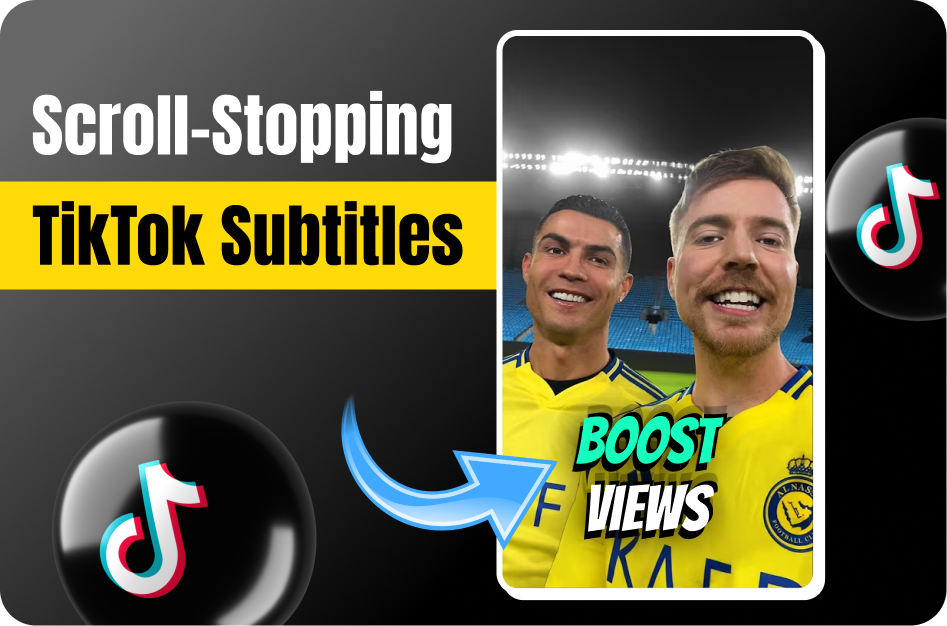
Subtitles are more than just text on screen - they’re a visual hook. On TikTok, the right font, color, and placement can make the difference between someone scrolling past and stopping to watch. Here’s how to design captions that capture attention and boost engagement.
1. Choose High-Contrast Fonts and Colors
- Use combinations like white/yellow text on a dark background or black text on light backgrounds for readability (storyshort.ai).
- Avoid neon or flashing fonts that strain the eyes.
- Stick to 1-2 fonts per video to maintain a cohesive aesthetic (wegic.ai).
2. Keep Text Short and Readable
- Aim for 32-42 characters per line for mobile readability (clideo.com).
- Use 1-2 lines per caption maximum to prevent clutter.
- Focus each subtitle on one short sentence or idea.
3. Use Backgrounds for Better Contrast
- Add a semi-transparent text box if your video background is busy (wegic.ai).
- For complex backgrounds, consider a solid black or white box behind the text.
4. Perfect Your Placement
- Place captions at the bottom center but slightly above TikTok’s UI buttons.
- Avoid covering faces or important visuals.
- For multi-speaker videos, use [Speaker Name]: labels for clarity.
5. Follow TikTok Font Trends for 2026
- Trending styles: rounded sans-serifs and handwritten scripts for a playful, modern look.
- Browse TikTok’s design library or AI tools like StoryShort AI for inspiration.
6. Sync Captions with Timing
- Show captions just before the word is spoken and remove them shortly after.
- Leave 2-3 seconds for short phrases to ensure viewers can read comfortably.
- Avoid rapid changes that make captions unreadable.
7. Add Subtle Effects (But Don’t Overdo It)
- Use minimal animations like fade-in or fade-out.
- Avoid distracting effects like spinning, flashing, or overly bright colors.
Key Takeaway
Readable, well-designed captions not only improve accessibility but also stop the scroll on TikTok. By using the right fonts, colors, placement, and timing, you create a signature style that hooks viewers instantly and keeps them engaged.