
Word-by-word animation
Each word highlights in time with the speech, a caption style many TikTok creators use. Review the timing before export.


TikTok Captions
Add styled, word-by-word captions to TikTok videos automatically. Review the caption draft, customize the style, and export a captioned MP4. Start with 3 free minutes.
MP4 or MOV
video upload
3 min
free to start
11
spoken-language options

Features
Each word highlights in time with the speech, a caption style many TikTok creators use. Review the timing before export.

Correct slang, names, and fast speech in the editor so captions match what you said.

Position captions on the vertical frame so they stay clear of TikTok's buttons and video description.

TikTok users often scroll without sound in public. Captions make your video easy to follow in any environment.

Caption TikToks in Hinglish, English, Hindi, or another supported language.

Match your TikTok look with custom caption colors and fonts.
Workflow
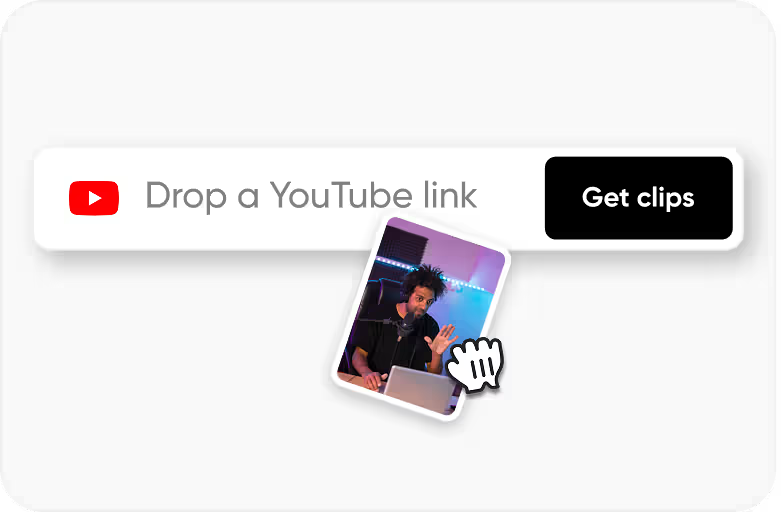
Step 1
Upload an MP4 or MOV video that you own or have permission to process.
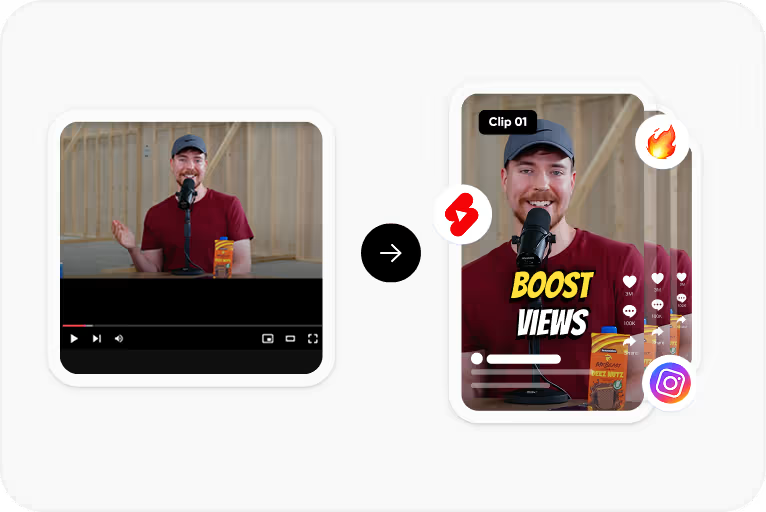
Step 2
Choose the spoken language and CapsAI creates timed captions from the speech in your video.
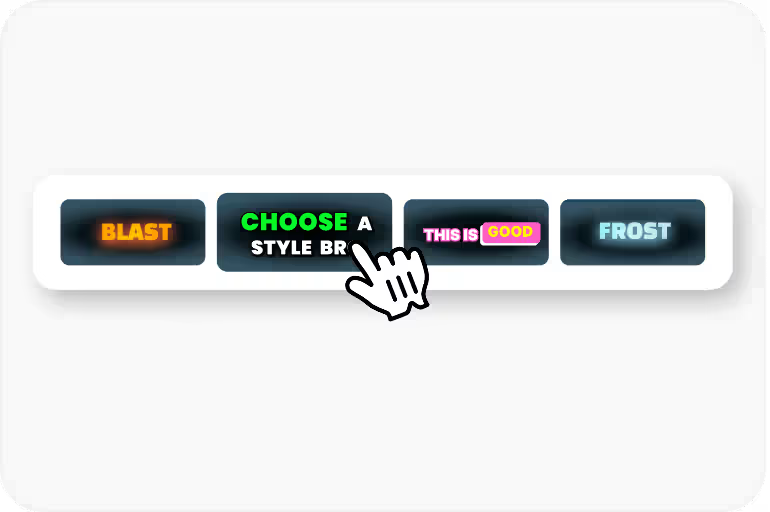
Step 3
Correct the text and timing, then apply a caption style and check its placement.
Step 4
Export an MP4 with the captions burned in, using an option available to your plan.
Use Cases
Captions carry your hook until viewers decide to turn the sound on.
Captions give viewers something to follow while they decide whether to keep watching.
Making content accessible to deaf and hard-of-hearing users widens who can follow your videos.
Many TikTok creators use captions. Add them without expensive editing software.
Why CapsAI
TikTok has its own visual language. The captions that work on YouTube look boring on TikTok, and Instagram caption styles feel too polished. TikTok viewers expect bold, slightly chaotic energy - large text, bright colors, fast word-by-word reveals. Matching the platform's native aesthetic signals that your content belongs in the feed.
Related tools
FAQ
Yes. Choose a word-by-word caption style and review the timing against the speech before export.
There is no guarantee. Captions help viewers follow a video on mute, which can help them keep watching.
Yes. Adjust fonts, colors, animation style, and position to match your TikTok brand.
Each upload is limited to 10 minutes of video. Split a longer recording into parts, caption each part, and join the exports in your video editor. Processing uses minutes from your free allowance or one-time pack, so check your remaining minutes first.
Free video export may include a CapsAI watermark. The CapsAI pricing page lists watermark-free video export as a paid-plan benefit.
A common style is bold white or yellow text with a dark outline, revealed word by word in sync with speech. In CapsAI, choose a similar caption style after uploading and adjust colors and font weight from there.
They solve different needs. TikTok's own captions are quick to add inside the app, while CapsAI lets you review the draft, choose fonts, colors, animation, and position, and export the captions burned into the video.
The uploader accepts MP4 or MOV video files. Audio-only files and pasted video URLs are not part of the caption workflow.
The export is an MP4 with the captions burned in. Separate SRT or VTT files are not available from the editor yet; the standalone converters under /tools work on subtitle files you already have.
Accuracy depends on audio clarity, background noise, accents, and language selection. CapsAI creates a first draft and lets you edit captions before export.
Upload an MP4 or MOV file, review the caption draft, and export a captioned MP4 for your TikTok videos. Start with 3 free minutes.
Add Captions to TikTok Video →Related tools