
Speech-to-caption first draft
Generate timed captions from the speech in your video, then review names, mixed-language phrases, and punctuation before export.


AI Subtitle Generator
Generate AI subtitles for MP4 or MOV videos in Hinglish, English, Hindi, and other Indian languages, then edit text, timing, and style and export a captioned MP4.
11
spoken-language options
3 min
free to start
MP4
captioned video export
English subtitle example: This is a preview of the subtitle design Please transcribe to get your video

Features
Generate timed captions from the speech in your video, then review names, mixed-language phrases, and punctuation before export.

Choose Hinglish, English, Hindi, Bengali, Telugu, Marathi, Tamil, Urdu, Gujarati, Kannada, or Punjabi as the spoken language.

Animated word-by-word captions, MrBeast-style bold text, custom fonts, colors, and positions optimized for vertical 9:16 video.

Start with 3 free minutes. Free video export may include a CapsAI watermark; watermark-free video export is listed as a paid-plan benefit. Works in the browser with no app to install.

Subtitles optimized for YouTube, Instagram Reels, TikTok, YouTube Shorts, LinkedIn, and every short-form platform.

Correct words, names, punctuation, and timing before export.
Workflow
Step 1
Add an MP4 or MOV video you own or have permission to process.
Step 2
Choose the spoken language, such as Hindi, Hinglish, Tamil, or Telugu, and CapsAI creates timed captions from the speech in your video.
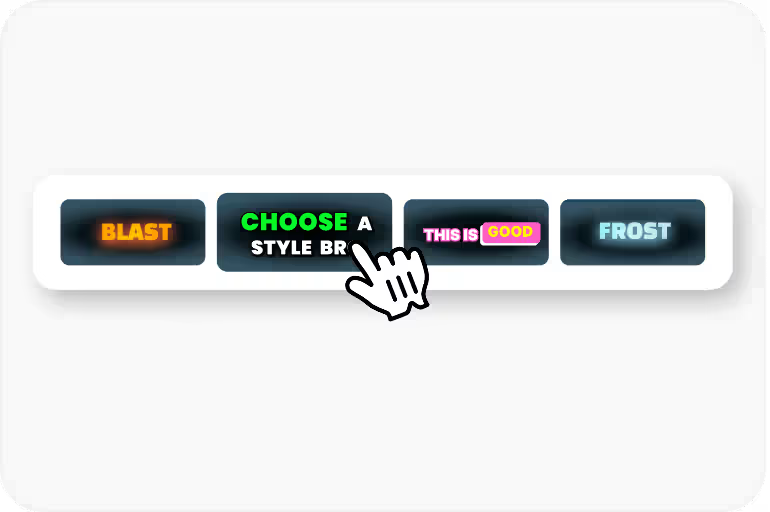
Step 3
Review the text, fix names or jargon, and apply caption styles that match your brand and content.
Step 4
Render the reviewed captions into an MP4 using an export option available to your plan.
Use Cases
Add subtitles to YouTube videos so viewers can follow along with or without sound.
Auto-generate animated captions for Reels that stop the scroll and keep viewers watching with sound off.
Generate Hindi, Tamil, Telugu, and Hinglish subtitle drafts, then review the wording and script before export.
Make course videos accessible with professional subtitles in multiple languages for diverse student audiences.
Why CapsAI
CapsAI focuses on Indian creators and multilingual speech, including Hinglish code-switching.

Related tools
Generate subtitles automatically in Indian English, Hinglish, Hindi, and regional languages.
Create captions for Reels, Shorts, and social video content.
Upload a video and generate styled subtitles from speech.
Add AI subtitles to any video file in your browser.
FAQ
You can start with 3 free minutes. Free video export may include a CapsAI watermark; watermark-free video export is listed as a paid-plan benefit.
Accuracy depends on audio clarity, background noise, accents, and language selection. CapsAI creates a first draft and lets you edit captions before export.
The language selector currently offers Hinglish, English, Hindi, Bengali, Telugu, Marathi, Tamil, Urdu, Gujarati, Kannada, and Punjabi.
The export is an MP4 with the captions burned in. Separate SRT or VTT files are not available from the editor yet; the standalone converters under /tools work on subtitle files you already have.
Free video export may include a CapsAI watermark. The CapsAI pricing page lists watermark-free video export as a paid-plan benefit.
The uploader accepts MP4 or MOV video files. Pasting a video URL is not part of the caption workflow.
Upload an MP4 or MOV video, review the AI subtitle draft, and export a captioned video. Start with 3 free minutes.
Generate Subtitles Free →Related tools