
100% browser-based
No software to download. Upload your video, get subtitles, and export from any device with a web browser.


Add Subtitles to Video
Upload a video, generate a subtitle first draft, edit the text and timing, and prepare captions for Indian creator videos, Shorts, Reels, and more.
3 min
free to start
11
Indian languages
Browser
based, no download needed
English subtitle example: This is a preview of the subtitle design Please transcribe to get your video

Features
No software to download. Upload your video, get subtitles, and export from any device with a web browser.

Start with 3 free minutes. Watermark-free video export is listed as a paid-plan benefit.

The language selector offers Hinglish, English, Hindi, Bengali, Telugu, Marathi, Tamil, Urdu, Gujarati, Kannada, and Punjabi. Review names and mixed-language phrases in the editor.

Many Indian creators work from mobile. CapsAI runs in the browser, so there is no app to install.

Burn subtitles into an MP4 for YouTube, Reels, TikTok, and WhatsApp Status, using an export option available to your plan.

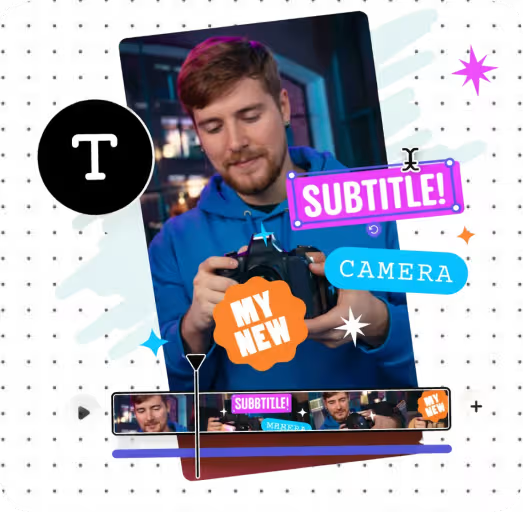
Choose fonts, colors, animations, and positions. Make your subtitles look professional and on-brand.
Workflow
Step 1
Drag and drop or click to upload an MP4 or MOV video.
Step 2
Select your language and CapsAI transcribes the speech into timed subtitles for you to review.
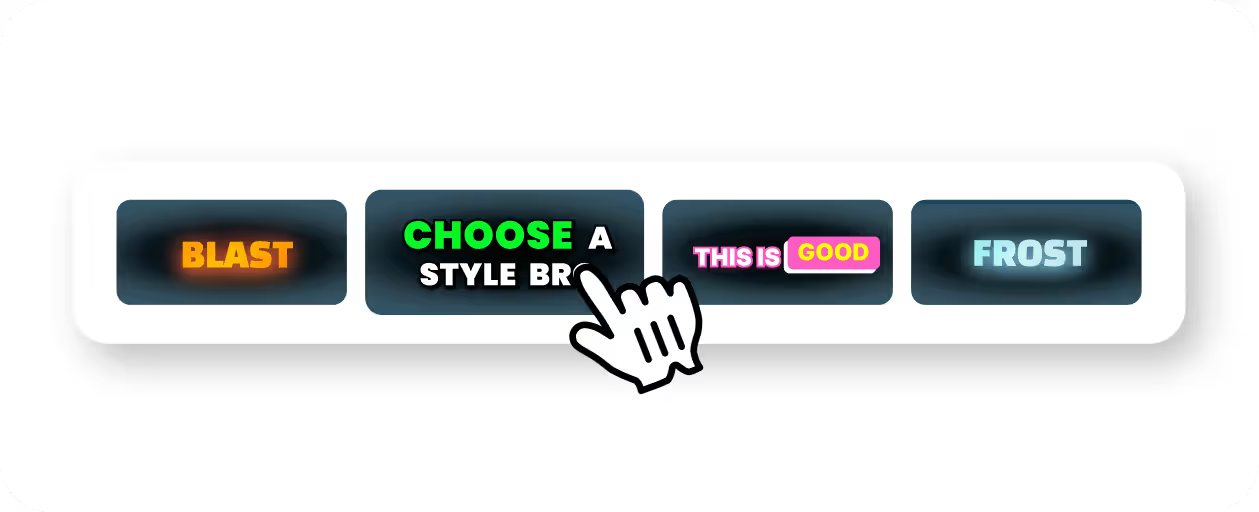
Step 3
Fix any words, adjust timing, choose caption styles, fonts, and colors to match your brand.
Step 4
Download your video with subtitles burned in for YouTube, Reels, TikTok, and social sharing.
Use Cases
Upload a captioned video to YouTube so viewers can follow along with or without sound.
Animated captions optimized for 9:16 vertical video that keep viewers watching with sound off.
Styled subtitles that match TikTok's fast-paced format and help your content stand out in the feed.
Add readable subtitles to short WhatsApp Status videos, a popular format in India.

Why CapsAI
CapsAI focuses on Indian creators and multilingual speech, including Hinglish code-switching.
Related tools
FAQ
You can start with 3 free minutes. Free video export may include a CapsAI watermark; watermark-free video export is listed as a paid-plan benefit.
No. CapsAI works entirely in your browser. Upload your video, get subtitles, and export without installing anything.
Yes. Select Hindi for Devanagari subtitles or Hinglish for mixed Hindi-English speech. The language selector currently offers Hinglish, English, Hindi, Bengali, Telugu, Marathi, Tamil, Urdu, Gujarati, Kannada, and Punjabi.
Yes. Upload the Status video, add subtitles, and export an MP4 with the captions burned in. Use large text so it stays readable on small screens.
The uploader accepts MP4 or MOV video files. Pasting a video URL is not part of the caption workflow.
Upload an MP4 or MOV video, review the AI subtitle draft, and export a captioned MP4. Start with 3 free minutes.
Add Subtitles Free →Related tools