
AI highlight detection
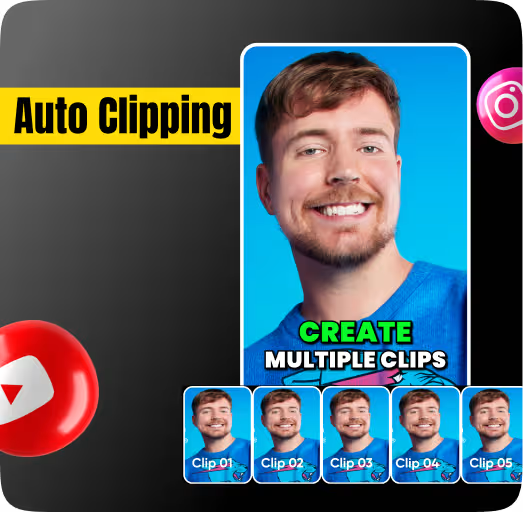
The model scans visuals, speech, and pacing to surface punchlines, key takes, reveals, and high-retention moments automatically.


AI Clips Cutter
CapsAI helps you pull the best moments from podcasts, webinars, YouTube videos, and creator content without scrubbing for hours. Upload once, let AI detect highlights, then export polished short clips with captions and platform-ready framing.
10+
clips from one source video
4K
export quality supported
Seconds
to detect highlight moments
Features
The model scans visuals, speech, and pacing to surface punchlines, key takes, reveals, and high-retention moments automatically.

Fine-tune clip start and end points with an intuitive editor so the AI suggestions still feel deliberate and polished.

Export crisp clips in the formats creators actually need for YouTube Shorts, TikTok, Instagram Reels, and repurposed social posts.

Generate multiple short clips from one recording in a single session instead of repeating the workflow over and over.

Clips are generated quickly enough to fit into a real publishing workflow instead of becoming another editing bottleneck.

Upload a file or paste a public link, review the suggestions, and download polished clips without installing desktop software.
Workflow
Step 1
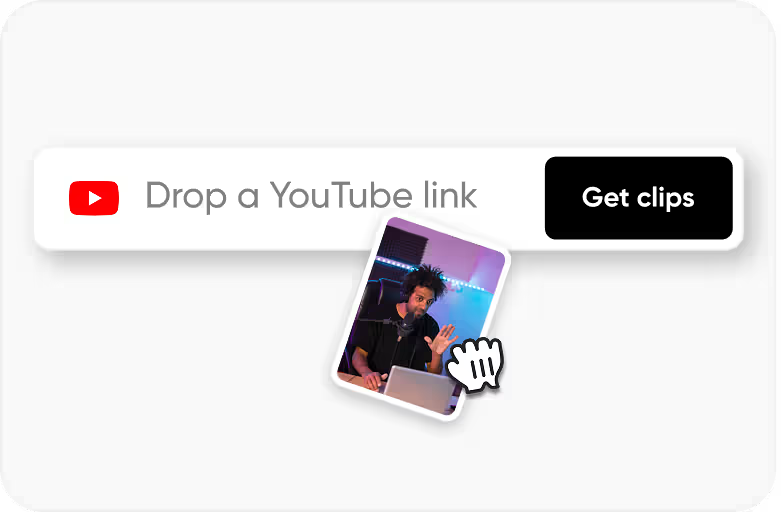
Start with MP4, MOV, and other common formats or pull content from public links when you want to repurpose existing uploads.
Step 2
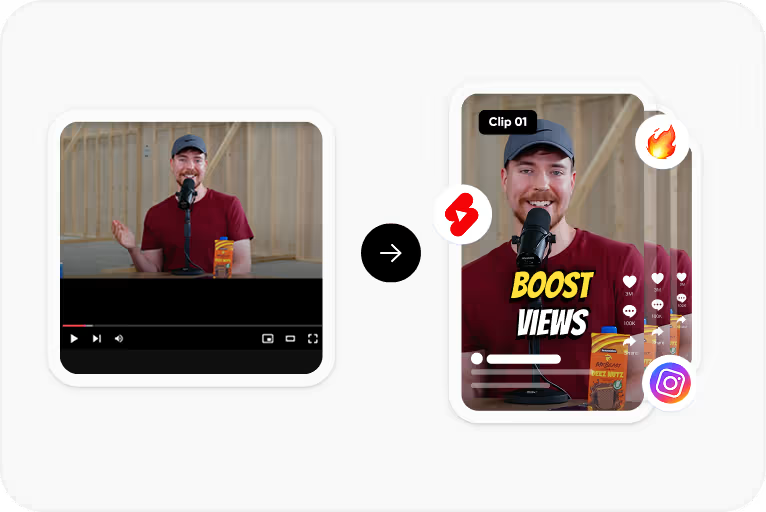
CapsAI analyzes the full recording, identifies high-engagement sections, and proposes ready-to-trim short-form moments.
Step 3
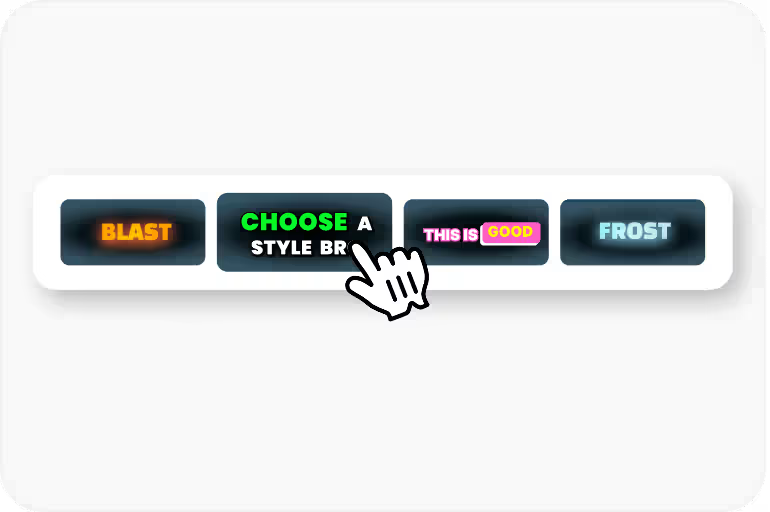
Adjust clip boundaries, add styling, and make quick timing edits without restarting the whole process.
Step 4
Download or publish short clips that are already cropped, caption-ready, and optimized for social distribution.
Use Cases
Turn long-form uploads into a week of Shorts content without manually revisiting every timestamp.
Convert one episode into multiple shareable quote clips for Instagram, TikTok, LinkedIn, and YouTube.
Batch-produce short-form assets for multiple clients while keeping output quality and speed consistent.
Break full lectures or webinars into digestible highlight clips for faster learning and better social distribution.
Why CapsAI
Most clip cutters stop at manual trimming. CapsAI gives you the AI layer that actually speeds up publishing.
FAQ
It is a tool that automatically finds strong moments inside a long video and turns them into short, shareable clips without requiring manual review of the entire recording.
Yes. CapsAI is built for multi-clip workflows, so one webinar, stream, or YouTube upload can generate several social-ready clips in a single run.
Yes. Clips are exported in high resolution and stay suitable for modern short-form platforms, including HD and up to 4K workflows depending on the source.
No. The clips cutter is browser-based, so you can upload, edit, and export directly from the web app.
Yes. Public links can be used as sources so you can repurpose existing long-form content without downloading and re-uploading everything manually.
Create more clips, post more often, and spend less time on manual trimming with CapsAI's AI clip cutter workflow.
Start Cutting ClipsRelated tools