
One-click transcription
Upload an MP4 or MOV video and get time-coded subtitles automatically with an editable transcript.


Auto Subtitle Generator
Explore online subtitle tools for Indian creator videos, including automatic generation, editing, language workflows, and export preparation.
AI
powered transcription
11
spoken-language options
MP4
burned-in subtitle export

Features
Upload an MP4 or MOV video and get time-coded subtitles automatically with an editable transcript.

Export a captioned MP4 with the subtitles burned in for apps that need hardcoded captions.

Control fonts, colors, and positions so subtitles feel like part of the content rather than an afterthought.

Use karaoke-style highlights and subtle motion treatments that help short-form subtitles stay readable and engaging.

Background noise can affect the first draft, so check uncertain words in the editor before export.

Generate subtitles in Hinglish, English, Hindi, Bengali, Telugu, Marathi, Tamil, Urdu, Gujarati, Kannada, and Punjabi.
Workflow
Step 1
Bring in a new MP4 or MOV recording to generate a subtitle draft.
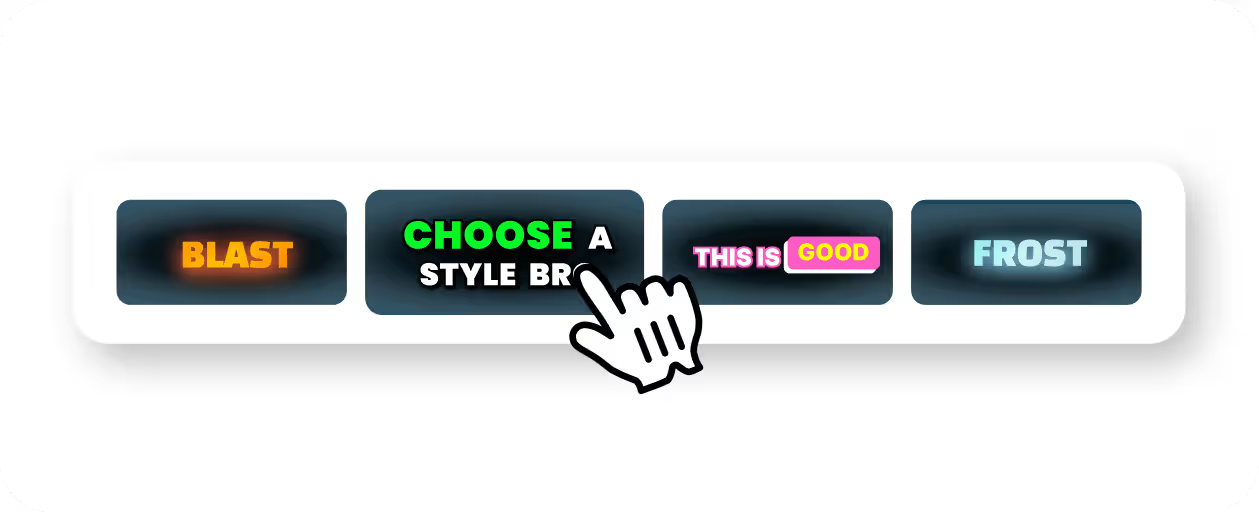
Step 2
Review the text, fix names or jargon, and apply caption styles that match your content and brand.
Step 3
Export a burned-in MP4 for wherever the video is going next.
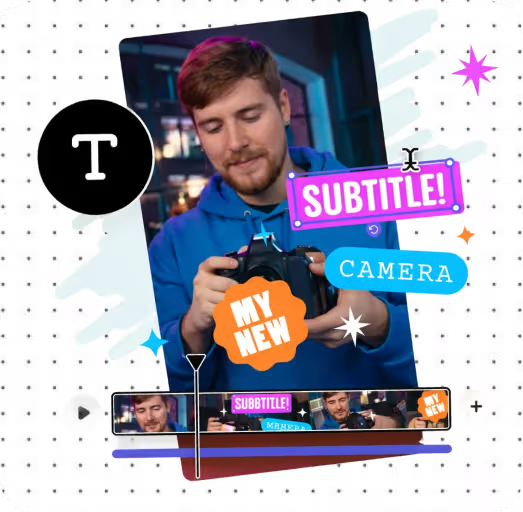
Step 4
Pick the same caption style on future videos so your subtitles stay consistent.
Use Cases
Subtitles help viewers catch names, numbers, and key points, even in noisy places.
Readable subtitles keep viewers watching longer, especially on mute-first social feeds.
Subtitles in Hindi, Hinglish, and regional languages help you reach viewers in the language they speak.
An AI first draft saves typing every line, so you spend your time reviewing instead.

Why CapsAI
Readable subtitles, consistent styling, and Indian-language workflows are the strongest reasons to use it.
Why CapsAI
Subtitles work best when they match how your audience speaks and searches.

FAQ
Yes. Upload your video and CapsAI converts speech into timed subtitle text automatically, so manual typing is not required.
Yes. You can change fonts, colors, positions, and animation styles to fit your visual identity.
The export is an MP4 with the captions burned in. Separate SRT or VTT files are not available from the editor yet; the standalone converters under /tools work on subtitle files you already have.
Yes. CapsAI works well for Reels, TikTok, and YouTube Shorts where subtitle readability and placement are especially important.
No. The current editor works with subtitles generated from an uploaded video; it does not import SRT or VTT files.
Generate subtitles fast, style them your way, and export a captioned MP4 for your publishing workflow.
Generate Subtitles