
Optimized for 30-second videos
Keep caption lines short and readable on small screens for WhatsApp Status' short format.


WhatsApp Status Subtitles
Add readable subtitles to your WhatsApp Status videos automatically. Built for the 30-second format and mobile viewing. Choose Hindi, Hinglish, Tamil, Telugu, or another supported Indian language. Start with 3 free minutes.
30s
status format optimized
11
language options
3 min
free to start

Features
Keep caption lines short and readable on small screens for WhatsApp Status' short format.

Created for how Indians use WhatsApp - on phones. Upload a video, review the captions, and export a subtitled video.

Caption your Status in Hinglish, English, Hindi, Bengali, Telugu, Marathi, Tamil, Urdu, Gujarati, Kannada, and Punjabi.

Export an MP4 with the captions burned in, using an export option available to your plan, and share it to your Status.

Start with 3 free minutes. Watermark-free video export is listed as a paid-plan benefit.

Correct names, slang, and timing in the editor before you post the video to your Status.
Workflow
Step 1
Select an MP4 or MOV video from your phone gallery or file manager. Short clips work best.
Step 2
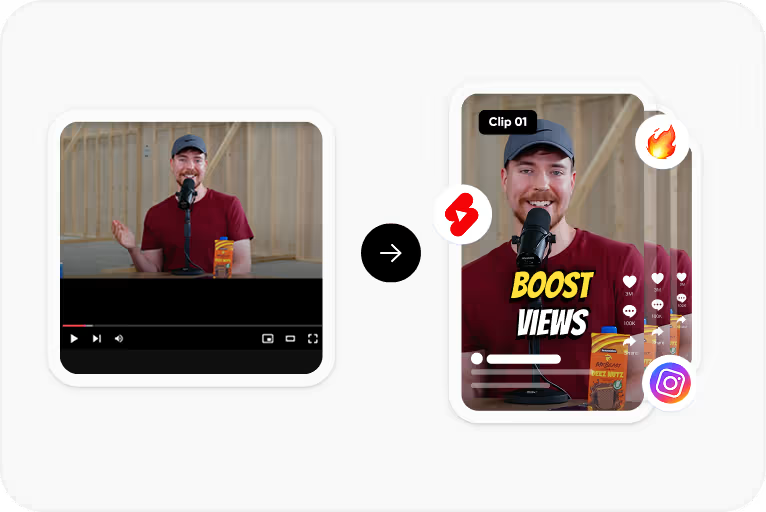
CapsAI transcribes speech and adds readable captions sized for mobile viewing.
Step 3
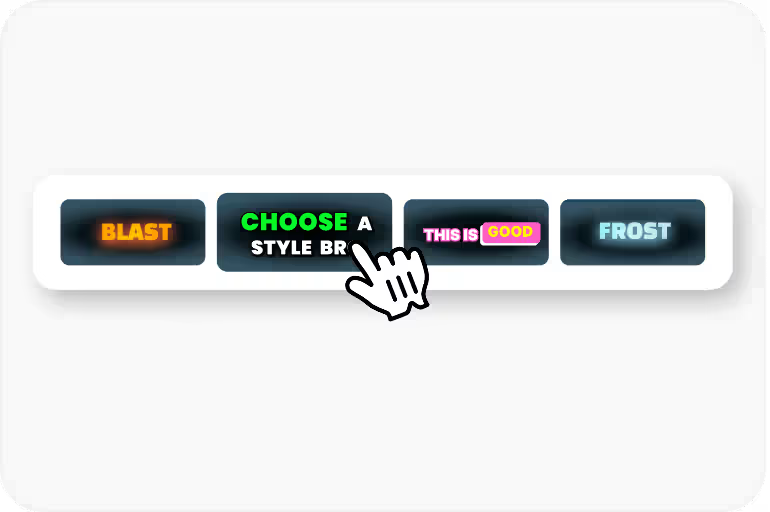
Pick caption style - bold, minimal, or animated. Text sized for small screens.
Step 4
Export the captioned MP4 and post it to your WhatsApp Status.
Use Cases
Status videos appear to the contacts who can see your Status, so a clear caption helps your message land.
People scroll through Status while in meetings, on transit, or in noisy places. Subtitles ensure your message lands.
Small businesses using WhatsApp Status for marketing can add professional captions to product videos.
Add context to travel videos, event clips, and personal content with readable captions.
Why CapsAI
WhatsApp Status works like Stories - quick taps through content with sound off by default. Most people check Status during office hours, commutes, or late at night when they can't play audio. A video without captions on WhatsApp Status is just silent footage that gets tapped past in half a second.
Why CapsAI
The goal of WhatsApp Status for most creators and businesses isn't just views - it's replies. A reply opens a direct conversation. Captions help because they make your message clear enough that viewers know exactly how to respond. Vague silent videos don't trigger replies. Clear captioned messages with a specific point do.
FAQ
Yes. Upload the clip, review the caption draft, and export an MP4 with the captions burned in.
CapsAI exports an MP4 with the captions burned in. Export quality options depend on your plan.
Yes. CapsAI runs in the browser, so you can upload a video from your phone, review the captions, and save the captioned video to post to your Status.
Yes. Select Hindi, or Hinglish for mixed Hindi-English speech. The language selector currently offers Hinglish, English, Hindi, Bengali, Telugu, Marathi, Tamil, Urdu, Gujarati, Kannada, and Punjabi.
Free video export may include a CapsAI watermark. The CapsAI pricing page lists watermark-free video export as a paid-plan benefit.
Upload your video to CapsAI, let the AI transcribe and place captions, pick a style that looks good on vertical video, then download and post to your Status. No app install needed - it works in your browser.
Look for Indian-language support, an editor for reviewing the draft, and burned-in captions that show up on WhatsApp. CapsAI offers 11 spoken-language options including Hinglish, burns captions into an MP4, and starts with 3 free minutes.
Yes. The language selector currently offers Hinglish, English, Hindi, Bengali, Telugu, Marathi, Tamil, Urdu, Gujarati, Kannada, and Punjabi. If you speak a mix of Hindi and English, choose Hinglish and review the mixed phrases before export.
Small businesses post product demos, offers, and announcements to Status with burned-in captions so contacts can understand the message on mute. A clear captioned ask, such as replying to book or order, tells viewers exactly how to respond.
Keep it under 15 seconds, use large bold text that's readable even after WhatsApp compresses the video, and front-load your main point in the first 2 seconds. Most viewers decide to tap away or keep watching almost immediately. If your caption delivers value in that opening moment, they'll stay for the rest.
Upload an MP4 or MOV Status video, review the caption draft, and export a captioned MP4. Start with 3 free minutes.
Add Subtitles to Status Video →Related tools