
Instagram + Facebook Reels
Post the same captioned vertical MP4 to Instagram Reels and Facebook Reels.


Reels Captions
Generate animated captions for Instagram Reels and Facebook Reels. Review the caption draft, choose a word-by-word or styled look, and export a captioned 9:16 MP4. Start with 3 free minutes.
MP4 or MOV
video upload
3 min
free to start
11
spoken-language options

Features
Post the same captioned vertical MP4 to Instagram Reels and Facebook Reels.

Word-by-word, pop-in, and other supported animation styles. Preview the look on your Reel before export.

Captions keep your Reel understandable when it plays on mute in the feed.

Captions are timed to the speech; review and adjust the timing in the editor before export.

Generate captions in Hindi, English, Hinglish, Tamil, Telugu, or another supported language.

Export a vertical MP4 with the captions burned in. Export quality depends on your plan.
Workflow
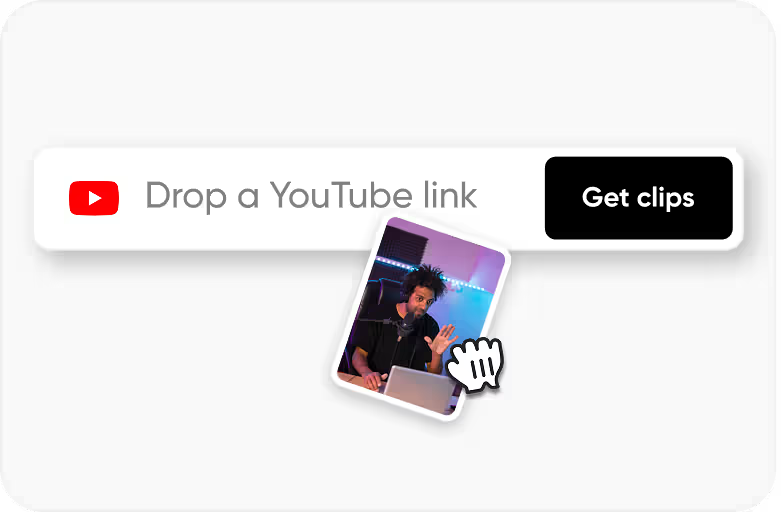
Step 1
Upload an MP4 or MOV video that you own or have permission to process.
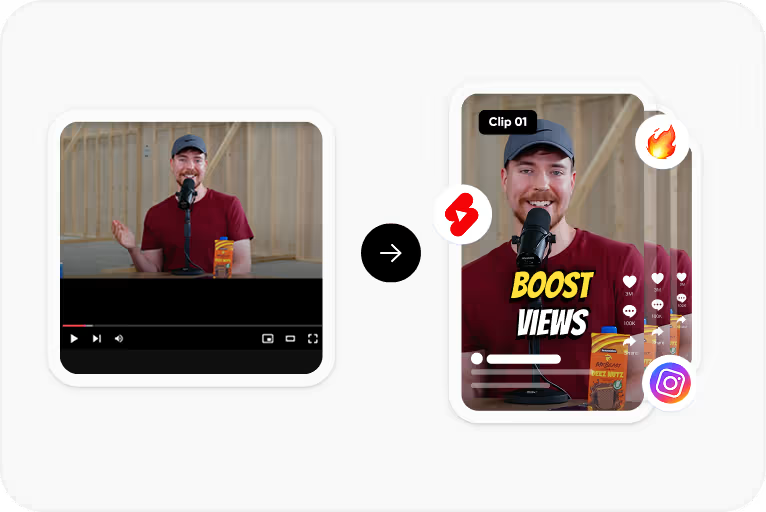
Step 2
Choose the spoken language and CapsAI creates timed captions from the speech in your video.
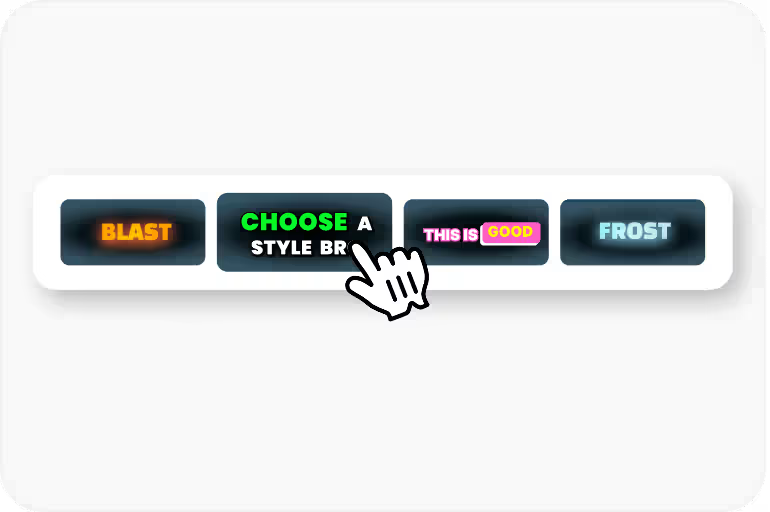
Step 3
Correct the text and timing, then apply a caption style and check its placement.
Step 4
Export an MP4 with the captions burned in, using an option available to your plan.
Use Cases
Reels reach people on both Instagram and Facebook, so one reviewed caption pass serves both audiences.
Captions deliver your message during commutes, meetings, and in public spaces.
Captions make your Reels accessible to deaf and hard-of-hearing audiences.
Use the same caption fonts, colors, and placement so viewers recognise your Reels.
Why CapsAI
Your Reels have a visual identity - color palette, editing style, pacing. Captions should feel like part of that identity, not an afterthought slapped on top. When your caption font, color, and animation style are consistent across every Reel, viewers start recognizing your content before they even see your username.
Related tools
FAQ
Yes. CapsAI exports a 9:16 MP4 with the captions burned in, which you can post to Instagram Reels and Facebook Reels.
Yes. Choose a supported caption style, including word-by-word and other animation treatments, and preview it on your Reel before export.
The language selector currently offers Hinglish, English, Hindi, Bengali, Telugu, Marathi, Tamil, Urdu, Gujarati, Kannada, and Punjabi.
Export quality options depend on your plan. Check the pricing page for the export quality included in each pack.
Free video export may include a CapsAI watermark. The CapsAI pricing page lists watermark-free video export as a paid-plan benefit.
Bold word-by-word animations in one to three colors are popular. Centered text in the lower third avoids blocking faces. Stick to one font per account for brand recognition.
Select the language spoken in your Reel before generating; for mixed Hindi-English speech, choose Hinglish. CapsAI does not translate captions into another language.
The uploader accepts MP4 or MOV video files. Audio-only files and pasted video URLs are not part of the caption workflow.
The export is an MP4 with the captions burned in. Separate SRT or VTT files are not available from the editor yet; the standalone converters under /tools work on subtitle files you already have.
Accuracy depends on audio clarity, background noise, accents, and language selection. CapsAI creates a first draft and lets you edit captions before export.
Upload an MP4 or MOV file, review the caption draft, and export a captioned MP4 for your Reels. Start with 3 free minutes.
Add Captions to Reels →Related tools