Caption draft from your Reel
Upload an MP4 or MOV Reel and generate timed captions from the speech in the video.


Reels captions
Compare Reels caption tools on language options, caption review, styling and export. CapsAI creates an editable caption draft from MP4 or MOV video in 11 language options, including Hinglish, starting with 3 free minutes.
11
language options
3 min
free to start
One-time
minute packs, no subscription

Features
Upload an MP4 or MOV Reel and generate timed captions from the speech in the video.
Correct words, names, punctuation, line breaks, and caption timing before export.
Apply supported fonts, colors, positions, and animation treatments, then preview caption placement on your Reel.
Render the captions into the video using an export option available to your plan.
Choose from 11 spoken-language options: Hinglish, English, Hindi, Bengali, Telugu, Marathi, Tamil, Urdu, Gujarati, Kannada, and Punjabi.
Start with 3 free minutes. Paid packs are one-time purchases with no subscription, and the pricing page lists watermark-free export as a paid-plan benefit.
Workflow
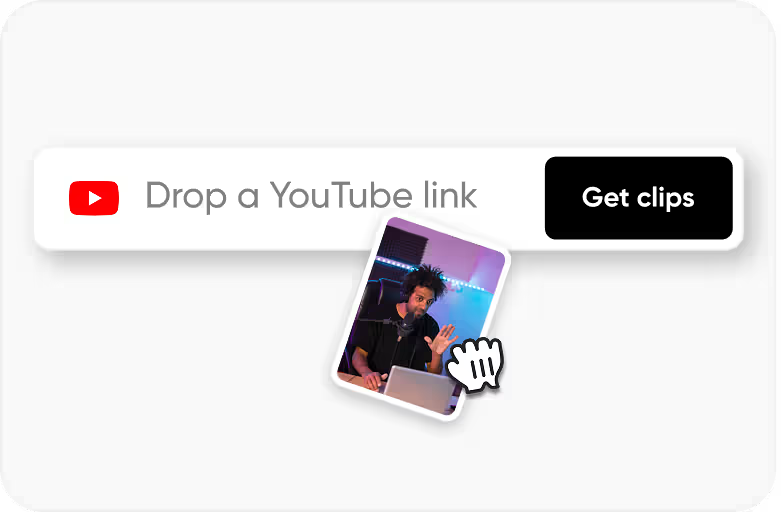
Step 1
Upload an MP4 or MOV vertical video that you own or have permission to process.
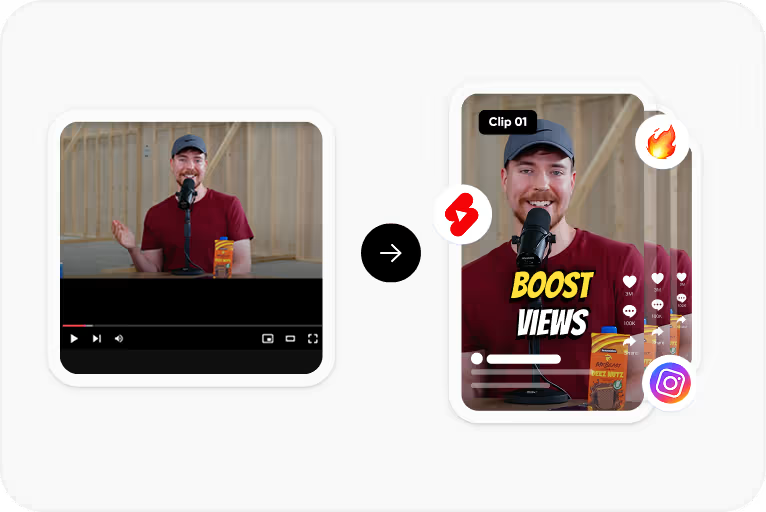
Step 2
Choose the spoken language and CapsAI creates timed captions from the speech in your video.
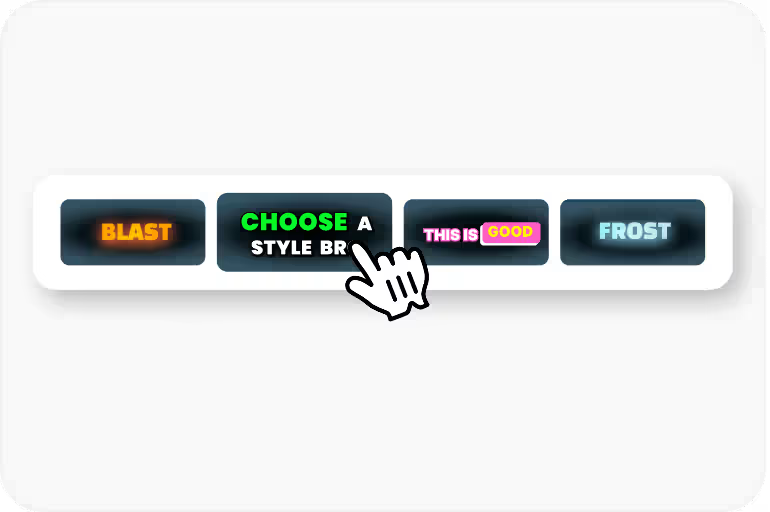
Step 3
Correct the wording and timing, then apply a caption style and check its placement on the vertical frame.
Step 4
Render the captions into the video with an export option available to your plan, then upload it to Instagram.
Use Cases
Check which spoken languages each tool lists, especially if you post in Hinglish or another Indian language. Confirm details in each tool's own documentation.
Look for a way to correct words, names, and timing before export, because every automatic draft needs review.
Compare the fonts, colors, positions, and animation styles available, and preview them on a vertical 9:16 frame.
Check which export options each plan includes and whether free exports carry a watermark.
Compare subscriptions with one-time packs, and check current prices on each provider's own pricing page.
FAQ
It depends on your languages, styling needs, and budget. CapsAI is built for Indian creators: it offers 11 spoken-language options including Hinglish, a caption text and timing editor, and caption styles, starting with 3 free minutes. Compare those points with each tool's own documentation.
Review them first. Accuracy depends on audio clarity, background noise, accents, and language selection. CapsAI creates a first draft and lets you edit captions before export.
Captions let viewers follow a Reel with the sound off and make the spoken message easier to follow. Results vary by account and content, so check them in your own Instagram insights.
You can start with 3 free minutes. Free video export may include a CapsAI watermark; watermark-free video export is listed as a paid-plan benefit.
Yes. The language selector currently offers Hinglish, English, Hindi, Bengali, Telugu, Marathi, Tamil, Urdu, Gujarati, Kannada, and Punjabi. CapsAI generates captions in the spoken language you select; it does not translate captions into another language.
Upload an MP4 or MOV Reel, review the caption draft, and export a captioned MP4. Start with 3 free minutes.
Start with 3 free minutesRelated tools