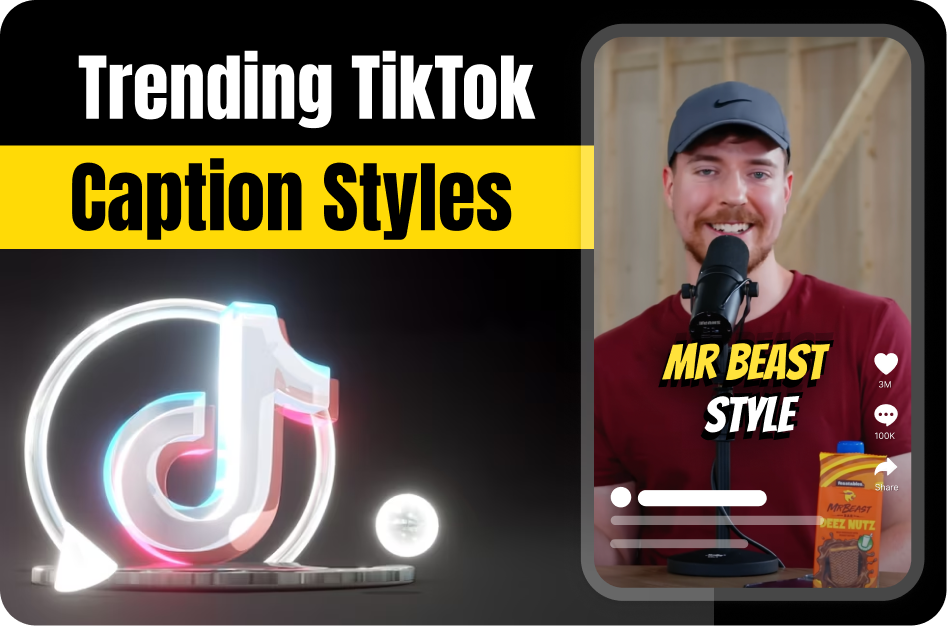
TikTok captions are more than just subtitles - they’re a visual storytelling element that can make or break your video’s engagement. In 2026, the hottest trends revolve around eye-catching animations, vibrant fonts, and on-brand styling.
Why Caption Style Matters
Captions help users understand your video without sound, but when styled right, they also:
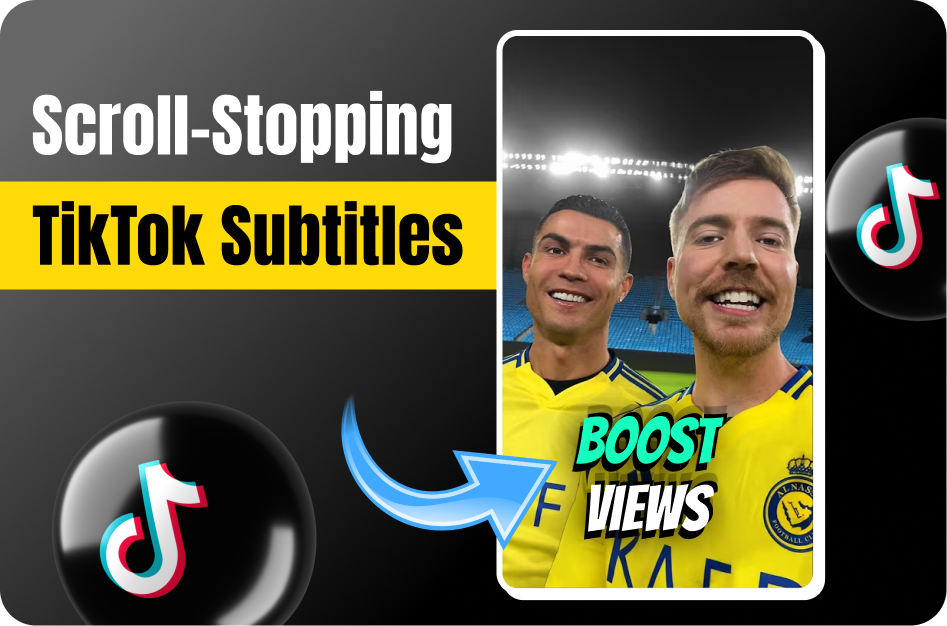
- Stop the scroll
- Add personality
- Reinforce your message
- Boost watch time and shares
Let’s dive into what’s trending this year.
1. Kinetic Text: Word-by-Word Animations
Kinetic text (animated word-by-word captions) is dominating TikTok. Words appear in sync with your voice or music, often using bounce, slide-in, or fade effects.
How to Create It:
- Use CapCut or Veed.io for prebuilt kinetic text templates.
- Advanced users can use After Effects or Premiere Pro with motion presets.
2. Neon & Chunky Fonts
Bright neon fonts or chunky, handwritten styles help captions stand out.
Trending Fonts:
- Comic Sans bubbles
- Grunge effects
- Handwritten markers
Tools to Use:
- Revid and CapCut: Offer meme-style and neon caption templates.
- Capsai.co: Lets you customize font type, size, color, and background for on-brand looks.
3. Emojis & Onomatopoeia
Adding emojis (🚀🔥😂) or sound-like words (e.g., “BOOM!”, “CRASH!”) in captions adds fun and grabs attention.
Tips:
- Place emojis inline with words for expressive rhythm.
- Use sparingly to avoid clutter.
4. Branded Styling with AI Tools
Consistency is key if you’re building a personal brand. Tools like Capsai allow creators to set reusable style guides.
Capsai Features:
- Font presets
- Color palettes
- Outline styles for readability
- Burn-in subtitle export for TikTok uploads
5. Smart Placement for Readability
Trendy captions follow a few usability rules:
- High contrast background for clear visibility
- Avoid covering facial expressions
- Use top or center-bottom screen areas
TikTok’s in-app “Text” tool is great for static captions, but third-party apps give more flexibility.
Bonus: Watch & Replicate What’s Viral
Want to stay ahead? Study viral TikToks:
- Note caption font
- Check animation type
- Observe position and timing
Then recreate similar styles using apps mentioned above.
Conclusion: Make Captions That Trend and Convert
Stylish, animated captions are no longer optional - they’re essential. Tools like Capsai, CapCut, and Revid make it easy to follow trends while staying true to your brand. Whether you're adding bouncing words, neon fonts, or emojis, just remember: readability and relevance come first.
Start experimenting with trendy TikTok caption styles now and make every frame count.