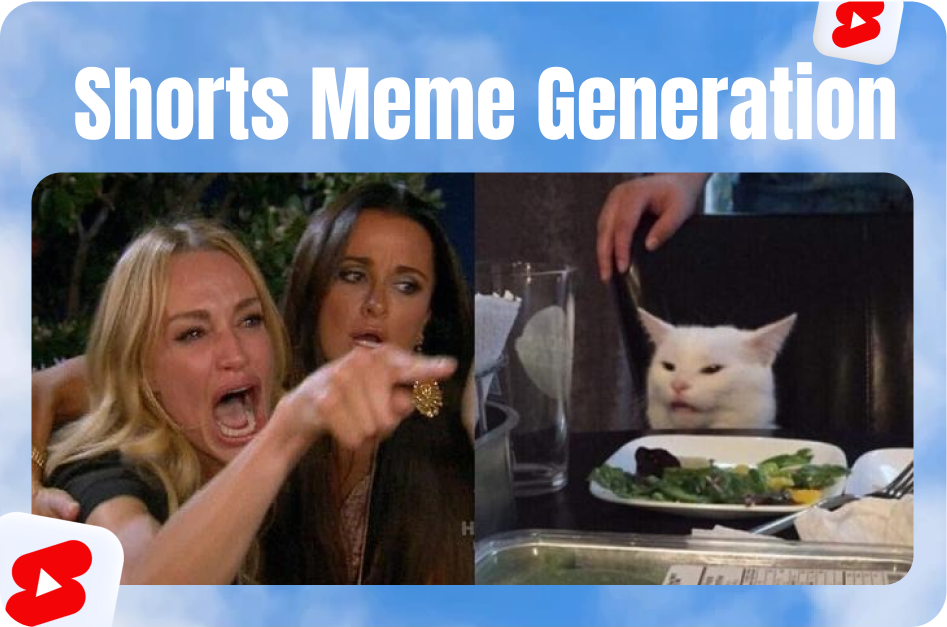
Animated visuals grab attention instantly. Whether it's a quirky reaction, a subtle sparkle, or a bold arrow pointing to something important, stickers and GIFs add personality and drive higher viewer engagement.
Tools to Add Animated GIFs and Stickers
- YouTube Shorts Editor: Use built-in sticker options during upload.
- CapCut: Offers advanced control, sticker libraries, and keyframe animation.
- Instagram Reels or Snapchat: Great for creating Shorts with trendy overlays, then downloading for upload.
- GIPHY or Tenor: Choose GIFs with commercial rights or import your own animations.
Best Practices for Using Animated Elements
1. Placement: Keep It Clean
- Avoid covering important parts like faces or key visuals.
- Position stickers at the screen edges or aligned with on-screen objects.
2. Relevance Is Key
- Match the animation to your content theme.
- For fashion: use sparkles, glitter effects.
- For tech: arrows, glitch transitions.
- For comedy: reaction GIFs like “LOL” or “Facepalm.”
3. Timing and Animation
- Sync sticker appearance with movement or speech.
- Use CapCut keyframes to make stickers move, grow, or fade.
- Match beat drops or transition points with animated effects.
Add Captions to Match
Use CapsAI.co to automatically transcribe and stylize your captions. Align captions with your GIFs for maximum clarity and engagement. Example: If a sticker says “BOOM,” the caption can emphasize that word in bold or colored text.
Branding and Attribution
- If using third-party GIFs (like from GIPHY), ensure they’re royalty-free or commercial use-approved.
- You can also create custom animated logos or emojis and export them as GIFs.
SEO and Description Optimization
When uploading:
- Use keywords like “Glitch sticker,” “GIPHY animation,” “CapCut transitions.”
- Add hashtags like
#GIFShorts #FunnyStickers #ShortsEditing. - Mention tools in your description: “Edited with CapCut + animated with Giphy.”
Final Tip: Don’t Overdo It
Use animated elements sparingly. A few well-placed visuals beat a cluttered screen. Keep the viewer’s focus where you want it.
Animated GIFs and stickers are quick wins for boosting engagement on YouTube Shorts. Use them to highlight, entertain, and guide your audience - all while staying true to your brand.