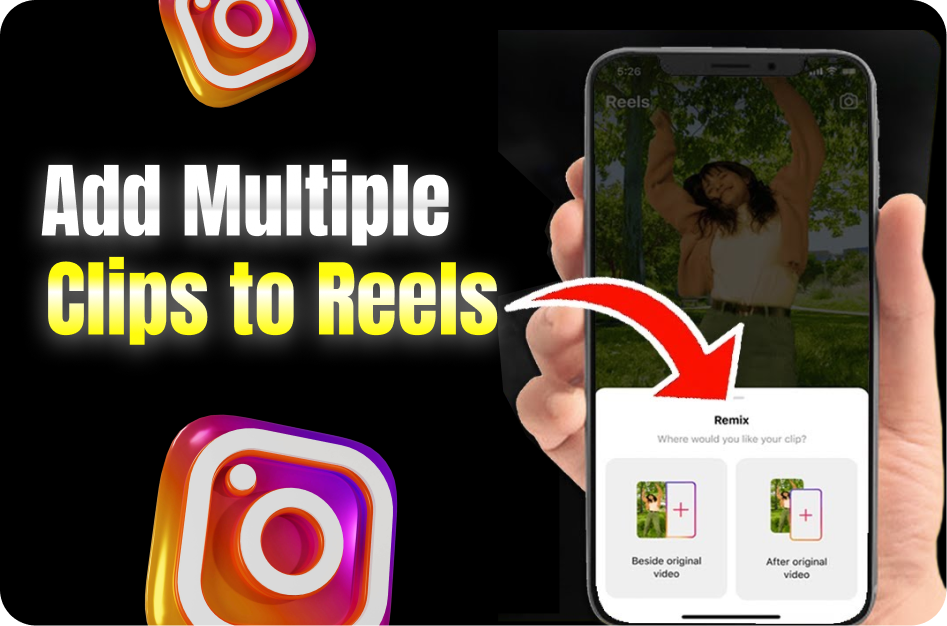
Instagram Reels allow creators to add multiple clips in one video, making it easy to combine various shots, transitions, and segments. Whether you're recording directly inside the app or uploading from your gallery, here’s how to streamline the process.
1. Using the Instagram Reels Camera to Add Clips
Step-by-Step:
- Open the Instagram Reels camera.
- Tap the record button to start your first clip.
- Tap the stop icon to pause.
- Tap the record button again to shoot the next clip.
Each segment is automatically saved into your Reel timeline. You can repeat this process until your Reel is complete.
2. Uploading Multiple Clips from Gallery
How to Add Pre-recorded Content:
- Tap the square “Add” icon (bottom-left corner).
- Select multiple videos or photos.
- Instagram will upload them in order. You can trim, reorder, or delete clips in the editing timeline.
This method is perfect if you’ve already edited segments or shot your content outside the app.
3. Pro Tip: Use the Alignment Tool
The Align tool appears after you stop recording a clip. It lets you line up your next frame with the last one, useful for:
- Outfit transitions
- Jump cuts
- Stop-motion effects
Alignment helps create a seamless visual experience across clips.
4. Plan Each Segment Before Recording
A great Reel tells a story. Try this structure:
- Clip 1: Hook or intro
- Clip 2: Main message or demonstration
- Clip 3: Ending, CTA, or reaction
You’ll shoot faster and reduce editing time if each clip has a clear role.
5. Editing Your Clips on the Reels Timeline
Quick Editing Options:
- Tap each clip to trim or adjust length.
- Drag and drop to reorder segments.
- Delete clips you don’t like by tapping the bin icon.
This timeline editor helps polish your final Reel without leaving the app.
6. Advanced Workflow: Using External Apps
For creators needing precision or batch editing:
Try apps like:
- CapCut: Film all segments, add transitions and music, export as one video.
- VN Editor: Trim, re-sequence, and stylize clips before uploading.
- InShot or Clips: Easy for batch video slicing and reordering.
You can then upload the final edit to Reels or use Instagram’s scissors tool to break it into chunks.
7. Native Reels Tools vs. External Editing
Feature Instagram Reels CapCut / VN Editor Multi-clip Recording Yes Yes Alignment Tool Yes No Batch Export No Yes Transitions & Effects Limited Advanced
Final Thoughts
If you're a beginner, Instagram’s native multi-clip recording is the fastest method. For creators aiming for cinematic transitions or more polished storytelling, editing in CapCut or VN then uploading to Reels offers more control.
Whichever route you choose, planning your clips ahead and leveraging Instagram’s tools like the Align feature will drastically improve your content quality and save you time.