Transitions on Instagram Reels play a key role in holding viewer attention, making your content more dynamic, and helping you stand out. While Instagram offers basic editing tools, combining them with techniques borrowed from YouTube Shorts or TikTok can elevate your Reels instantly.
1. Use Jump Cuts to Maintain Momentum
Jump cuts are one of the most common and easiest transitions. You record separate clips and cut between them rapidly - perfect for showing a step-by-step process or skipping dull moments. They’re easy to create with Instagram’s native Reels editor or any external app.
Example: Create a jump cut between each step of a recipe or morning routine.
2. Try the Whip Pan Transition
Whip pan transitions create movement by mimicking a camera swing. Film your subject, quickly whip the camera to one direction, then start your next clip by whipping in from the same direction. This creates a seamless, energetic transition.
Tip: Make sure both clips match directionally for a fluid effect.
3. Outfit Change or Transformation Cuts
This popular trend involves recording a clip in one outfit, pausing, changing clothes, and continuing the video in a new outfit. Use Instagram’s Align Tool to perfectly match your body position between shots for smoother results.
How to do it:
- Record first part
- Change outfit/location
- Use the Align button to match up
- Record next part
4. Use Instagram’s Built-in Tools
Instagram Reels offers basic transitions tools:
- Scissors Tool: Trim your clips for precise cuts
- Align Feature: Useful for jump cuts and outfit changes
- Timer/Countdown: Enables hands-free recording and setup for transitions like prop reveals or step-by-step tutorials
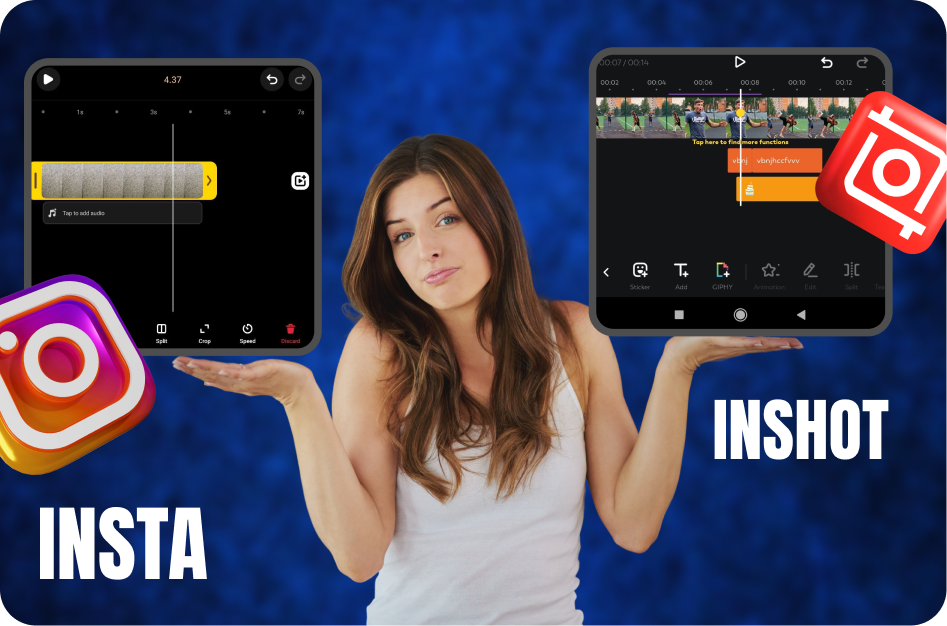
5. Leverage External Apps (CapCut, VN, InShot)
While Instagram has limited transitions, apps like CapCut, VN, or InShot allow:
- Speed ramping
- Motion blur transitions
- Advanced overlays and masking
Workflow:
- Record raw clips on phone
- Edit in CapCut/VN for transitions
- Export and upload as a Reel
6. Mimic Trending Reels Transitions
Stay current by mimicking viral transitions. Many creators post tutorials on Instagram and TikTok. Search terms like “Reels transition tutorial” or “viral transition effect” will show step-by-step guides.
Examples:
- Cover lens with hand or hoodie, then reveal new location
- Snap or clap to switch scenes
- Use emojis, props or filters creatively in sync with music
7. Practice the ‘Tape Recorder’ Transition
Popular on both Shorts and Reels: Start recording, move your hand or a prop to cover the lens, stop recording, uncover for next clip.
Why it works: It mimics a tape stop/start effect, grabbing attention with minimal editing.
Final Tip: Match Transitions with Music Beats
Great transitions are synced with audio. Use trending Reel songs and align your cuts to the beat for extra punch.