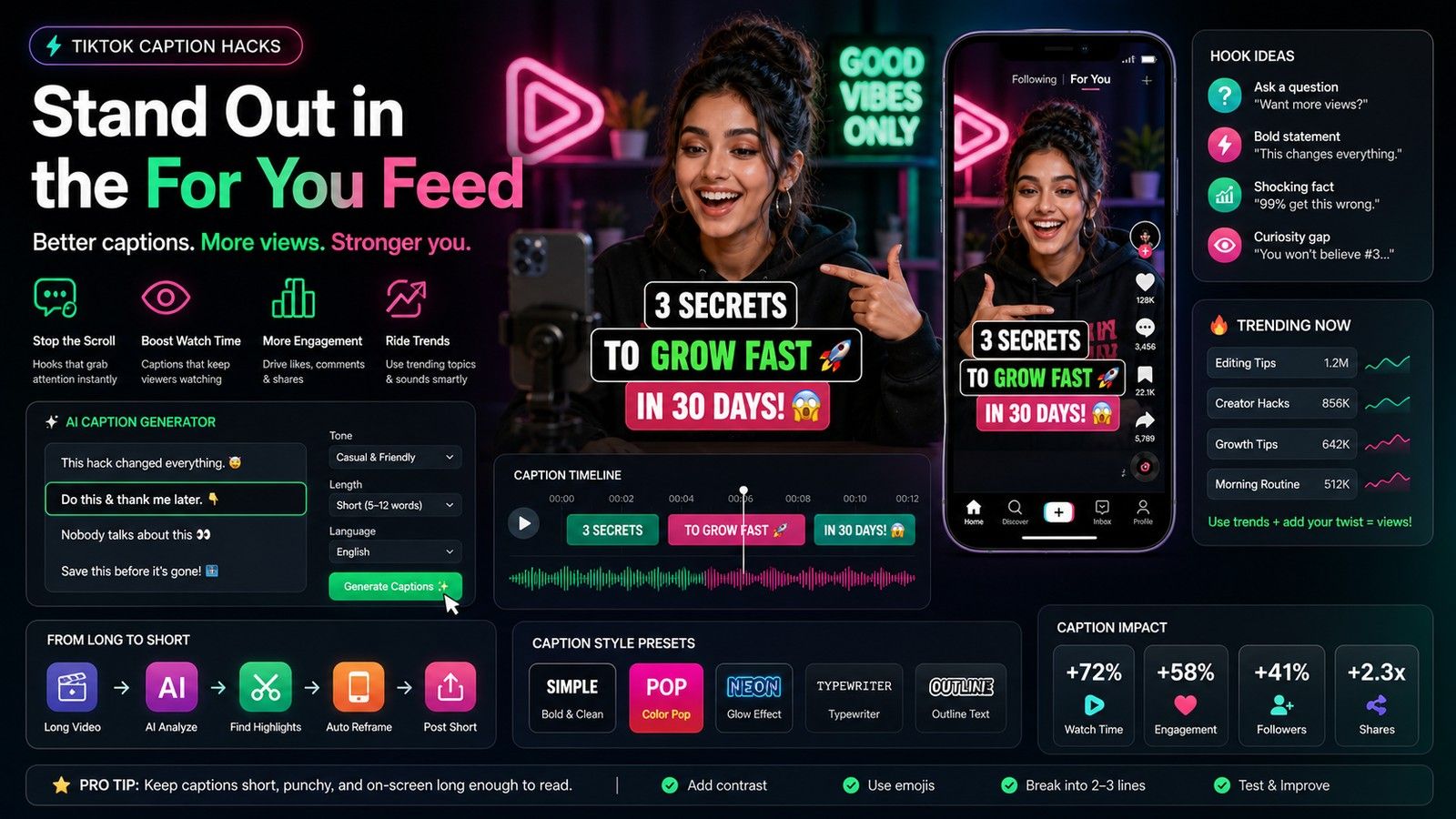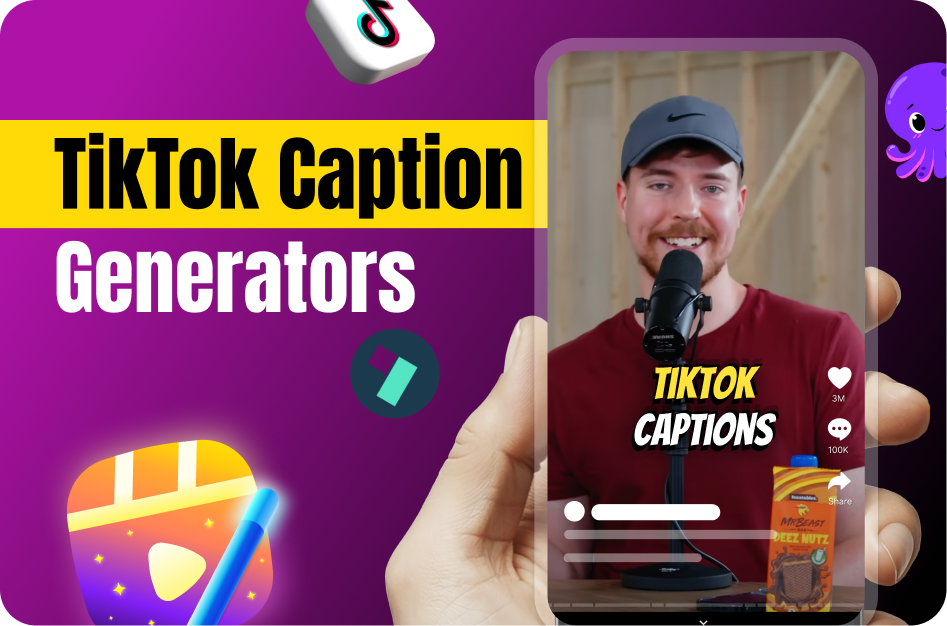
A TikTok caption generator has one job that a general subtitle tool does not: put readable, on-beat words on a 9:16 video, inside the area TikTok's own interface does not cover, and export a file you can post. As of 18 October 2026, TikTok's built-in captions do that for free but with almost no styling, CapCut and the Captions app are the most popular app-based options, Kapwing has a template that copies TikTok's native look, Choppity and AutoCaption give you free burned-in exports with limits, and CapsAI is the pay-once option when you want every word checked before export.
This post compares twelve options on the four things that matter for TikTok: whether the captions are burned in and sized for 9:16, what the free tier allows, whether the free export carries a watermark, and how much styling control you get. Every fact is dated and comes from the vendor's own page; "not stated" means the page does not say.
The comparison table
| Tool | Where it runs | Free allowance | Watermark on free | Styles | Export |
|---|---|---|---|---|---|
| TikTok auto captions | In the TikTok app | Free | No | Platform default only | Posted directly |
| CapCut | App and web | Tool page says free; help center lists auto captions under Pro (proxy render) | Not stated | Templates | MP4 |
| Captions app | Phone and computer | Free sign-up; 1 caption template, no AI credits | Not stated | 100+ on paid | MP4 |
| Kapwing | Browser | 10 min auto-subtitling; 4 min export at 720p | Yes | TikTok, MrBeast, Hormozi templates | MP4, SRT, VTT |
| VEED | Browser | Free to start; files need a paid plan | Not stated | Presets in editor | MP4; SRT on paid |
| AutoCaption | Browser | Free plan, limits not on pricing page | Not stated | Word-by-word, karaoke, pop-in, emphasis | Burned-in 9:16 |
| Caption X | Browser | Unlimited free exports, 10 min per video | Yes, small | Presets in studio | MP4; SRT watermark-free |
| Choppity | Browser | Up to 1 hour of video | No | Minimal, word-by-word, karaoke, Hormozi | Burned-in MP4, 9:16 |
| revid.ai | Browser | Limited videos per month; 3 min and 500 MB per video | Not stated | Animated styles | Burned-in |
| wayin.ai | Browser | 60 or 100 free minutes daily (listing text; pages refused) | Not stated | Customizable | SRT, TXT, video |
| Clideo | Browser and iPhone app | Limits file size and subtitle count | Not stated; premium is watermark-free | Predefined styles; font, color, background | Burned-in video; SRT, TXT |
| CapsAI | Phone and desktop browser | 3 free minutes | Watermark-free export comes with every paid pack | 37 styles | Burned-in MP4, 1080p to 4K |
TikTok's own auto captions
The baseline is free and already on your phone. When you post, TikTok can generate captions from the speech and viewers can turn them on or off from the video's menu. The limits are what you would expect from a platform feature: you get TikTok's text style, you cannot change the font or add a per-word pop, and the captions live inside TikTok, so a download for Reels or Shorts does not carry them. TikTok's Help Center pages on captions returned errors when we tried to read them on 18 October 2026, so we are not quoting language or editing limits here; check the posting screen in your own app. For upload specs, Google's listing of TikTok's creator-tools help page says uploads must be MP4 or WebM, at least 720x1280, up to 30 minutes and under 10 GB.
CapCut
capcut.com returns HTTP 451 from India, so the CapCut facts here come from a proxy render. CapCut's own pages disagree on price. Its auto caption page, read on 18 October 2026, says speech-to-text is "free of charge", supports "multiple languages", and shows an "American English" language menu, while its help article comparing Standard and Pro, dated 2 April 2026 and read on 19 October 2026, lists auto captions among Pro's "Advanced AI tools". Users report a Pro prompt at export. CapCut is the editor most TikTok creators already have, its caption templates are built for 9:16, and it posts straight to TikTok. The pages we could render do not state a watermark policy or a free minute cap, and some caption templates and effects sit behind CapCut Pro inside the app. If CapCut works in your country, it is the obvious first thing to try: export a test clip to see whether your project asks for Pro, and see the CapCut auto captions post for the detail.
Captions app
Captions (captions.ai) says on its homepage, read 18 October 2026, that it has "100+ caption styles", works in "100+ languages" and that "It's free to sign up for Captions, but you'll want a subscription to access the best features". Its pricing page shows one caption template on the Free plan against 100+ on paid, no AI credits on Free, and a Max plan at $24.99 a month with the note that prices "reflect iOS plans only". Watermark policy and export limits are not stated. It is the strongest app for people who also want AI editing, eye-contact fixes and dubbing. See Captions vs CapsAI.
Kapwing
Kapwing is the only browser editor in this list with a template that deliberately copies TikTok's native look. Its "TikTok Style Captions" template page (18 October 2026) is a 1080x1920 layout that uses TikTok Sans, described as "the same font TikTok uses by default", with a background highlight that follows each spoken word. You "Edit This Template", replace the sample video and reapply auto-subtitles. The template page says nothing about price, but Kapwing's pricing page the same day gives the free plan 10 minutes of auto-subtitling, exports up to 4 minutes at 720p, and "Unlimited exports with a watermark". SRT and VTT download is available from the editor. See Kapwing vs CapsAI.
VEED
VEED's auto subtitle page (18 October 2026) says the tool is "free to start", that you "Upgrade to a paid plan to subtitle longer videos and download subtitle files", and that "A Creator plan starts at $20/month". It claims 125+ languages. VEED has a vertical resize and caption presets, so it covers the TikTok workflow, but the free limits are not stated on the page and files are paid. Treat it as a subscription editor rather than a free TikTok tool.
AutoCaption
AutoCaption's TikTok page (18 October 2026) is the most TikTok-specific tool page we read. It offers four styles (word-by-word, karaoke highlight, pop-in sentences and emphasis), says "Captions are burned in", exports 9:16, and places captions inside TikTok's safe zone away from the top overlay and the bottom bar. It says there is a "Free plan" with "No account required to start" and 100+ languages. The pricing page lists paid plans at $18, $25 and $39 a month with per-video caps of 2, 3 and 6 minutes, each marked "No watermark"; the free tier's own limits are not on the pricing page, and neither page states whether free exports carry a watermark.
Caption X
Caption X's studio page (18 October 2026) accepts videos "up to 10 min" and "under 2 GB", offers "unlimited free exports", and is unusually clear about the catch: "Free exports carry a small CaptionX watermark (Pro removes it); the SRT subtitle file is always watermark-free". It claims 100+ languages with word-level timing. If you want a free SRT to drop into another editor, it is useful; if you want a clean burned-in TikTok export for free, it is not.
Choppity
Choppity's TikTok caption page (18 October 2026) says the tool is "completely free for up to 1 hour of video content" with no watermarks, uploads up to 10 GB, captions in over 40 languages including Hindi, and four presets: minimal, word-by-word, karaoke and Hormozi-style. It "outputs perfectly framed 9:16 captions sized for vertical video", lets you paste a TikTok URL as the source, and can post the finished video directly to TikTok. You need a free account to download. For a free, clean 9:16 export, it is the strongest option in this list.
Clideo
Clideo, a general editor, has no TikTok caption page; its auto subtitle generator does the job. On 19 October 2026 that page listed MP4, AVI, MOV and WMV uploads, "more than 100 languages", and editing of text, timing, font, color, background and position, or a predefined style. Export burns the captions in, and SRT or TXT downloads and translation are also offered. The free version "is limited in terms of file size and the number of generated subtitles"; Premium "supports longer videos and is watermark-free", and paid plans auto-renew with no refunds. Its TikTok editor can change the aspect ratio to 9:16, but the pages we read mention no word-by-word or karaoke styles. It suits someone who wants an editor plus an SRT file.
revid.ai and wayin.ai
These two rank first and second on Google for "subtitle generator for tiktok", so they deserve a look even though neither is a household name.
revid.ai's page (18 October 2026) is titled "AI TikTok Subtitle Generator | Auto-Add Eye-Catching Captions to Videos". Its FAQ says "Free users get a limited number of videos per month, while paid plans offer more generous limits", "The maximum file size is 500MB, and we support videos up to 3 minutes long", and "The captions are burned into the final video export". It claims a "95%+ accuracy rate for clear audio" as its own figure. Prices and watermark policy are not on the page.
wayin.ai refused our fetch on 18 October 2026 (an expired certificate on one host and HTTP 403 on another), so the only facts we have are from Google's listing of its TikTok pages: one says 60 free minutes daily, another says 100 free minutes daily refreshed at 7:00 AM Pacific, with SRT and TXT download, 9:16 reframing and translation into 100+ languages. Verify on the site before relying on either number.
CapsAI
CapsAI runs in a phone or desktop browser with no app. You upload an MP4 or MOV up to 10 minutes, pick the spoken language (English, Hinglish in Roman script, Hindi or one of eight other Indian languages), and get a draft you can correct word by word before choosing one of 37 styles and exporting a single MP4 with the captions burned in at 1080p on Starter or up to 4K on Creator and Pro. It does not export SRT, does not translate, and does not post to TikTok for you. New accounts get 3 free minutes; packs are paid once, from $4 (₹49 in India, €4 in the euro area) for 20 minutes, and watermark-free export comes with every paid pack. The TikTok caption generator page is the starting point; the vertical video subtitle generator covers the 9:16 layout.
How to pick
- You post from your phone and do not care about style: TikTok's own captions, then CapCut if it works where you live.
- You want the native TikTok look with your own footage: Kapwing's TikTok-style template, accepting the watermark on the free plan or paying for Pro.
- You want a free, clean 9:16 export: Choppity, up to an hour of footage.
- You caption Hinglish or Indian-language audio: CapsAI is the only tool here that names Hinglish as a spoken language. The word-by-word caption generator is the TikTok-paced style.
- You want a subtitle file for another editor: Caption X (free SRT) or Kapwing.
Whatever you choose, keep lines short. On a phone screen, two to four words per line and the text inside the safe zone matter more than the font; the line length guide has the numbers, and the caption styles gallery shows how each CapsAI preset looks at 9:16.
What to do next
Try TikTok's own captions on your next post to see whether the default style is enough. If you want styled, checked captions on a clip you will also post elsewhere, upload a short MP4 at the TikTok caption generator, read the draft within the 3 free minutes, and buy a pack only if the words come back right.