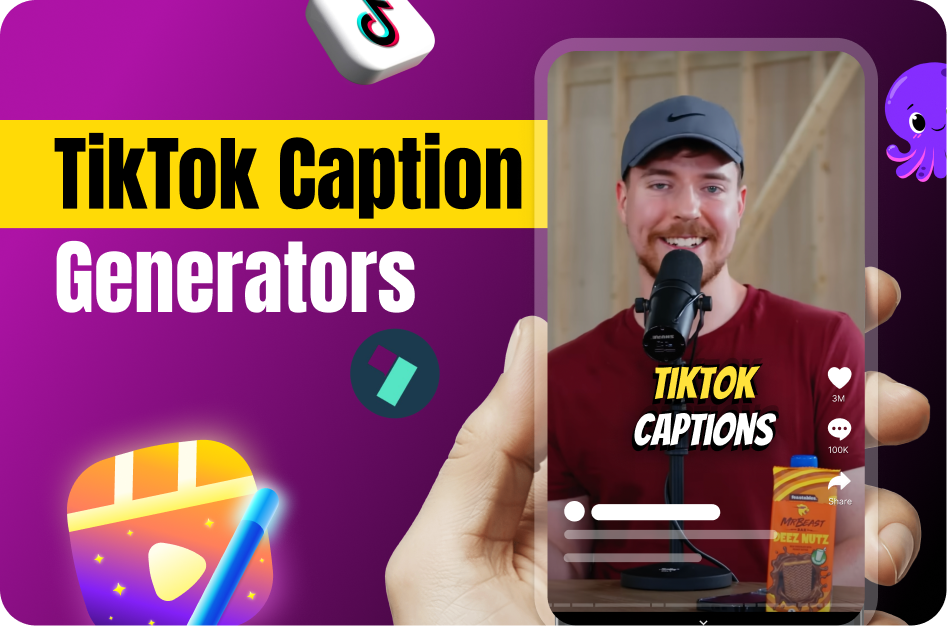
Captions are essential for TikTok growth, but should you stick with TikTok’s free auto-caption feature or invest time in external AI tools? Here’s a breakdown to help you choose the best option for your content.
TikTok’s Auto-Caption Feature
TikTok introduced auto-captioning in 2021 to make videos more accessible.
How It Works:
- Accessible during the editing phase.
- Generates captions instantly in supported languages (originally English and Japanese, now expanded to more).
- Allows basic edits to the generated text.
Pros:
- Free and built-in.
- Instant processing.
- No watermark.
- Simple one-click generation.
Cons:
- Limited language support.
- Minimal styling options.
- Occasional transcription errors with slang or accents.
- Auto-timing only; no manual sync tools.
AI Subtitle Tools for TikTok (Capsai, VEED, Kapwing, Clideo)
Third-party AI tools offer more flexibility and control over your captions.
Features and Benefits:
- Multi-Language Support: Capsai supports Hindi, Hinglish, English, and 10+ other languages.
- Advanced Editing: In-browser editors let you tweak text, punctuation, and timing.
- Styling Options: Choose fonts, colors, and placement for on-brand captions.
- Download Options: Export in SRT/VTT formats or hard-coded video.
- Accuracy: Better at handling accents, slang, and noisy audio.
Pros:
- Highly accurate transcription.
- Wide language coverage.
- Custom styling for brand consistency.
- SEO benefits from accurate keyword-rich captions.
Cons:
- Some free versions add watermarks.
- May require a learning curve.
- Extra upload/editing steps outside TikTok.
TikTok Captions vs. AI Tools: Which Should You Choose?
- Use TikTok’s Auto-Captions If: You need fast, free captions for simple videos.
- Use AI Tools Like Capsai If: You want professional accuracy, multilingual reach, or branded styling.
Tip: Many creators combine both.
Final Thoughts
TikTok’s built-in captioning is convenient, but for creators aiming to grow a global, engaged audience, AI subtitle tools like Capsai provide superior accuracy, flexibility, and style. Choosing the right tool depends on your goals - speed and simplicity, or professional quality and global reach.