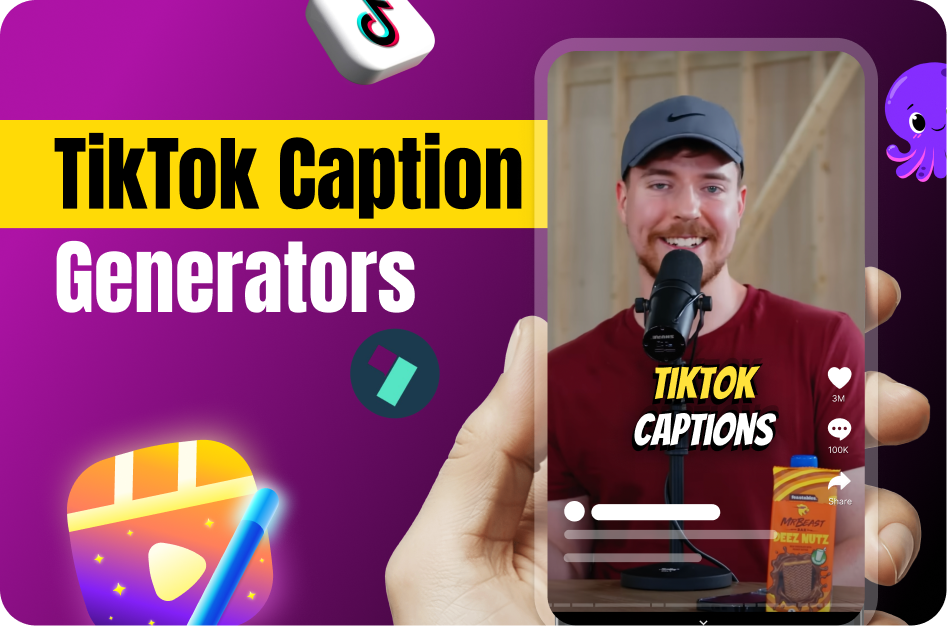
Subtitles aren't just an accessibility feature anymore - they're essential for grabbing attention, improving watch-through rates, and expanding your TikTok reach. With so many AI tools available in 2026, creators no longer need to manually type and sync every word. Here's a curated list of five AI-powered subtitle generators beyond Capsai and Revid that help TikTok creators save time and drive more engagement.
1. CapCut (Auto Captions)
Best for: Fast, stylish, mobile-first editing
CapCut’s built-in Auto Captions feature makes it easy to create dynamic subtitles within seconds. It's a favorite for TikTok creators thanks to:
- Instant subtitle generation
- Font and animation customization
- Seamless mobile workflow
CapCut’s native integration with TikTok ensures minimal export hassle and maximum reach.
2. Descript
Best for: Desktop editing, podcasters, and creators who need script-level control
Descript transcribes your video and lets you edit it directly via text. Key features include:
- Auto-captioning with customizable styles
- Overdub and Studio Sound (for cleaning up bad audio)
- Multi-platform support (YouTube, TikTok, Instagram Reels)
Descript is ideal for in-depth editing and maintaining high production quality.
3. Maestra AI
Best for: Multilingual creators and fast cloud-based workflow
Highlights:
- SRT, VTT, and hardcoded export formats
- Subtitles without watermarks
- Basic styling with logo and color options
This tool is especially useful for creators aiming at global audiences.
4. ScreenApp.io (Chrome Extension)
Best for: Quick transcription from screen recordings or online content
While not a traditional captioning app, ScreenApp.io’s Chrome extension can transcribe any video or webinar you record. Use it to:
- Transcribe TikToks, YouTube Shorts, or Lives
- Grab quick SRTs for repurposing content
Pro tip: Pair ScreenApp with Capsai or CapCut for full caption styling.
5. Subly
Best for: Quick turnaround and easy subtitle formatting
Subly may not be as well-known, but it gets the job done for creators who want minimal hassle. Key benefits:
- Auto-transcribes videos within minutes
- Allows font, size, and placement customization
- Exports directly to platforms like TikTok, YouTube, and Instagram
Great for beginners and those working with shorter videos.
Bonus Mentions
- Otter.ai: Use it during shoots to record and transcribe everything live. Export SRTs post-shoot.
- Happy Scribe: Generates captions and translations in one click - useful for international creators.
Why Use AI Subtitles for TikTok?
TikTok favors content that’s clear, engaging, and accessible. Subtitles:
- Keep attention when viewers are muted
- Help with comprehension and retention
- Boost discoverability via SEO and text recognition
Most importantly, AI tools cut subtitle production from hours to minutes.
Why Capsai Stands Out
Capsai.co offers one of the fastest subtitle generation engines on the market. You get:
- Viral-ready subtitles in 10 seconds
- Auto-sync, styling, and language selection
- Templates for branding consistency
It’s the go-to solution for TikTok creators serious about speed and style.
Conclusion:
Whether you’re a beginner or a full-time content creator, using AI subtitle tools is a no-brainer in 2026. From CapCut to Capsai, these apps give you back your time - and your audience’s attention. Try a few and see what fits your creative flow best.