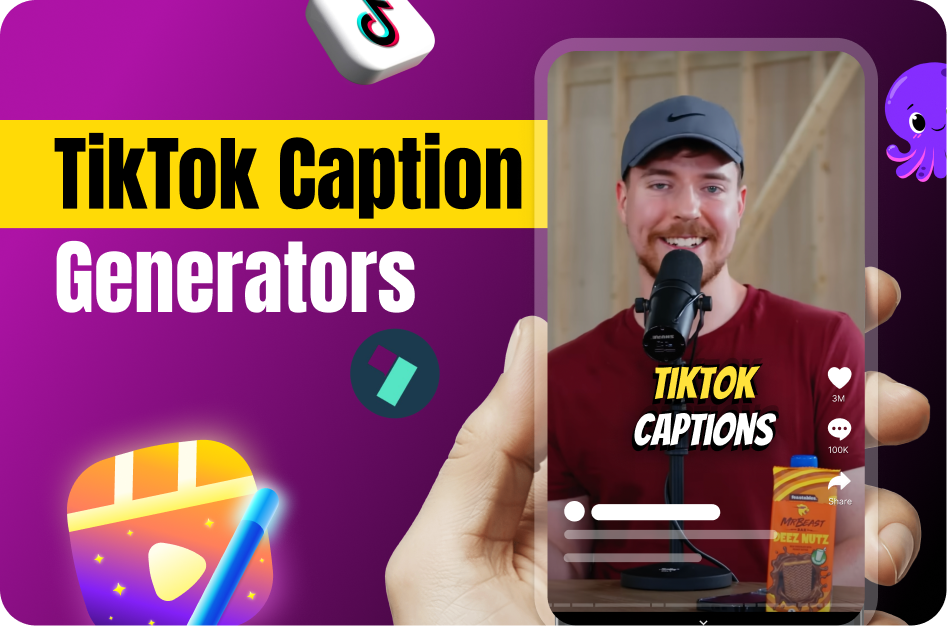
On TikTok, the terms "captions" and "subtitles" are often used interchangeably, but there are key distinctions that matter for content strategy:
- Captions: These are typically same-language transcriptions of spoken dialogue. They're essential for accessibility and allow viewers to understand content even with the sound off.
- Subtitles: These often refer to translated versions of the speech, making content accessible to viewers who speak a different language. Subtitles can also be burned-in text for stylistic or branding purposes.
TikTok’s own built-in feature is called Auto Captions, designed primarily for accessibility within the app.
When to Use Captions
Captions are a must-have for any creator looking to increase accessibility, engagement, and discoverability. Here's why:
- Sound-off Viewing: Many TikTok users browse with the sound off. Captions retain their attention.
- SEO Boost: Captions contain keywords that the TikTok algorithm can pick up.
- Increased Engagement: More watch time, better understanding, and stronger message retention.
Best Practice: Always caption in the original language of your video. For example, English captions for English audio.
When to Use Subtitles
Subtitles are your go-to if your goal is global reach or cross-language engagement. Examples include:
- Translating a Hindi cooking tutorial into English for global food lovers.
- Adding French subtitles to an English vlog targeting Quebec viewers.
Multilingual content dramatically expands your audience and allows your videos to break language barriers.
Combining Both for Maximum Impact
For international creators, combining both is powerful:
- Use captions to improve accessibility and SEO within your native-language audience.
- Add subtitles to expand into new linguistic markets.
For instance, a Canadian creator can auto-caption an English vlog using Capsai, then export the transcript and translate it into French using tools like Google Translate, DeepL, or Smartcat.
AI Tools That Make It Easy
Thanks to AI, generating captions and subtitles is easier than ever:
- TikTok Auto Captions: Built-in and instant, but offers limited customization.
- YouTube Studio: Great for automatic transcription and subtitle export (requires video upload).
Final Recommendation: Which One Do You Need?
- Use captions if you're targeting your home audience and want better SEO and engagement.
- Use subtitles if you want to grow internationally or serve multi-lingual audiences.
For most creators, captions are non-negotiable, and subtitles are the next growth step.
Tags: TikTok subtitles, TikTok captions, auto captions TikTok, TikTok global reach, TikTok engagement, subtitle tools TikTok, Capsai.co