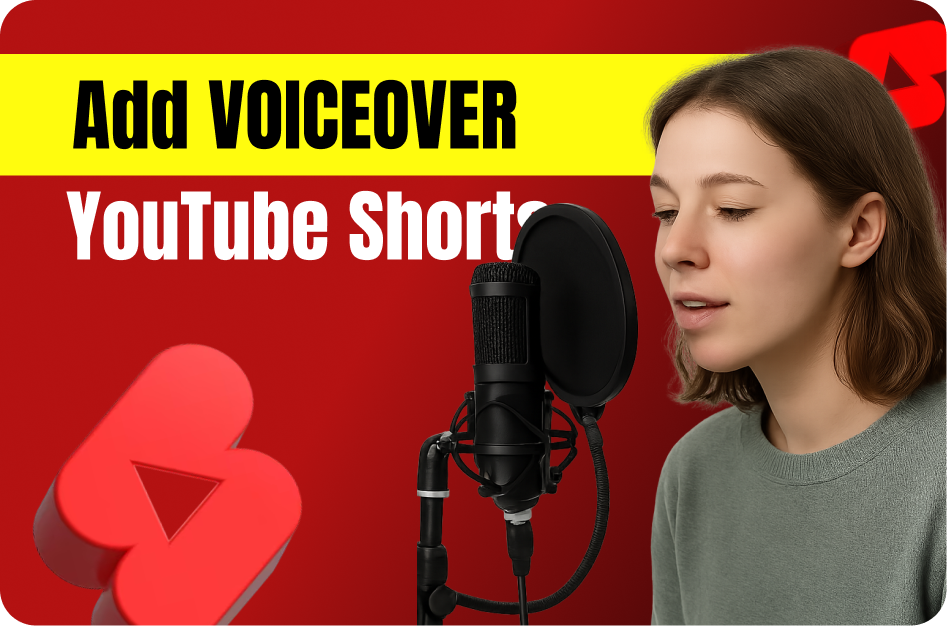
Want to add more personality, clarity, or storytelling punch to your YouTube Shorts? Voiceovers are your secret weapon. When done right, they can boost watch time, add context, and make your content stand out in a sea of silent scrolls.
Here’s a step-by-step guide on how to use voiceover narration like a pro - and all with free or affordable tools.
Why Voiceover Works for Shorts
- Grabs attention quickly: A strong opening line can hook viewers in seconds.
- Enhances storytelling: Voice can deliver tone, emotion, and urgency.
- Makes content accessible: Explains visuals or adds context for viewers watching on mute.
- Boosts retention: A well-paced voiceover keeps your audience engaged from start to finish.
Step 1: Write a Tight Script
Keep it short, clear, and punchy. Aim for 15-60 seconds of narration max.
Structure your script like this:
- Hook: Grab attention in the first 3 seconds.
- Value: Deliver the key message or insight.
- Call to Action (CTA): Ask viewers to like, comment, follow, or watch till the end.
Example:
"Don’t scroll! Here’s how I doubled my video views using just voiceovers."
Step 2: Record Your Voiceover
You don’t need a fancy studio setup. Just:
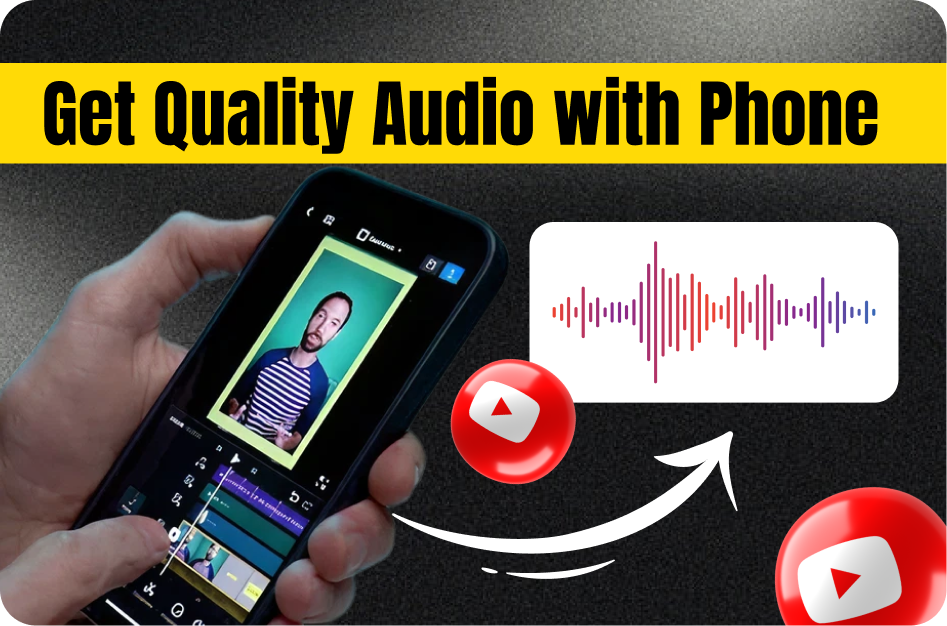
- Use your phone’s voice memo app or a free tool like Audacity or GarageBand
- Find a quiet room with soft furnishings (they absorb echo)
- Speak clearly, smile while talking (it makes a difference!), and keep energy high
Free AI Tools to Try:
- Capsai.co - Add subtitles and layer your voiceover directly
- ElevenLabs - Turn written scripts into high-quality AI voices
- Clipchamp (by Microsoft) - Basic voiceover + video editor
Step 3: Add Voiceover to Your Video
Use a Shorts editor or drag your audio into:
- CapCut
- InShot
- Adobe Premiere Rush
- Or directly inside Capsai.co if you're adding captions too
Sync your voiceover with the video’s visuals. Keep it tight - pauses and lags lose viewers.
Step 4: Combine with Captions
85% of Shorts are watched on mute. So, if you're using voiceover, add dynamic captions to support it.
Use Capsai.co to:
- Auto-transcribe your voiceover
- Add animated captions with fonts and styles
- Support regional languages like Hindi, Tamil, Marathi, Hinglish, etc.
This creates a scroll-stopping experience even without sound.
Step 5: Polish and Publish
Before uploading:
- Watch the Short 2-3 times for clarity
- Make sure voice syncs perfectly with visuals
- Adjust volume levels so background music doesn’t overpower narration
Then export and upload to YouTube Shorts (also try Instagram Reels and Facebook Reels for wider reach).
Pro Tips for Better Voiceover Shorts
- Keep energy high - Shorts demand excitement
- Pause for effect - But not too long
- Rehearse once before recording - Saves editing later
- Use emojis and bold captions to highlight key words