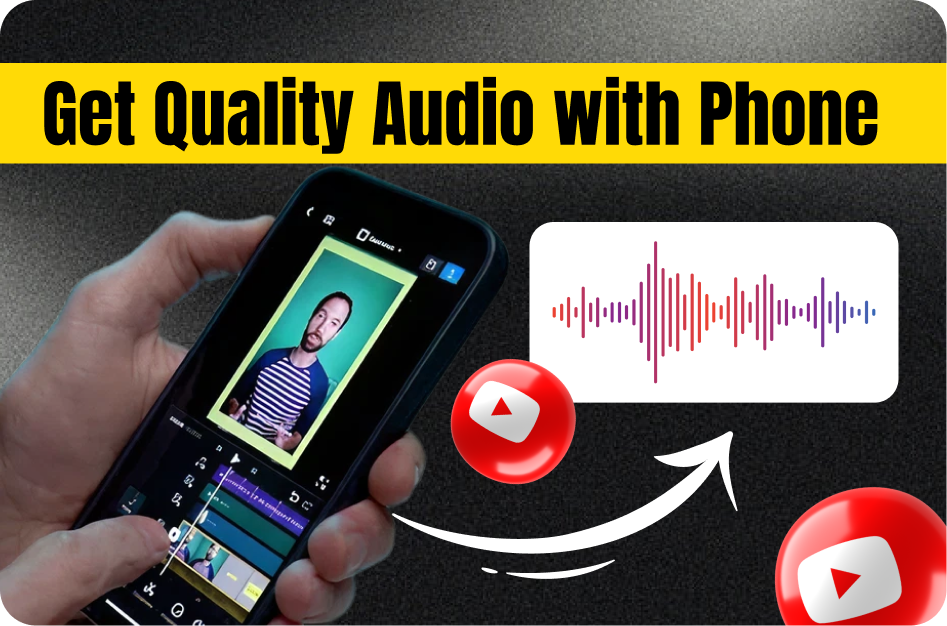
Audio quality can make or break your YouTube Shorts. Even with eye-catching visuals, viewers won’t stick around if the sound is muffled, distant, or noisy. Here’s how to get crisp, clear audio using just your phone and a few simple tools.
1. Choose a Quiet Environment
Before hitting record, reduce background noise as much as possible:
- Close windows and doors
- Turn off fans, AC, or any buzzing electronics
- Record indoors in a carpeted or cushioned room to reduce echo
Avoid crowded outdoor spaces unless necessary. Clean sound starts with a clean space.
2. Proper Phone Mic Placement
Your smartphone’s built-in microphone works best when close to the source:
- Hold it 3-5 inches from your mouth
- Keep a consistent distance while speaking
- Avoid placing the mic near your chest or on a table where it can echo
This helps your voice sound fuller and less hollow.
3. Use an External Microphone
If possible, plug in a mic for even better sound:
- Lavalier mics (clip-on) are affordable and ideal for Shorts
- Earphones with built-in mics also perform better than your phone alone
- Wireless mics offer flexibility if you’re moving in the shot
You don’t need expensive gear - basic upgrades go a long way.
4. Handle Outdoor Audio Like a Pro
Filming outside? Use these tips:
- Cover your mic with a windscreen or “deadcat” to block wind
- Face away from traffic, crowds, or fountains
- Record early mornings or evenings when it’s quieter
Your outdoor shots will sound cleaner and more intentional.
5. Monitor and Edit Audio
Once recorded, improve sound in post-production:
- Use apps like CapCut or Audacity to reduce hiss and boost voice clarity
- Apply noise reduction, equalizer, or compressor filters
- Ensure consistent audio levels throughout your Short
This polish adds professionalism and makes content easier to follow.
6. Export With High Audio Fidelity
When saving your video, don’t compromise on sound:
- Export at 1080p and 30fps using the H.264 codec
- Use a high audio bitrate (128kbps or above)
- Avoid compressing the audio too heavily
These settings preserve quality during upload and playback.
7. Always Preview Before Uploading
Lastly, test your Short:
- Use headphones to catch any hidden issues
- Make sure the voice is clear even at low volume
- Fix any inconsistencies before going live
Great audio = higher watch time and better retention.
Bonus Tip: Add captions using Capsai.co to reach users who watch with the sound off. It’s an easy way to boost engagement and accessibility.
Conclusion
With a quiet environment, proper mic technique, and basic editing, you can make your Shorts sound sharp and professional - no studio required. Clear sound builds trust and keeps viewers coming back.