In the fast-paced world of YouTube Shorts, it’s easy to believe that the video is all that matters. After all, viewers swipe through a never-ending feed - so who cares about the title or thumbnail, right?
Wrong.
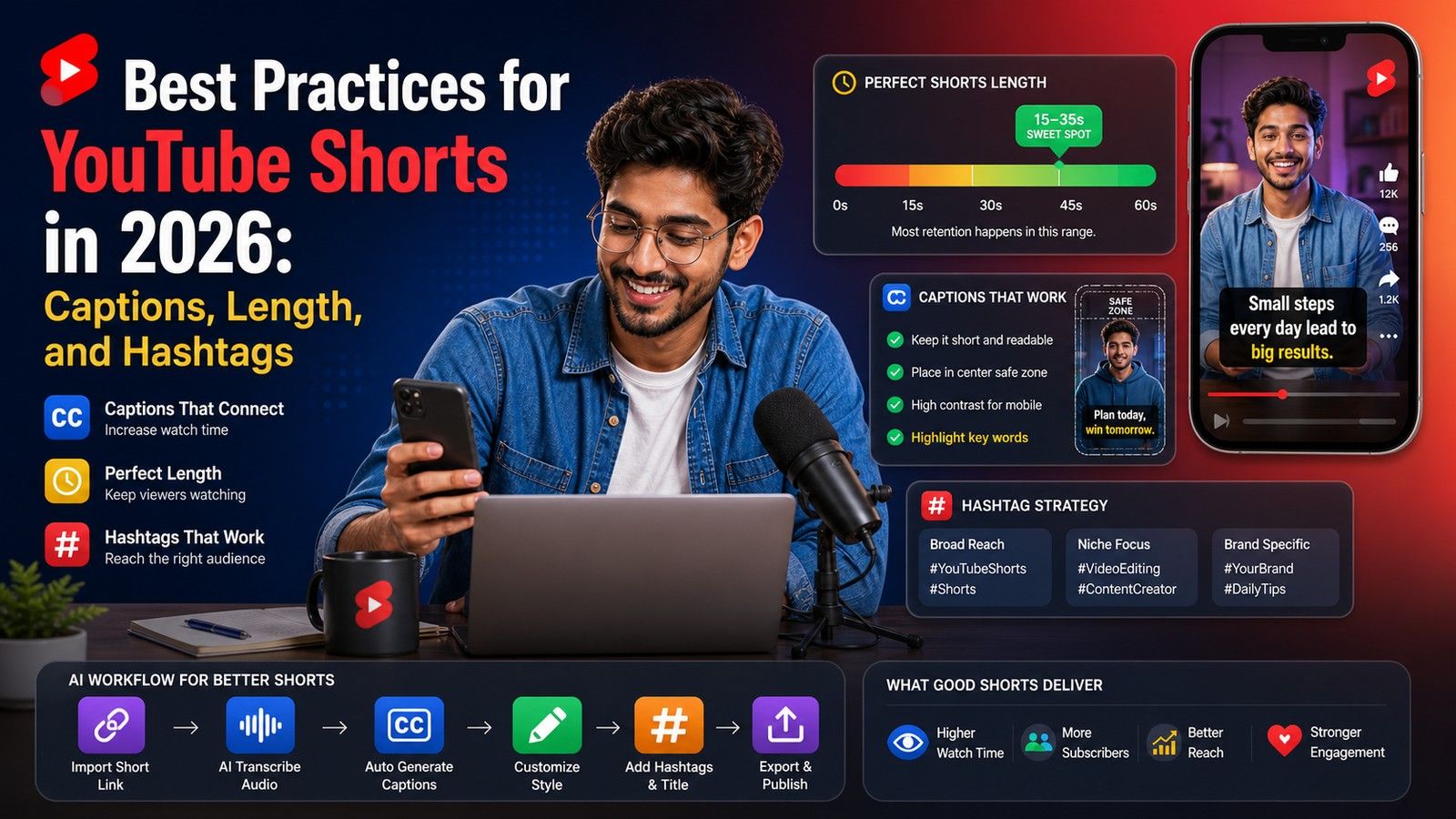
One of the biggest mistakes Shorts creators make is ignoring thumbnails and titles. While you can't upload a custom thumbnail like you can with long-form videos, the frame you choose and the title you write still play a major role in discovery - especially on search, channel pages, and suggested video sections.
This guide breaks down best practices for crafting compelling thumbnails and titles that stop the scroll and drive views long after the initial upload.
🎬 Thumbnails: Start Strong With Your First Frame
Your thumbnail is simply a frame pulled from your Short - no uploads, no fancy edits. But that doesn't mean you don't have control. In fact, you do - and it starts while you're editing the video.
A Great Thumbnail Starts with a Great Opening Frame
The most effective way to guarantee a compelling thumbnail is by designing it within the video itself.
That’s where Capsai.co becomes essential. With just a few clicks, you can add bold, animated on-screen text to your opening frames. This creates an instant visual hook and doubles as a built-in thumbnail that grabs attention before viewers even hit play.
✅ Best Practices for YouTube Shorts Thumbnails
While you can’t upload a separate image, you can control which frame gets used. Here’s how to make the most of it:
1. How to Select the Right Frame (Thumbnail)
- After your video finishes uploading on the YouTube mobile app, you'll see a preview screen before publishing.
- Tap the pencil icon on the video preview.
- A filmstrip will appear at the bottom.
- Scrub through the video and select the perfect frame.
- Tap Done to save your thumbnail selection.
2. Make Your First Frame Count
- The first frame is often shown as a preview before the video plays. It needs to deliver instant impact.
- Use an expressive face, a dramatic visual, or a clear “before and after” to hook the viewer.
- Add an on-screen text hook using Capsai.co like: “You’re Doing This WRONG.”
3. What Makes a Great Thumbnail Frame?
- Bright and High-Contrast: Use color, lighting, and contrast to stand out in a crowded feed.
- Clear Focal Point: Avoid clutter. Make one element - like a shocked face or product close-up - the hero.
- Minimalism is Power: Don’t try to tell the full story. Just tease enough to spark curiosity.
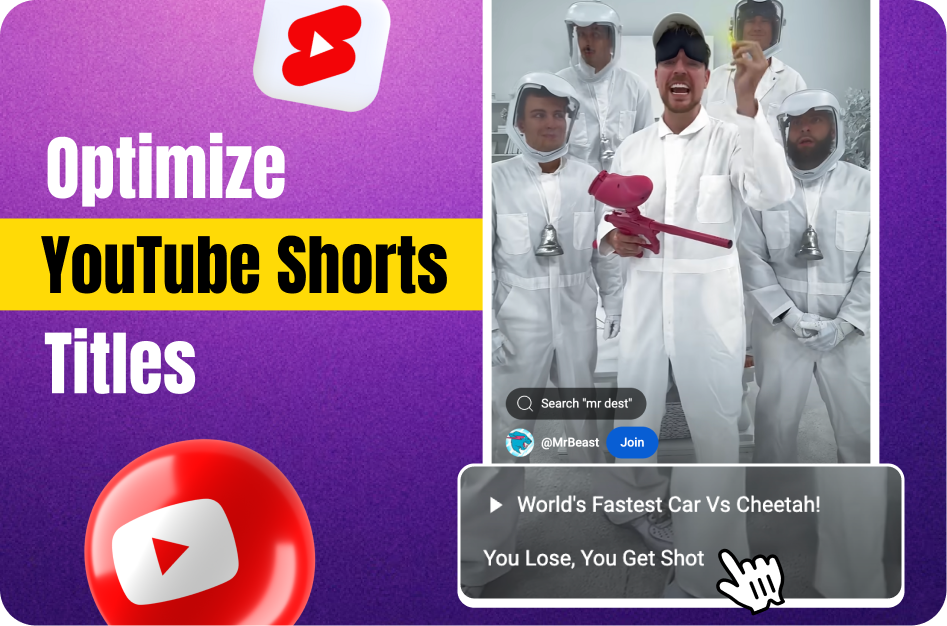
✍️ Titles: Writing for Humans & the Algorithm
Your title has two jobs:
- Appeal to search engines (SEO)
- Capture human attention
Here’s how to write a title that does both.
1. Front-Load the Important Words
- Only the first 40-50 characters show on the Shorts shelf.
- Put your most compelling keywords at the start.
❌ Bad: "Watch Me Try the Viral Pancake Recipe Everyone Loves #shorts"
✅ Good: "Viral Pancake Recipe: This Trick is Wild…"
2. Mix SEO with Curiosity
- Begin with a searchable term (e.g., “iPhone Tip,” “Easy Pasta Recipe,” “3-Minute Abs”).
- Follow it up with a curiosity hook: something surprising or emotional.
Example: “3-Minute Abs Workout That Burns Like Crazy”
3. Use Numbers & Trigger Words
- Numbers promise clarity and structure:
- “5 Mistakes to Avoid When…”
- “The #1 Reason You’re Not Growing on YouTube”
- “How I Got 10,000 Subs in 30 Days”
4. Use #shorts Wisely
- It’s optional now, but still useful as a signal to YouTube.
- Place it at the end of your title. Don’t waste prime real estate upfront.
✅ Correct: “How to Clean White Shoes Like New #shorts”
🎯 The Winning Combo: Hooked from First Glance
Let’s apply everything with an example:
Video Idea: How to clean a cast iron pan
- Visual Hook (Frame 1): Show a filthy, rusty pan. Add a Capsai-powered on-screen caption: “You’re Ruining Your Cast Iron Pan.”
- Thumbnail Selection: Use that first frame - it’s bold, dramatic, and clear.
- Title: “Cast Iron Cleaning: Stop Making This Mistake #shorts”
With that setup, your Short is optimized to:
- Stand out on mobile
- Attract search traffic
- Trigger curiosity
- Signal YouTube’s algorithm exactly what your video is about
Final Thoughts
Your thumbnail and title are your Short’s first impression - and often the difference between 100 views and 100K.
Design your opening frame with intention. Add a clean, bold hook using Capsai.co. Then craft a title that’s short, searchable, and sparks curiosity.
You don’t need custom graphics. You just need smart storytelling from the first second. When you nail that, your Shorts become impossible to scroll past - and unforgettable after.
Want to make your first frame pop? Try Capsai.co to add animated hooks in seconds.