Optimizing your YouTube Shorts starts with the right keywords. Strategic keyword use in your titles, descriptions, and tags ensures your videos get discovered by the right audience. Here’s how to find those keywords without spending a rupee.
1. Start with Google Trends
Google Trends helps you:
- Identify trending topics by region and time
- Discover “rising” and “breakout” search terms
- Track interest in queries like “YouTube Shorts workout” or “study hacks short”
Tip: Use the “YouTube Search” filter to get video-specific insights.
2. Use YouTube’s Search Autocomplete
YouTube’s own search bar is an underrated SEO tool. Type a broad topic and observe the autocomplete suggestions.
Example: Typing “learn yoga” may show:
- Learn yoga quick
- Learn yoga at home
- Learn yoga for beginners
These phrases reflect actual user interest and can be used in:
- Video titles
- Descriptions
- Hashtags
3. Leverage Keyword Tool for YouTube
KeywordTool.io scrapes YouTube autocomplete data to generate:
- Long-tail keyword ideas
- Real-time suggestions
- Tags used by creators in your niche
Use keywords like:
- “Fitness short workouts”
- “Motivational quotes Shorts”
- “DIY hacks in Hindi”
4. Try AI-Powered Tools like vidIQ
vidIQ offers a free tier and provides powerful features:
- Keyword Explorer
- Search volume + competition insights
- Trending video and channel comparisons
AI tools like this can:
- Recommend untapped keyword combinations
- Spot fast-growing micro-niches
For example, a suggested term like “home workout no equipment” might come with a “high volume, low competition” tag - ideal for visibility.
5. Use AnswerThePublic for Query Ideas
AnswerThePublic turns a single keyword into dozens of question-style searches.
Example:
- From "Yoga," you get: “Why is yoga good for back pain?” or “How to start yoga at home?”
These long-form queries can become Shorts themes and SEO-optimized phrases.
6. Scan Subtitles for Keyword Clues
If you use Capsai to auto-generate subtitles:
- Analyze your transcript for repeated words or phrases
- Spot local terms or industry-specific language
These naturally used keywords can inform your future content direction and metadata choices.
7. Mix Broad and Niche Hashtags
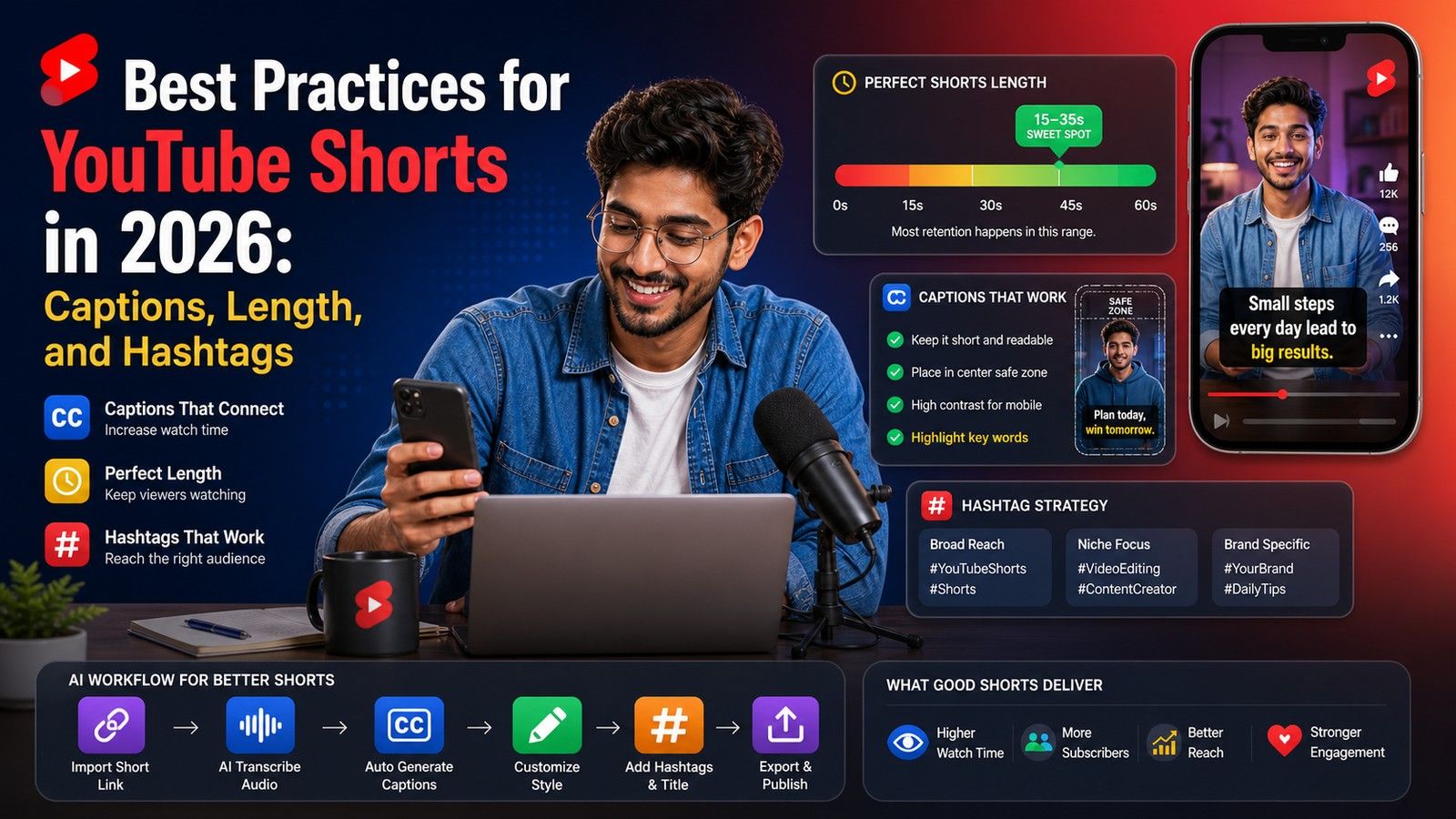
Effective SEO isn’t just about text - it includes hashtags too. Use a mix like:
- General: #Shorts, #Trending, #YouTubeShorts
- Niche-specific: #TechShorts, #IndianFoodShorts, #WorkoutTips
These help YouTube categorize your content and show it to the right viewers.
8. Spy on Competitor Keywords with TubeBuddy
TubeBuddy (free tier) shows tags and metadata used by successful Shorts. Study:
- Top-ranking videos in your niche
- Tag combinations that perform well
Then adapt those for your own Shorts strategy.
9. Refine Based on Real Data
Once your Shorts are live, monitor keyword performance via:
- YouTube Analytics (Traffic Sources > YouTube Search)
- Click-through rate and impressions
- Watch time based on topic or keyword
Double down on what works, and drop underperforming tags.
Pro Tip: Combine tools. Start with Google Trends, then use autocomplete to shortlist keywords, validate with vidIQ or KeywordTool.io, and finalize using subtitle insights from Capsai. This multi-layered strategy boosts discoverability and audience targeting for your Shorts.