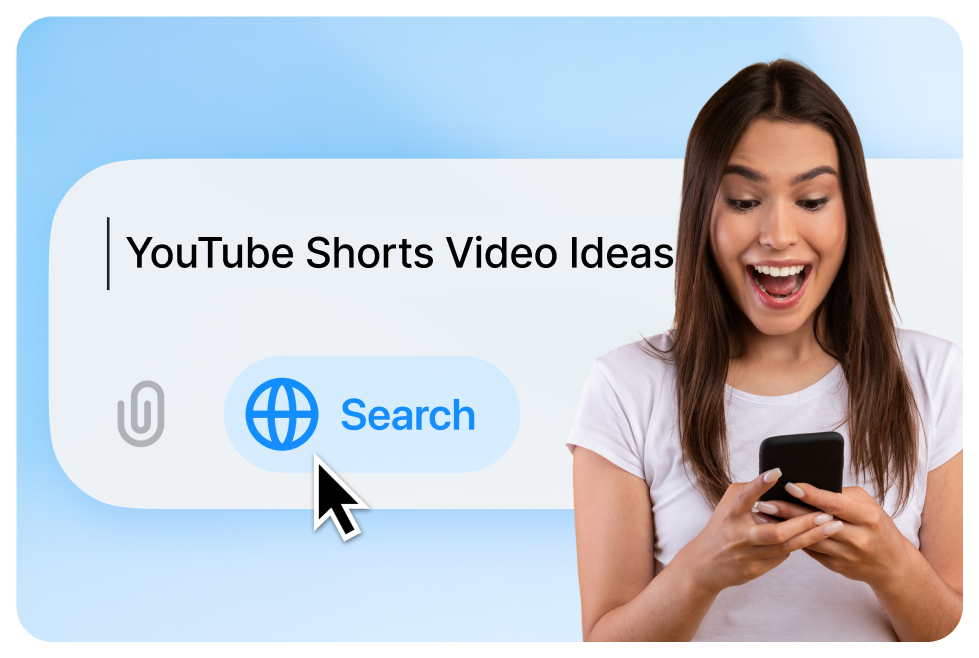
YouTube Shorts are a growing opportunity for creators across niches. One powerful tool to spark fresh, SEO-friendly content ideas is ChatGPT. With the right prompt, you can generate Shorts concepts that trend, resonate, and drive views.
Why Use ChatGPT for YouTube Shorts?
ChatGPT offers creators a fast and reliable way to brainstorm content ideas, regardless of niche. It’s like having a creative partner that never runs out of suggestions. Instead of waiting for inspiration to strike, simply prompt ChatGPT and get dozens of video ideas in seconds.
Effective Prompts for ChatGPT Video Ideas
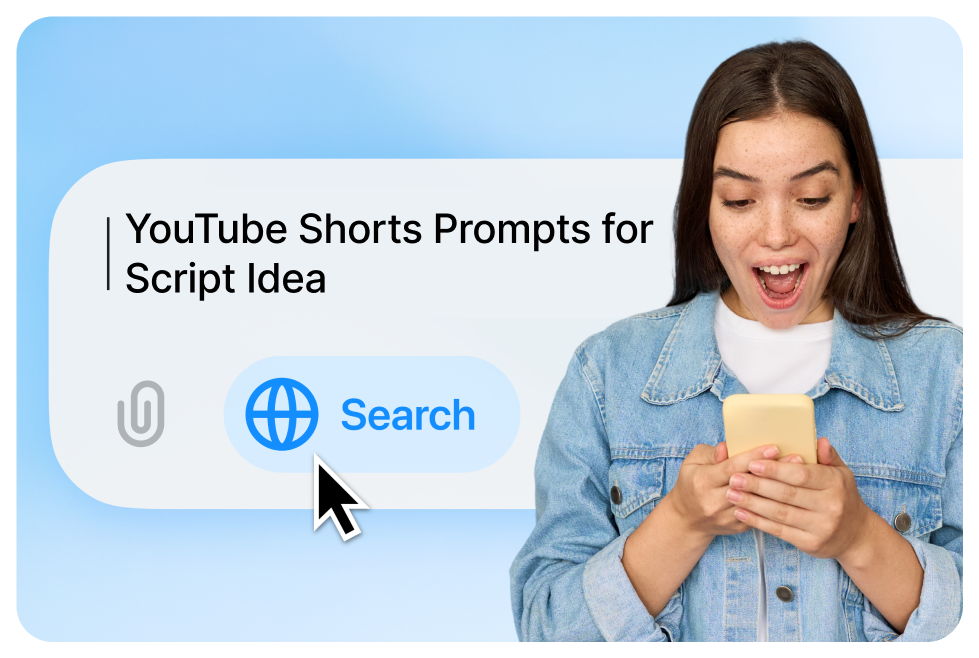
To get valuable suggestions, you need to give ChatGPT enough context. Here are some high-performing prompt examples:
1. Broad Ideation
- "Give me 10 YouTube Shorts ideas for the [fitness/beauty/tech] niche."
- "Suggest creative Shorts video ideas for a travel creator."
2. Challenge-Oriented
- "What are some trending Shorts challenges in [your niche]?"
- "Create a viral challenge idea for food Shorts."
3. Content with Constraints
- "List YouTube Shorts ideas using only pantry ingredients (cooking)."
- "Shorts ideas under 15 seconds for self-help tips."
Refining ChatGPT Output for Quality
ChatGPT’s default answers may be generic if the prompts are vague. To get better results:
Use Specific Prompts:
- Instead of "Give tips for parents," try:
- "Give YouTube Shorts ideas showing life hacks for working parents."
- "Ideas for parenting Shorts using toy storytelling."
Ask for Trends:
- "Include trending TikTok or Reels themes in your Shorts suggestions."
- "Add relevant 2025 viral hashtags in your Shorts ideas."
Scripting Support from ChatGPT
Once you’ve chosen a concept, ChatGPT can also help with quick scripting:
- "Write a 30-second Shorts script about 3 healthy snacks."
- "Draft a hook for a Short on underrated anime."
This saves time in production and helps you focus on delivery and visuals.
Pair ChatGPT With SEO Tools
ChatGPT is great for ideas, but not for SEO data. To optimize video titles and concepts:
- Use TubeBuddy or VidIQ for keyword research.
- Input your video idea into those tools to get high-ranking variations.
- Combine ChatGPT + keyword tool outputs to finalize SEO-optimized titles.
Tip:
If you're using CapsAI, you can repurpose subtitles or transcripts from past Shorts and input them into ChatGPT to generate new ideas from your most viewed content.
Final Tips for Using ChatGPT in Your Shorts Workflow
- Always customize output to match your tone and audience.
- Verify facts, especially for educational Shorts.
- Ask follow-ups if an idea feels vague: "Make it funnier," or "Add a plot twist."
- Revisit prompts regularly - trends change, so update your strategy often.
Ready to create smarter Shorts? Use ChatGPT + SEO tools + CapsAI to build your video idea engine and never run out of engaging content again.