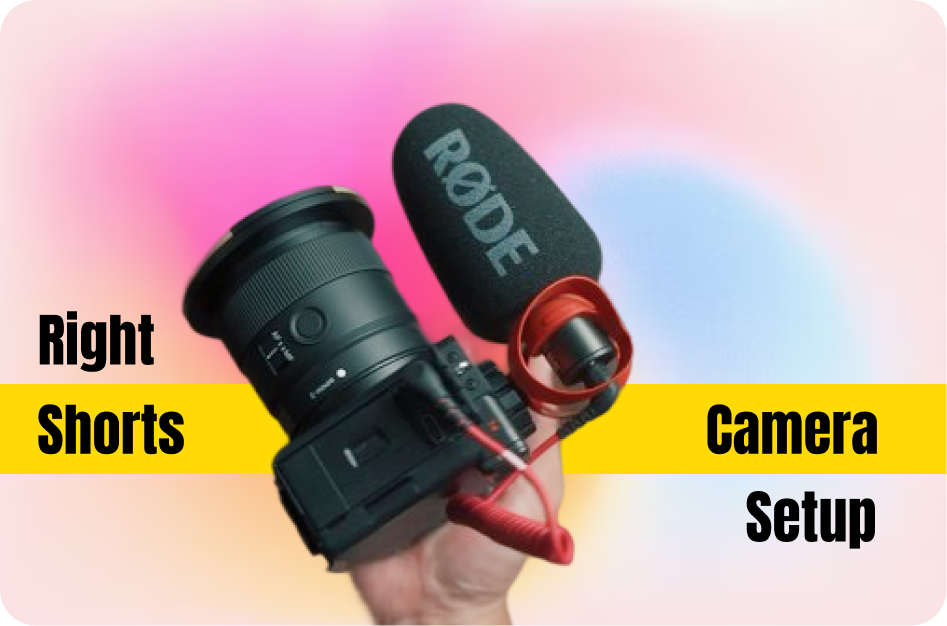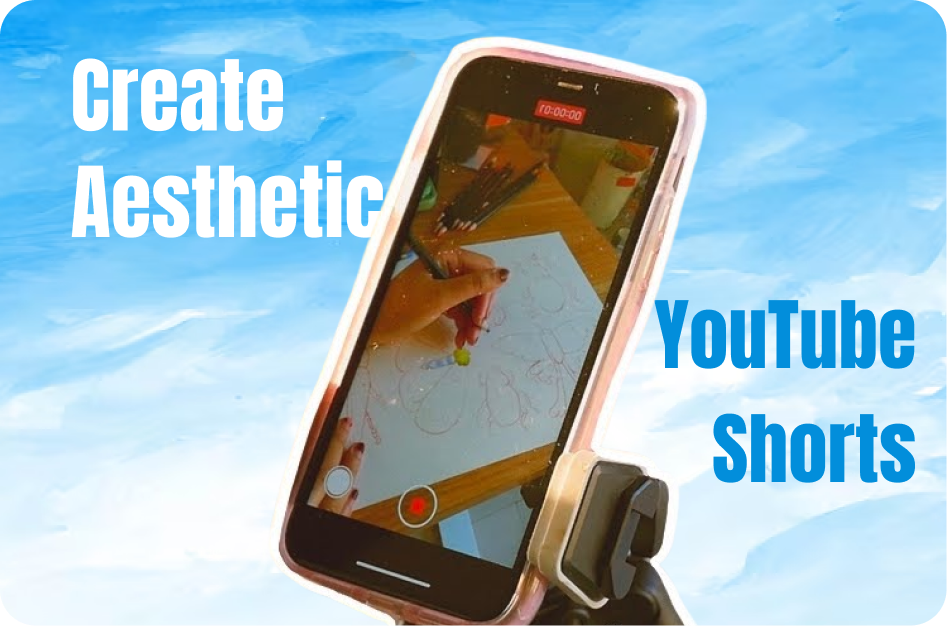
In the fashion and beauty niche, aesthetics play a critical role in viewer retention. A well-edited, visually appealing Short can increase shares, saves, and subscriptions. Here’s a breakdown of how to master the look and feel of your YouTube Shorts.
Choose a Visual Style
- Color scheme: Stick to cohesive tones - neutral pastels for skincare, bold pops for glam fashion.
- Background: Use clean, minimalist backdrops to highlight you or your product. Avoid cluttered environments.
- Filters: Use soft-focus for natural skin tones or high-contrast looks for editorial vibes.
Optimize Lighting
- Natural light: Shoot during the golden hour for warm tones.
- Ring lights or soft boxes: Ensure your face and outfits are well-lit. Adjust for minimal shadows.
- Avoid overhead lighting that creates unflattering shadows.
Shoot Stylish Transitions
- Jump cuts: Do a jump + outfit change (popular in #OOTD).
- Makeup transformations: Use a swipe across the lens or face.
- Slow-motion shots: Highlight outfit details like jewelry or flowing fabric.
Match Music and Motion
- Choose trendy, upbeat tracks from YouTube's audio library.
- Sync outfit reveals, makeup brushes, or poses with beat drops.
- Keep energy high and engaging with cuts every 2-3 seconds.
Add Text and Subtitles
- Use elegant, fashion-friendly fonts.
- Overlay phrases like “#OOTD”, “GRWM”, or “Night Routine”
- Auto-generate and position captions using CapsAI.co to save time and reduce errors.
Use Relevant Hashtags
Target niche audiences:
- #OOTD
- #MakeupTransformation
- #GRWM (Get Ready With Me)
- #CapsAIBeauty (branding + discoverability)
Bonus: Show Personality
- Add snippets of your morning routine or fashion haul reactions.
- Smile, speak naturally, and add quick tips (e.g., “Layering tip: tuck in the base layer for a cleaner look!”).
- A subtle watermark or logo is fine, but make sure it doesn’t overpower the visuals.
Conclusion:
Creating aesthetic Shorts for beauty and fashion isn’t just about style-it’s about connection. With the right camera angles, lighting, transitions, and tools like CapsAI for captions, you can keep your audience visually hooked while building your personal brand.
Suggested Tools:
- Video Editor: CapCut, InShot, VN Editor
- Lighting: Neewer Ring Light, Lume Cube Panel
- Audio: YouTube Music Library, Epidemic Sound
- Captions: CapsAI.co for stylish subtitle automation