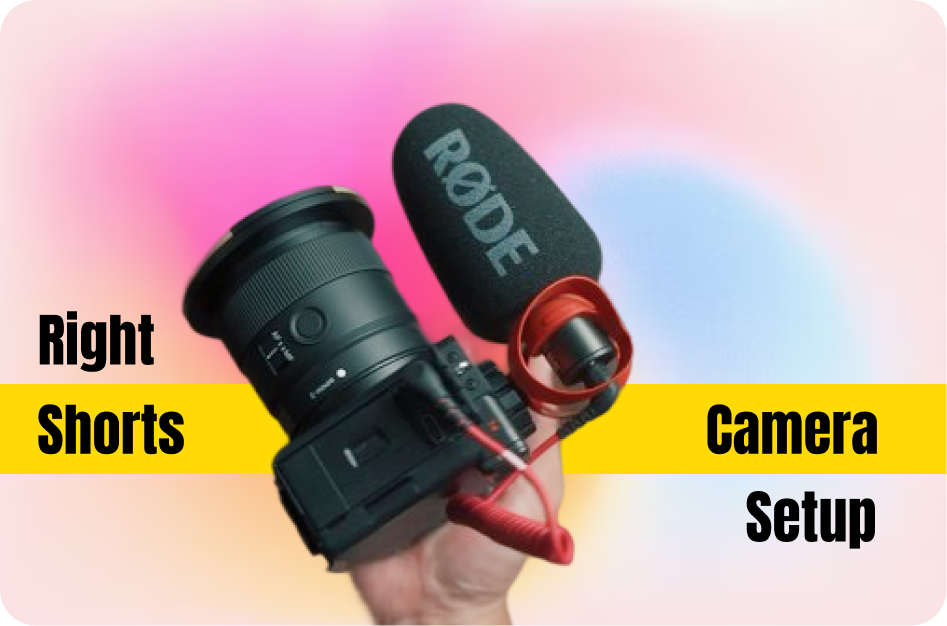
Not every creator wants to appear on camera - and that’s perfectly okay. With the right tools and strategy, you can make high-quality, faceless YouTube Shorts using stock footage, text overlays, and voiceovers.
1. Find High-Quality Stock Footage (Free)
Use platforms like:
These sites offer royalty-free video clips and images that fit various niches. For example:
- Fitness: running, yoga, meal prep
- Motivation: nature scenes, people working hard
- Tech: keyboard typing, AI graphics
Download clips that match your topic and mood.
2. Decide Your Story Format
Faceless Shorts work best when they follow a clear structure. Choose one of these formats:
- Voiceover narration: Tell a story or give tips over visuals
- Text-on-screen: Let bold, dynamic captions deliver the message
- Combo: Use both for impact
Example: For “3 Productivity Hacks,” narrate each tip while showing supporting visuals.
3. Record a Voiceover or Use AI Audio
Narration adds personality. Options include:
- Recording your own voice (even from your phone)
- Using AI voice generators like ElevenLabs, PlayHT, or Google TTS
- Adding emotional tone with voice effects
Keep the tone upbeat, calm, or inspirational - whatever suits the topic.
4. Edit with Free Mobile or Desktop Tools
Editing is where your faceless Short comes to life. Use:
- CapCut (mobile/desktop): Text animations, transitions, effects
- InShot (mobile): Easy trimming, music, voiceovers
- Premiere Rush (desktop): Layered editing with pro effects
Editing tips:
- Start with an attention-grabbing clip (e.g. “5 AM Workout Motivation” text over city sunrise)
- Use engaging transitions (zoom-ins, wipes, slides)
- Sync voiceover and visuals for a cohesive flow
5. Add Captions to Boost Engagement
Many viewers scroll with sound off. Use Capsai to:
- Auto-generate accurate captions
- Customize text style and placement
- Support over 30 languages
Captions improve accessibility, retention, and SEO.
6. Use Music and Sound Effects
Background music adds energy. Use:
- YouTube Audio Library
- Free music from Pixabay or Bensound
Match tempo to pacing - slow for thoughtful content, fast for energetic tips.
7. Include a Call-to-Action (CTA)
End every Short with a CTA:
- “Subscribe for more tips”
- “Follow for daily motivation”
- “Try this and tag us!”
This boosts engagement and grows your audience.
8. Optimize for SEO Before Posting
Even faceless content needs proper SEO:
- Use niche-relevant keywords in the title
- Fill your description with keyword-rich phrases
- Add relevant hashtags (#Shorts, #Motivation, #FacelessContent)
Example:
Title: “3 Simple Morning Habits - No Face Needed”
Tags: #MorningRoutine #FacelessShorts #ProductivityTips
9. Keep It Short, Clear, and Focused
YouTube Shorts must:
- Be under 60 seconds
- Be vertical (9:16 ratio)
- Focus on one main idea per video
Avoid clutter. Stick to one goal per clip - motivation, a tip, a quote, etc.
Pro Tip: Faceless Shorts are perfect for creators who prefer to stay anonymous or focus on storytelling and editing. With just a phone and PC, you can create professional content that resonates - no face required.