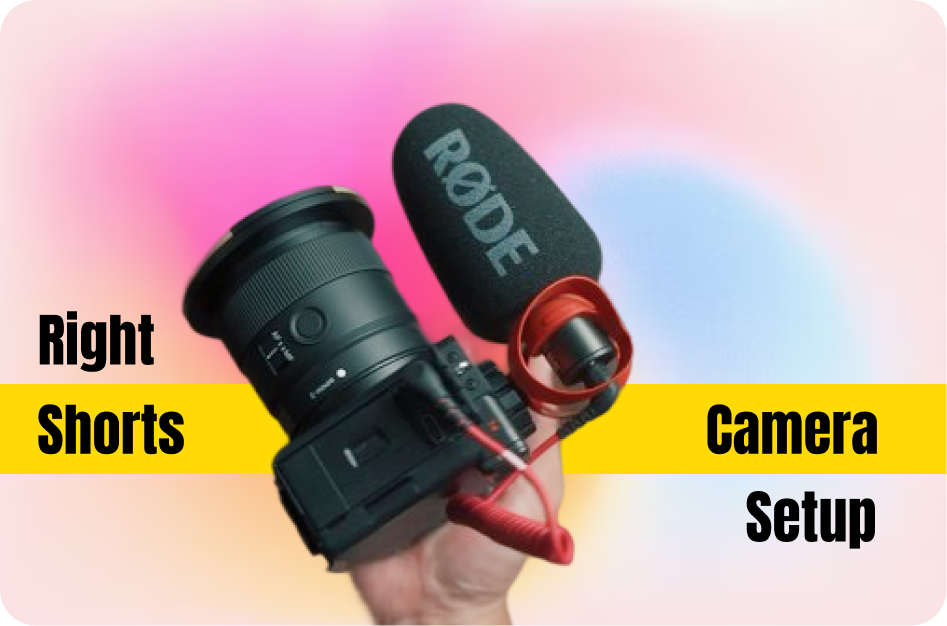
Creating engaging YouTube Shorts or Instagram Reels doesn’t always require expensive gear - but the right setup can elevate your content. Whether you're filming beauty tutorials, travel vlogs, or talking-head videos, here’s a complete guide to choosing the right camera and accessories for short-form content.
1. Start with What You Have: Smartphones
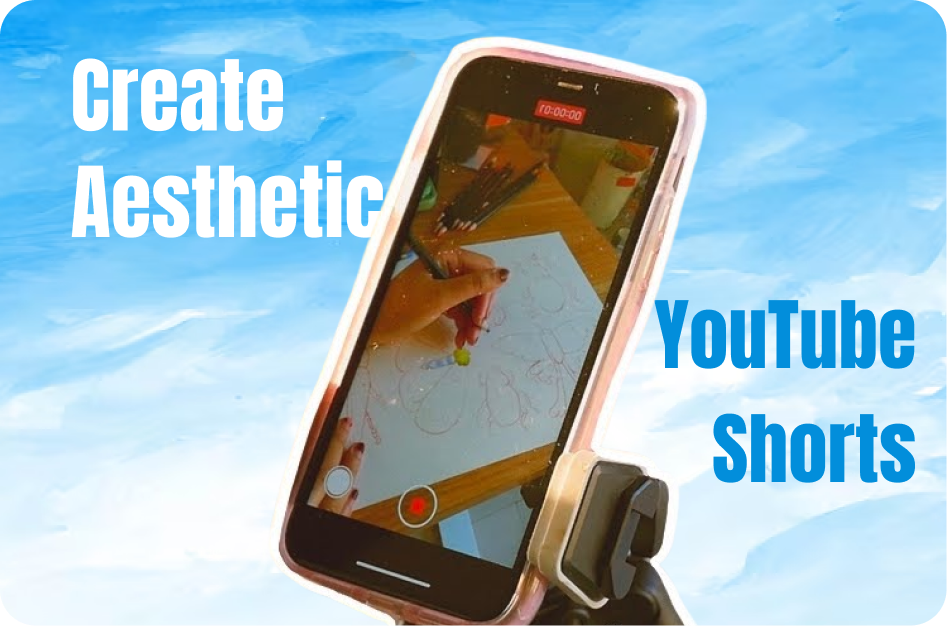
Modern smartphones are already equipped to shoot high-quality Shorts:
- Resolution: Many phones now support 4K recording - stick to 30fps for natural movement.
- Orientation: Always record in portrait (vertical) mode to avoid cropping later.
- Stabilization: Built-in stabilization is solid, but a tripod or gimbal can make a big difference.
Best for: Vlogging, daily updates, fast content creation.
2. Upgrade to Mirrorless or DSLR (If Needed)
If you're looking for enhanced visuals:
- Camera: Go for mirrorless models like the Sony ZV-E10 or Canon EOS M50 that allow vertical filming.
- Settings: Use 4K at 24 or 30 frames per second (fps) for a cinematic look.
Use case: When filming professional content like tutorials, interviews, or high-production Reels.
3. Pick the Right Lens
Your lens choice impacts framing and style:
- Wide-angle (16mm-24mm): Perfect for indoor scenes, travel, and capturing more background.
- Prime lenses (35mm, 50mm): Deliver shallow depth of field for fashion, beauty, or product focus.
Tip: Avoid distortion by not going too wide (under 14mm).
4. Stabilization Tools
Stable footage keeps viewers engaged:
- Tripods: Great for static shots, tutorials, or voiceovers.
- Gimbals: Use for dynamic or walking footage (DJI OM series is a great option).
- Selfie sticks with stabilization: Ideal for creators on the move.
5. Lighting Setup
Good lighting dramatically enhances video quality:
- Ring light: Great for talking-head or beauty videos.
- Softbox lighting: Produces even, natural light - best for indoor shoots.
- Natural light: Shoot during golden hours (early morning or late afternoon) for the best results.
6. Audio Quality Matters
Even in short videos, poor audio loses viewers:
- Lavalier mic: Clip-on microphones ideal for interviews and vlogs.
- Shotgun mic: Great for capturing voice from a slight distance.
- Wireless mics: Perfect for hands-free recording.
7. Choose Based on Your Niche
Different content needs different setups:
- Travel: Lightweight mirrorless + gimbal.
- Beauty/Fashion: High-res camera + ring light.
- Cooking: Tripod + overhead mount + good mic.
- Vlogging: Smartphone + small mic + stabilizer.
8. Frame Vertically From the Start
Don't shoot wide and crop later. Always:
- Rotate the camera 90° or use vertical shooting mode.
- Compose your shot for mobile viewing - keep key subjects in the center 80%.
Final Tips
- Test before shooting full videos.
- Use apps like CapsAI.co to subtitle and style your Shorts after editing.
- Edit in vertical project settings (1080x1920) for best results.
With the right setup tailored to your niche, your content will not only look more professional but also retain more viewers. Upgrade smart, shoot vertically, and optimize for engagement.