Emojis and music are two of the simplest yet most powerful tools for improving engagement on short-form videos like YouTube Shorts and Instagram Reels. When used right, they can increase viewer retention, improve emotional resonance, and drive higher likes, shares, and comments.
Why Emojis Matter in Short-Form Content
Research by MarketingProfs reveals that Instagram posts with emojis receive about 17% more likes and comments than those without. For creators using YouTube Shorts or Reels, this insight translates directly to video captions and on-screen text.
Tips for Using Emojis Effectively
- Use in Titles and Overlays: Adding 1-2 relevant emojis to your title (e.g., "My First Paycheck 😱") or on-screen captions draws attention.
- Emphasize Tone: Emojis act as visual cues. A wink 😉 adds humor, a fire 🔥 signals excitement, and a sad face 😢 conveys emotion.
- Match the Mood: Don't overload your captions. Stick to emojis that align with the content’s theme (e.g., 🎉 for celebrations, 🎬 for filmmaking, 🎵 for music-based content).
Music: The Secret Ingredient for Algorithm Boost
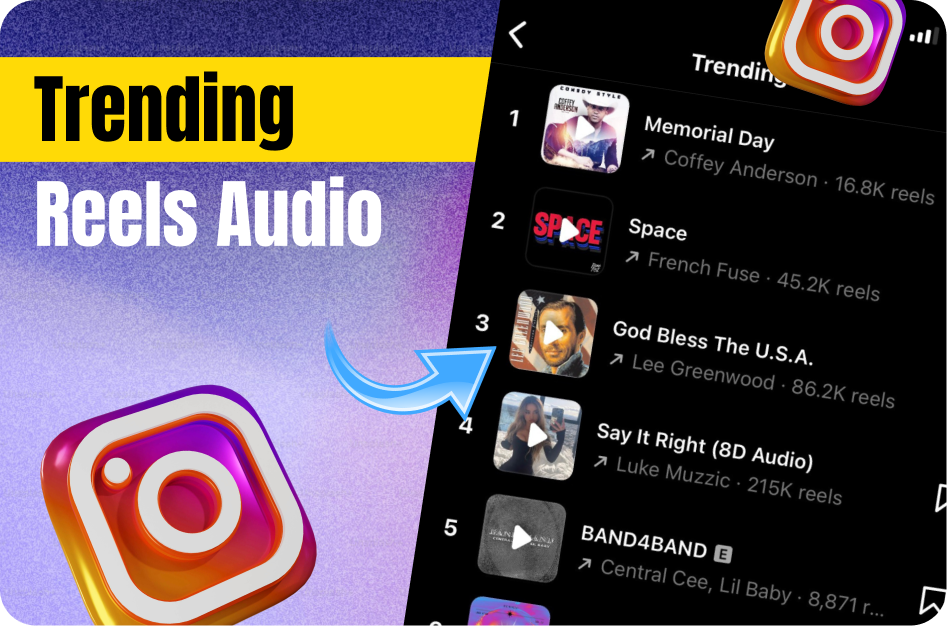
Trending audio tracks play a major role in platform discovery. Using popular or relevant sounds helps your content get surfaced by the Shorts or Reels algorithm.
How to Choose the Right Music
- Trending Sounds: Track what’s trending on TikTok, Instagram, and YouTube Shorts. Often, TikTok trends migrate to other platforms.
- Shorts Audio Library: YouTube offers an official Shorts Audio Library, which contains copyright-safe music and sound effects.
- Royalty-Free Music: If you run a business or have a restricted IG business account, use royalty-free background tracks from services like Epidemic Sound or free YouTube Audio Library.
- Voiceovers + Beats: Combine voiceovers with a subtle instrumental beat to build personality and clarity.
Pro Tip: Sync Visuals to Music
Editing your Shorts or Reels to match the beat drops or rhythm of the music makes the video feel smoother and more immersive.
Practical Example:
- Start your Short with a catchy beat drop.
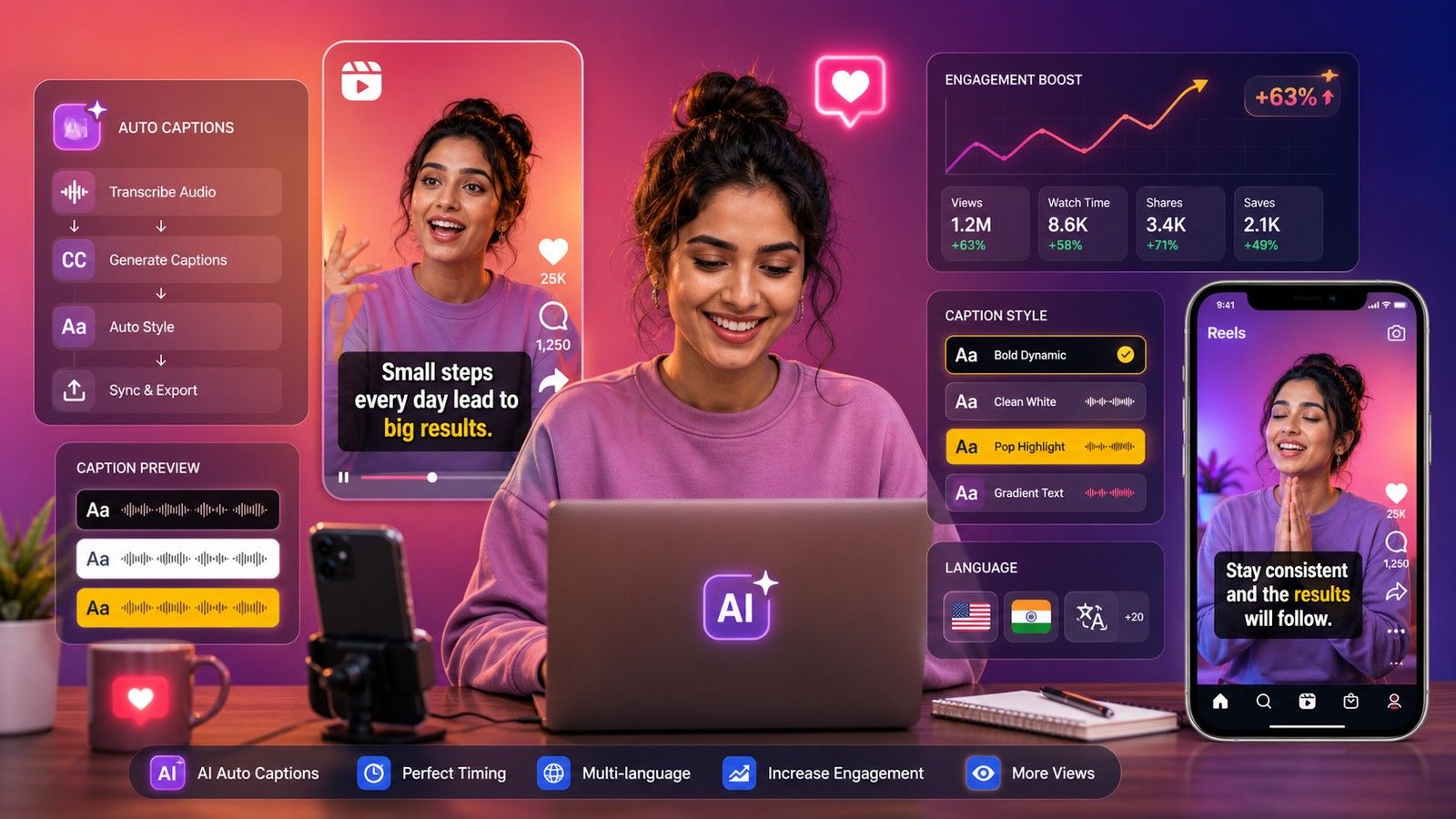
- Add auto-generated subtitles via CapsAI.co to increase accessibility.
- Overlay key text with an emoji that aligns with the mood - e.g., 🔥 for viral moments or 😂 for jokes.
- Use cuts and transitions that follow the music’s tempo.
Tools to Enhance Emoji and Music Use
- CapCut: Offers beat sync, caption placement, and animated emoji support.
- InShot: Great for syncing music and placing visual emojis with keyframe control.
- CapsAI: Auto-generates captions that you can customize with emojis and tone indicators.
Final Thoughts
Using emojis and music isn’t just about aesthetics - it’s a strategy. Every emoji and audio choice you make influences how your audience perceives and engages with your content. Start small, analyze what works, and build from there.
SEO Keywords: how to use emojis in reels, YouTube Shorts music tips, trending music for shorts, emoji captions engagement, boost engagement on Shorts, best emojis for short videos, music syncing in reels