Why AI Captions Matter for Instagram Reels
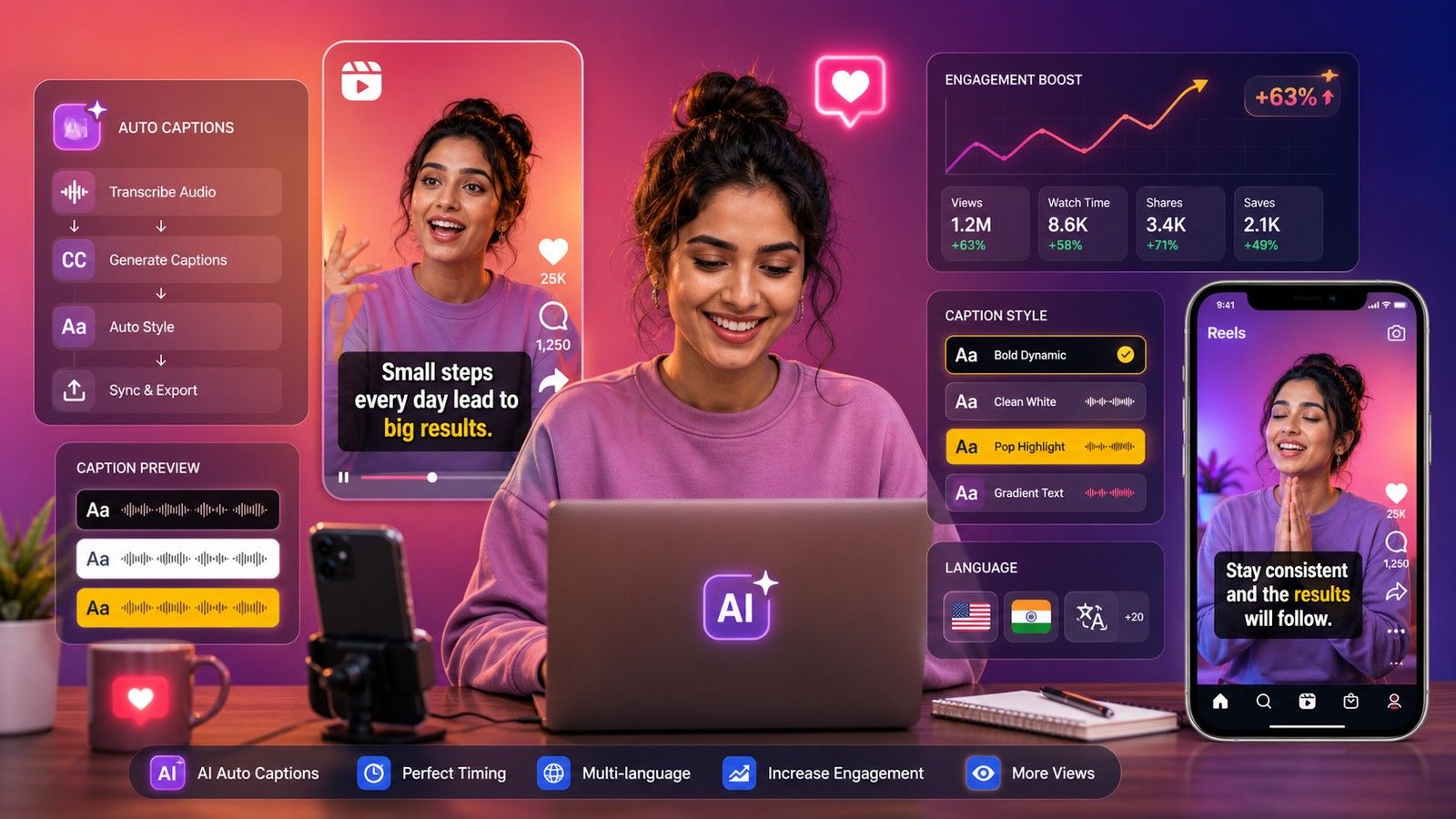
Instagram Reels often auto-play with sound off. Without captions, your message can get lost. AI caption tools solve this by auto-transcribing and styling spoken content into visual captions that are readable, timed perfectly, and optimized for engagement.
Captions:
- Improve watch time
- Increase accessibility
- Boost viewer retention
Let’s explore the top AI-powered apps to subtitle your Reels.
1. CapsAI.co - Fast, Accurate & Made for Creators
- Best for: Multi-language support & Instagram formatting
- Features:
- Auto-caption in multiple languages
- Style customization for Reels (bold, animated, emoji support)
- Export in mobile-first formats
- Bonus: Can optimize subtitle positioning and font based on platform UI (IG, YT Shorts)
2. MixCaptions - Quick Mobile Captions with Style
- Platform: iOS, Android
- Features:
- Auto-captions using AI speech recognition
- Multiple font styles & layouts
- Manual edits before export
Great for influencers and creators looking for fast mobile output.
3. Veed.io - Online Video Editor with Auto-Subtitles
- Platform: Web
- Features:
- Auto-captions + translation
- Templates for IG Reels, TikTok, YT Shorts
- Free plan available
Also includes keyword suggestions and brand-style presets.
4. AutoCap - Efficient Captioning on Mobile
- Platform: Android, iOS
- Features:
- Voice recognition for captions
- Timeline editing
- Add background music and transitions
Good for quick voice-to-caption projects.
5. Clipomatic - Real-Time Caption Recorder
- Platform: iOS only
- Features:
- Converts speech to animated captions while recording
- Multiple languages supported
- Simple design for selfie videos
Ideal for on-the-go creators.
6. Kapwing - AI Subtitle Generator in a Full Editor
- Platform: Web
- Features:
- Auto-caption with timeline view
- Translate subtitles
- Advanced text styling and overlays
Kapwing is suited for longer edits with full control.
Tips to Maximize Engagement with AI Captions
- Keep captions concise: Short phrases are easier to read on mobile.
- Use bold or colorful fonts: Highlight keywords or phrases.
- Sync properly: Ensure text appears with the right timing.
- Include keywords in captions: Boost search via terms like #fitfashion, #dailyhack.
- Mention subtitle availability: Add "Captions available" in the description for discoverability.
Final Thoughts
AI subtitle tools like CapsAI.co, Veed.io, and MixCaptions are revolutionizing Instagram Reels by making content accessible and engaging - even on mute. Whether you’re a casual creator or a brand, adding captions can help you retain viewers, improve reach, and grow faster.
Try one or more from this list and see how it transforms your Reels performance!