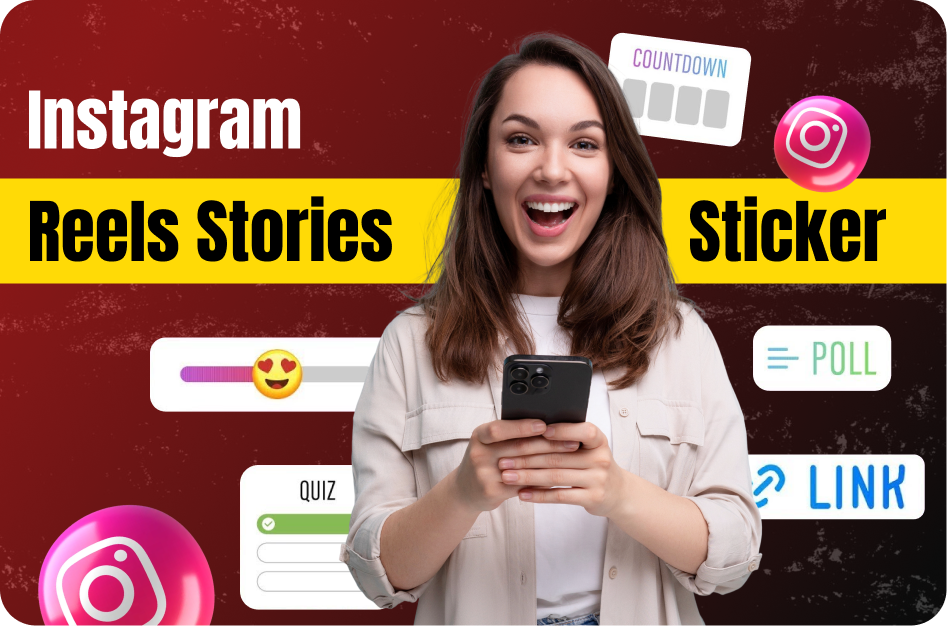
Why Use Instagram Story Stickers for Reels?
While Reels themselves don’t support every sticker that Stories do, you can still leverage Story sticker features to boost engagement, feedback, and visibility for your Reels. By sharing your Reel to your Story and adding interactive elements, you encourage more taps, replies, and shares.
1. Share Your Reel to Stories with Polls & Quizzes
After posting a Reel, immediately share it to your Story. Then, add a poll or quiz sticker relevant to the content.
Example:
- Posted a fashion Reel? Ask, “Which outfit do you like better?” with a poll.
- Posted a tip Reel? Quiz your viewers: “Guess which tip increased views by 50%?”
SEO Keywords: Instagram Reels polls, boost Reels engagement, use polls on Reels
2. Use the Countdown Sticker to Build Hype
Planning a Reel series or time-sensitive post? Share a teaser Reel and add a countdown sticker in your Story.
Use Case:
- Announce: "Part 2 drops tomorrow at 6 PM!"
- Add: Countdown sticker to remind followers to check back.
SEO Keywords: Reels countdown sticker, Instagram Reels series promotion
3. Add Hashtag & GIF Stickers Inside the Reel
During the Reel creation process, Instagram allows limited use of stickers. Add trending GIFs or relevant hashtags to increase the chance of being discovered.
Tip:
Search for animated call-to-action GIFs like "Swipe Up," "New Post," or "Watch Now."
SEO Keywords: best GIFs for Reels, how to add hashtags in Reels
4. Encourage Replies via Question Stickers
Ask for input on your Reel topic in your Story after posting it. For example:
- “What should I cover in Part 2?”
- “Drop your feedback!”
Viewers often reply with suggestions, giving you inspiration for future Reels.
SEO Keywords: Instagram Reels feedback, using story questions for content ideas
5. Story Engagement Signals Boost Reel Reach
Instagram's algorithm takes Story engagement into account. If users interact with your Story (polls, replies, emoji sliders), it sends a positive signal that your content resonates.
Pro Tip: Always include a call-to-action like "Tap here to watch" on your shared Reel Story to increase views.
SEO Keywords: increase Reel views via Stories, Instagram algorithm tips
Final Tips for Using Stickers Effectively
- Don’t overuse; keep it relevant to your content.
- Test which stickers your audience engages with the most.
- Always preview your Story with the Reel to make sure everything fits visually.
Conclusion
Using Instagram Story stickers strategically with your Reels can dramatically increase engagement, visibility, and interaction. Whether you’re teasing content, gathering feedback, or just making your Reels more clickable, stickers are a free and powerful tool.
SEO Keywords Summary: Instagram Reels engagement tips, use stickers with Reels, Instagram Story sticker ideas, how to boost Reel views, interactive Reels strategies