


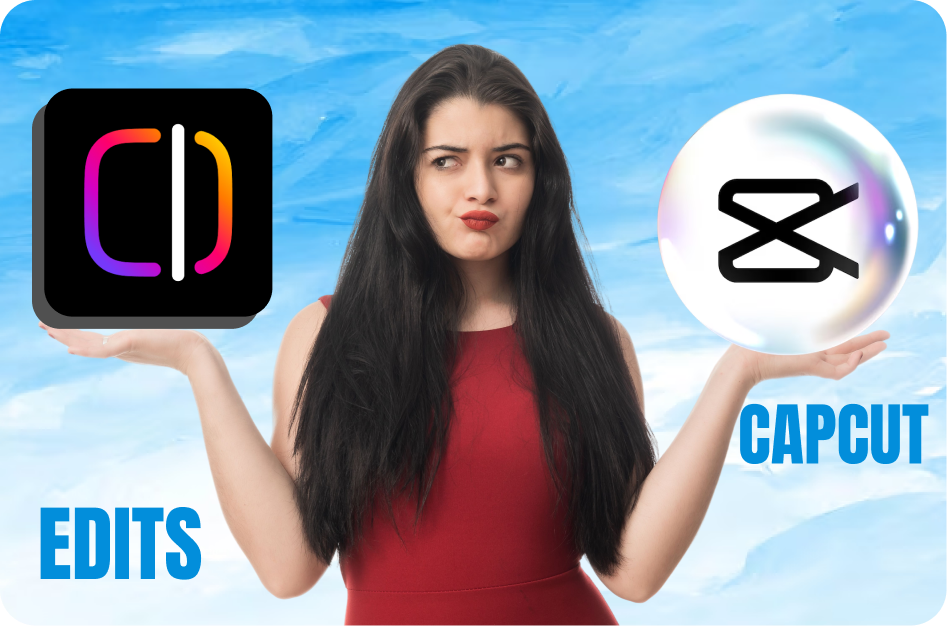
Instagram has always been a go-to platform for sharing stories, photos, and Reels. But now, it seems like they’re taking things up a notch with the new ‘Edits’ feature. While Instagram continues to be one of the top apps for quick, on-the-go editing, the competition is fierce, with CapCut emerging as a dominant tool for content creators. So, does Instagram’s new feature stack up against CapCut’s powerhouse editing capabilities? Let’s dive in and find out! 🚀
Instagram’s ‘Edits’ App Feature: What’s New? 🆕✨
The new Instagram Edits feature allows users to make more precise adjustments to their content directly in the app. Here's a quick breakdown of what it offers:
Enhanced Editing Tools: Includes advanced trimming, cropping, and repositioning for your videos.
Audio Syncing: You can now match the beat of your music with your video content more easily. 🎶
Filters & Effects: More customizable options for enhancing your videos.
Text & Stickers: Additional flexibility in placing and animating text and stickers for creative flair. 💬✨
Ease of Use: Still simple enough for beginners, but now with added features that appeal to seasoned content creators.
CapCut: The Reigning Champion 👑💪
CapCut has taken the social media world by storm, offering a wide array of professional-level editing tools right at your fingertips. Here’s why creators swear by it:
Timeline-Based Editing: Complete control over every frame for precision editing. 🕒
Pro-Level Features: Add transitions, effects, speed adjustments, and text animations seamlessly.
Multi-Layer Support: Easily layer video, audio, and text for complex edits. 🎥🎧
Free of Charge: No hidden costs or premium features behind paywalls - it’s all free!
Who Wins? 🏆
While Instagram’s Edits feature is a significant improvement, it still falls short in comparison to CapCut when it comes to precision, control, and versatility. CapCut offers pro-level editing tools that let you fine-tune your videos, add complex effects, and sync everything down to the smallest detail. 👌
However, Instagram Edits is perfect for creators who want to quickly enhance their Reels without leaving the app. If you’re looking for a simple, seamless editing experience that integrates with Instagram’s platform, this feature will do the trick. For those seeking advanced tools and more editing options, CapCut remains the undisputed champion. 🏆✨
Final Thought: For quick, high-quality edits that fit perfectly into Instagram’s ecosystem, the Instagram Edits feature is a great addition. But for full control over your video content, CapCut still reigns supreme. 🎬👑
Ready to elevate your content? Give Instagram Edits a try and let us know if it’s enough to take down the mighty CapCut! 💪📱
Creator Tips
Instagram’s New ‘Edits’ App Feature: Is It Enough to Challenge CapCut?
Learn instagram’s new ‘edits’ app feature: is it enough to challenge capcut? with our complete 2026 guide. Step-by-step tutorials, pro tips, and AI tools for creators.
Related CapsAI tools
Try CapsAI
Add captions to your videos
Upload a video, review the generated captions, and export. Start free.
Get started freeRelated articles
1 Jul 2025
Instagram’s New Remix Feature: How to Leverage It
25 Apr 2025
5 Key Benefits of Using Instagram Edits
25 Apr 2025
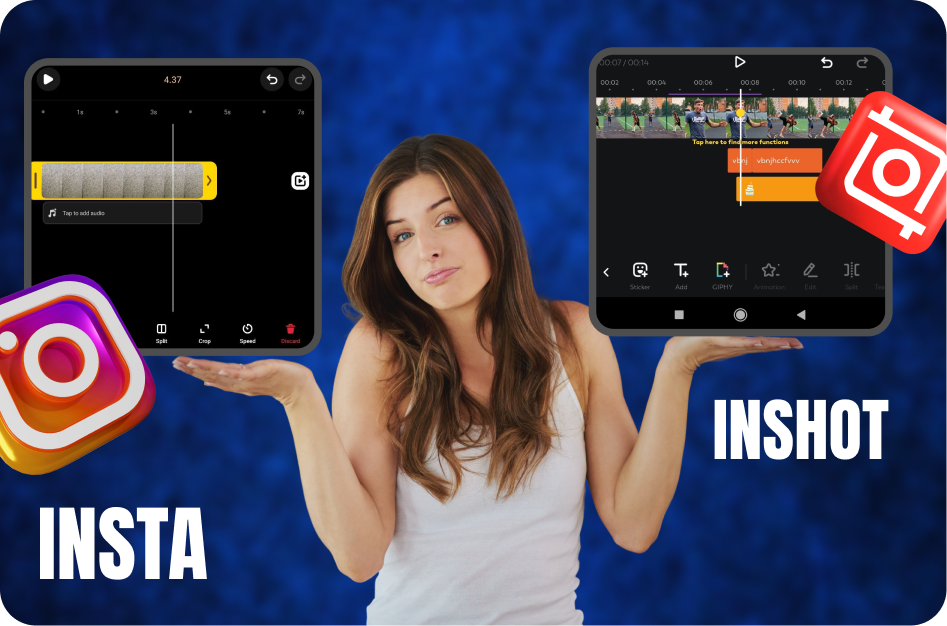
Capsai Subtitles vs Instagram Edits
25 Apr 2025
Auto-Generated Captions websites vs Instagram Edits
25 Apr 2025
A Creator’s Perspective: How Instagram Edits Boost Engagement (and When They Hurt It)
25 Apr 2025