YouTube Shorts may be short in length, but their ability to spark massive engagement is anything but small. The comment section of a Short is where creators build community, gather feedback, and send powerful signals to the algorithm. In fact, a Short with a high comment-to-view ratio is more likely to be boosted by YouTube's system.
So how do you encourage viewers to not just watch your Short but also drop a comment and reply to others? Here are five proven tips that actually work, plus how tools like Capsai.co help you create engaging Shorts that spark conversations.
1. Ask a Clear, Comment-Friendly Question On-Screen
Most people scroll quickly and don’t open the caption. If you want comments, your prompt needs to be visible in the video itself.
Use on-screen text to ask a question at the end of your Short, like:
- "What's your favorite street food?"
- "Would you try this hack or skip it?"
- "Rate this outfit 1 to 10."
With Capsai.co, you can easily add this as animated, eye-catching text that viewers can’t miss, even with the sound off.
2. Reply to Comments Early and Often
The first few hours after your Short is posted are crucial. Actively reply to every comment. This:
- Doubles your total comment count
- Encourages viewers to return and reply
- Signals to the algorithm that your video is worth promoting
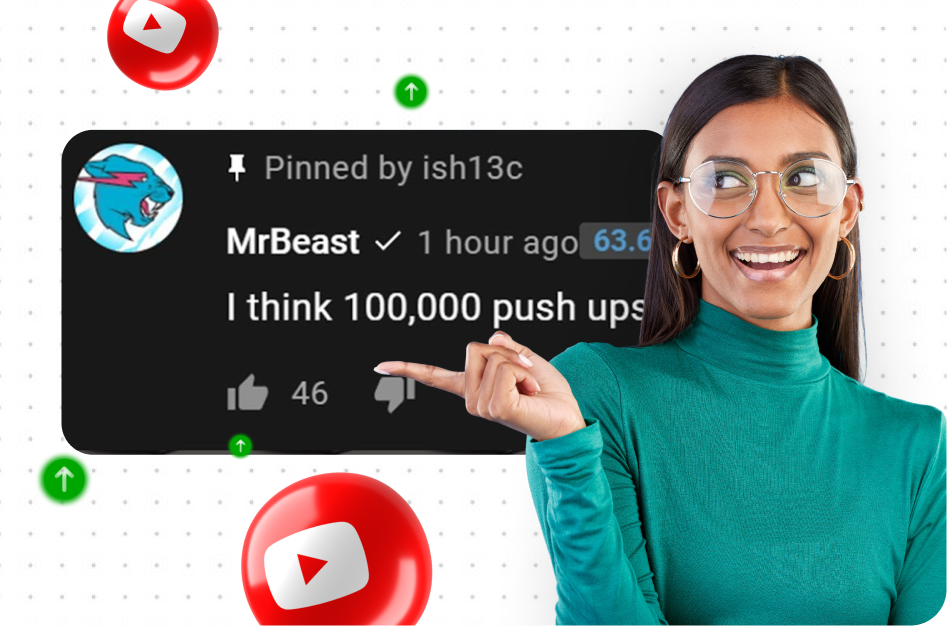
Pro Tip: Pin a comment with a fun follow-up question. This sets the tone and guides the conversation.
3. Create Shorts That Spark Opinions
Shorts that trigger an emotional or opinionated response get more comments. Think:
- Hot takes: "This is why Android is better than iPhone."
- Controversial food opinions: "Pizza with pineapple is elite."
- Bold rankings: "Top 3 Indian snacks, ranked."
Use Capsai.co to highlight bold statements with animated captions, emojis, or word emphasis to drive more interaction.
4. Use Comment Triggers in the Script
Build comment prompts directly into your voiceover or dialogue. Example:
- "Let me know if you agree."
- "What would you have done in this situation?"
- "Tag a friend who needs to see this."
These verbal CTAs guide viewers toward the comment section naturally. Pair this with on-screen cues using Capsai to make the message unmissable.
5. Turn Comments Into Content
Engagement doesn’t stop at one video. Turn top comments into your next idea:
- Highlight them in a follow-up Short
- Create a reaction or response video
- Give shoutouts to commenters
This creates a loop of participation. Your audience knows their comments matter - and that keeps them coming back.
Final Thoughts: Comments Are a Growth Engine
If likes are the applause, comments are the conversation. They show YouTube that people care enough to engage, and that drives more impressions.
With the right strategy and the visual storytelling power of Capsai.co, you can turn passive viewers into an active community. Use dynamic, multilingual captions to make your videos clear and comment-ready - even for viewers on mute.