


- Start with Capsai’s video import tool
Visit https://capsai.co/, select “YouTube URL,” paste your Short’s link, and let Capsai fetch the clip. This ensures you get the highest quality MP4 ready for editing. - Trim and reformat for 9:16
In Capsai’s editor or your preferred video app, change the aspect ratio from 16:9 (YouTube format) to 9:16 vertical. Crop or blur sidebars as needed so your content fills the full screen on Instagram Reels. - Adjust the hook timing
YouTube Shorts sometimes start with intros or branding. Use Capsai’s timeline controls to cut any preamble, then reposition your main hook within the first 2 seconds to match Reels best practices. - Auto-generate and embed subtitles
Use Capsai Auto Subtitle Generator (https://capsai.co/auto-subtitle-generator) to create Hinglish, Hindi, or English captions. Sync them with your trimmed clip and burn them into the video to engage mute viewers on Reels. - Add Instagram-friendly on-screen text and stickers
Overlay any extra captions, CTAs, or stickers using Capsai’s text tools or in-app Reels features. Keep lines short (2 lines of 25-30 characters) and position them away from Instagram’s UI elements. - Swap or layer audio if needed
Reels often perform better with trending in-app music. Mute the original audio track in Capsai, then export a silent video. In Instagram, add a trending song or sound effect that complements your content. - Export at optimal settings
From Capsai, export your final MP4 at 1080×1920 resolution and at least 25 fps. This ensures smooth playback and the best quality when uploaded to Instagram Reels. - Upload and optimize your Reel
In Instagram, tap the + icon, select Reels, choose your exported video, then on the editing screen add any final stickers or filters. Confirm that subtitles and on-screen text are legible. - Write a compelling caption with hashtags
Include a hook in the first line, a brief description, and 5-8 smart hashtags (mix broad, niche, and regional). - Publish and cross-promote
Share your new Reel, then post a Story with a “New Reel” sticker linking to it. Encourage engagement by asking viewers to comment, save, or share-this early activity helps Reels reach more users.
Creator Tips
How to Repurpose YouTube Shorts as Instagram Reels
Learn repurpose youtube shorts as instagram reels with our complete 2026 guide. Step-by-step tutorials, pro tips, and AI tools for creators.
Related CapsAI tools
Try CapsAI
Add captions to your videos
Upload a video, review the generated captions, and export. Start free.
Get started freeRelated articles
9 Jul 2025
YouTube Shorts vs Instagram Reels vs TikTok: Creator’s Comparison
9 Jul 2025
How to Cross-Promote YouTube Shorts on Instagram and Facebook
1 Jul 2025
Best AI Subtitle Generators for YouTube & Reels
20 Jun 2026
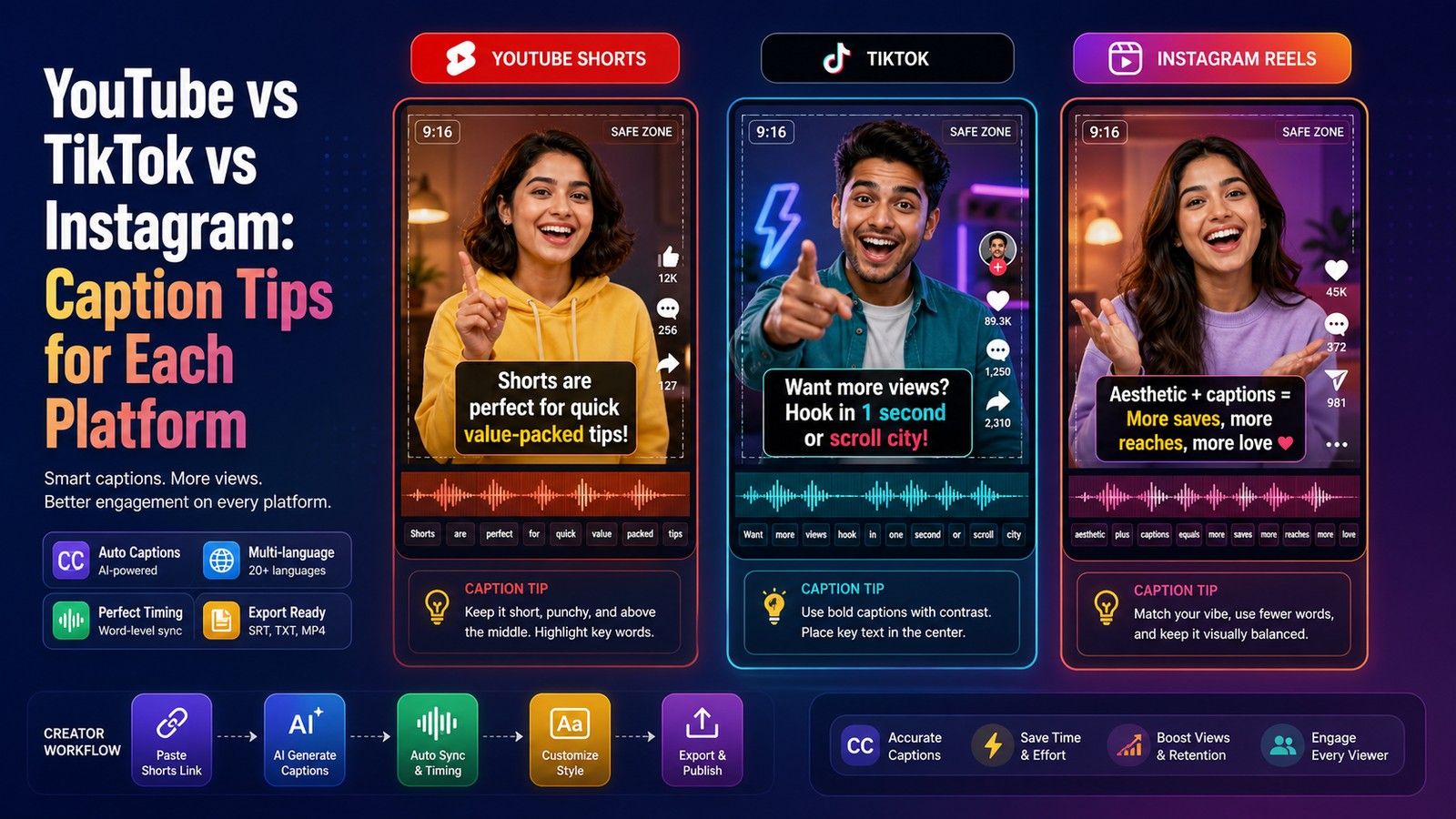
YouTube vs TikTok vs Instagram: Caption Tips for Each Platform
27 Jul 2025
How to Craft a Reel Hook in the First Second
30 Jun 2025