CapsAI

For Instagram Creators

Caption Generator Made for Instagram Creators

Instagram's algorithm prioritizes content that keeps users watching. Captions on Reels increase average view duration by 25%, directly boosting your reach. CapsAI generates trending caption styles - from kinetic text to aesthetic minimal fonts - optimized for Reels, Stories, and carousel posts that stop the scroll.

25%

Longer View Time

3x

More Reach

50+

Caption Styles

AI caption generator showing Instagram Reels with trendy animated captions and engagement metrics

Features

Instagram-Native Caption Features

Reels-Optimized Captions

Generate captions designed specifically for the 9:16 vertical format. Auto-position text in the safe zone, away from UI elements, with timing optimized for Reels' fast-paced consumption style.

Trending Aesthetic Styles

Choose from 50+ caption styles inspired by viral Instagram trends - kinetic typography, neon glow, handwritten fonts, minimalist sans-serif, and gradient text effects that match current aesthetics.

Stories Caption Templates

Create captioned Stories that keep viewers tapping forward. Use animated reveal effects, question-style captions for engagement, and poll-friendly formatting that drives interaction.

Carousel Text Overlays

Generate caption overlays for carousel posts that maintain visual consistency across all slides. Pull key quotes from your audio for impactful text-on-image carousel content.

Audio Trend Sync

Sync your captions perfectly with trending audio tracks. Beat-matched text animations that hit on musical cues, making your Reels feel professionally produced and algorithm-friendly.

Safe Zone Positioning

CapsAI automatically positions captions within Instagram's safe zones - avoiding overlap with profile icons, like buttons, captions, and share buttons across all device sizes.

Workflow

Create Instagram Captions in 4 Steps

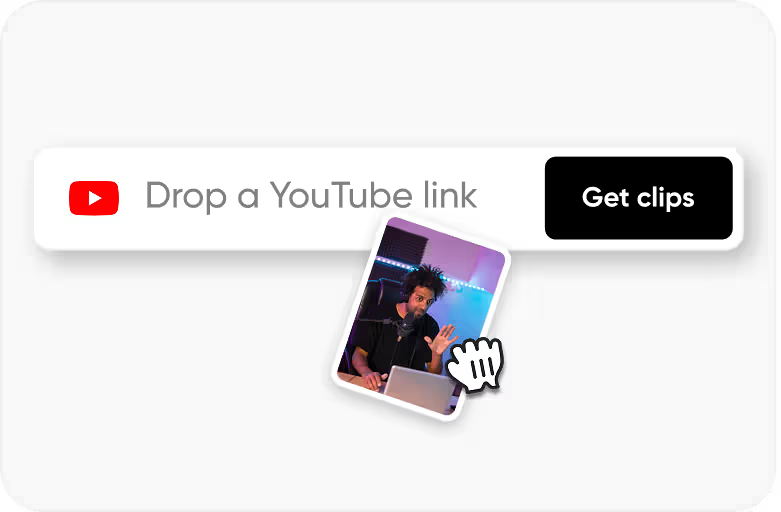
Upload Your Reel or Story

Step 1

Upload Your Reel or Story

Upload your Instagram video content in 9:16 vertical format. CapsAI handles Reels (up to 90 seconds), Stories (up to 60 seconds), and longer IGTV content.

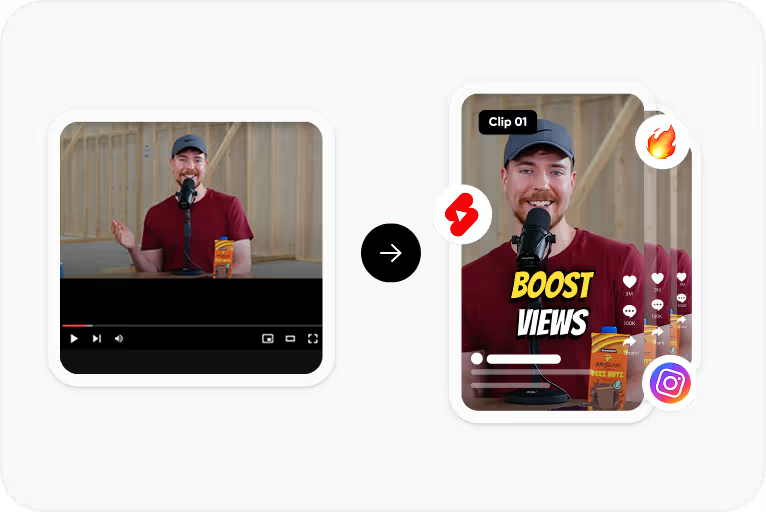
AI Generates Captions

Step 2

AI Generates Captions

Our AI transcribes your audio and automatically applies Instagram-optimized formatting - short phrases, impactful timing, and word-by-word reveal animations.

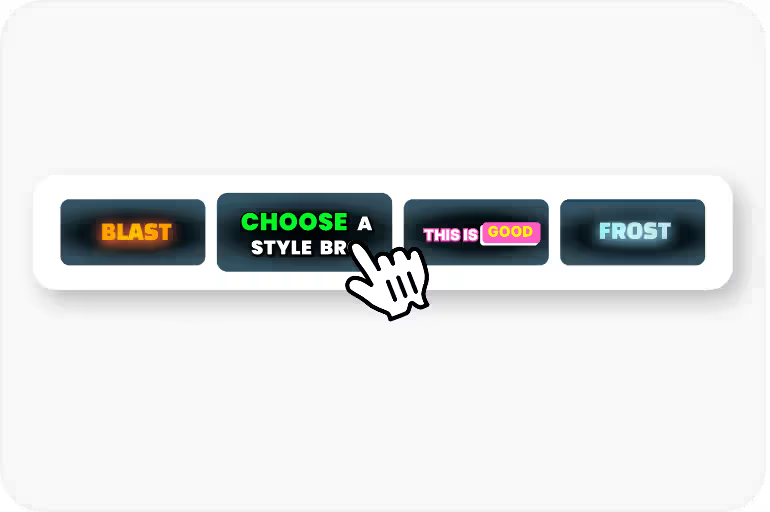
Choose Your Aesthetic

Step 3

Choose Your Aesthetic

Browse trending caption styles and pick the one that matches your brand aesthetic. Customize colors, fonts, animations, and positioning with a real-time preview.

Export & Post

Step 4

Export & Post

Export your captioned video with burned-in text, ready to post directly to Instagram. No quality loss, no watermarks, and perfectly formatted for the platform.

Use Cases

Why Instagram Creators Love CapsAI

Stop the Scroll

Captioned Reels capture attention in the first 0.5 seconds - before viewers even unmute. Eye-catching text immediately communicates value and hooks viewers into watching the full video.

3x Algorithm Reach

Instagram's algorithm measures watch-through rate as its top ranking signal. Captions increase average view duration by 25%, which compounds into 2-3x more reach as the algorithm pushes your content to Explore and suggested feeds.

Aesthetic Brand Consistency

Build a recognizable visual brand with consistent caption styling across all your content. Followers recognize your Reels instantly in their feed, increasing tap-through rates and profile visits.

Inclusive Content Creation

Over 40% of Instagram users browse with sound off. Captions ensure your message, humor, and personality reach every viewer regardless of their audio settings or hearing ability.

FAQ

Frequently Asked Questions

What caption styles work best for Instagram Reels?

Currently trending styles include word-by-word kinetic text, bold highlight on key words, minimal white sans-serif centered on screen, and gradient-colored text. CapsAI regularly updates its style library to match current Instagram trends and viral formats.

Will captions get cut off by Instagram's UI elements?

No. CapsAI uses smart safe-zone positioning that accounts for Instagram's UI overlay - including the like/comment/share buttons, profile icon, and caption text area. Your captions will always be fully visible on all device sizes.

Can I use CapsAI for both Reels and Stories?

Yes! CapsAI supports all Instagram video formats including Reels (up to 90 seconds), Stories (up to 60 seconds), IGTV, and Live replays. Each format gets optimized caption positioning and timing for its specific viewing context.

Do captioned Reels actually perform better in the algorithm?

Yes. Instagram's algorithm heavily weights watch-through rate and replay rate. Captions measurably increase both metrics by keeping viewers engaged even when watching on mute - which is how 40%+ of users browse. Creators consistently report 2-3x reach improvements.

Can I add captions that sync with trending audio?

Absolutely. CapsAI's beat-sync feature detects musical cues in trending audio and times your caption reveals to hit on beats. This creates a professional, rhythm-matched look that performs exceptionally well with Instagram's audience.

Make your Reels impossible to scroll past

Join 30,000+ Instagram creators who boost engagement with trending caption styles. Aesthetic, accessible, and algorithm-optimized - free to start.

Try CapsAI Free →