Captions for accessibility
Captions help students who are deaf or hard of hearing follow recorded lessons. Review them against your institution's requirements.


For Educators
Create and review subtitles for lessons, lectures, tutorials, online courses, and educational videos with CapsAI.
MP4 or MOV
video upload
3 min
free to start
11
spoken-language options

Features
Captions help students who are deaf or hard of hearing follow recorded lessons. Review them against your institution's requirements.
Export a captioned MP4 and upload it to your LMS or video host like any other video; there is no direct LMS integration.
Correct subject terms, formulas, and proper nouns in the editor; automatic drafts can get specialist words wrong.
Adjust caption size and position so text stays readable on laptops, projectors, and phones.
Caption lessons taught in Hinglish, Hindi, English, or another supported language. Captions are not translated.
Caption each recorded lecture as its own project; batch processing is not available.
Workflow
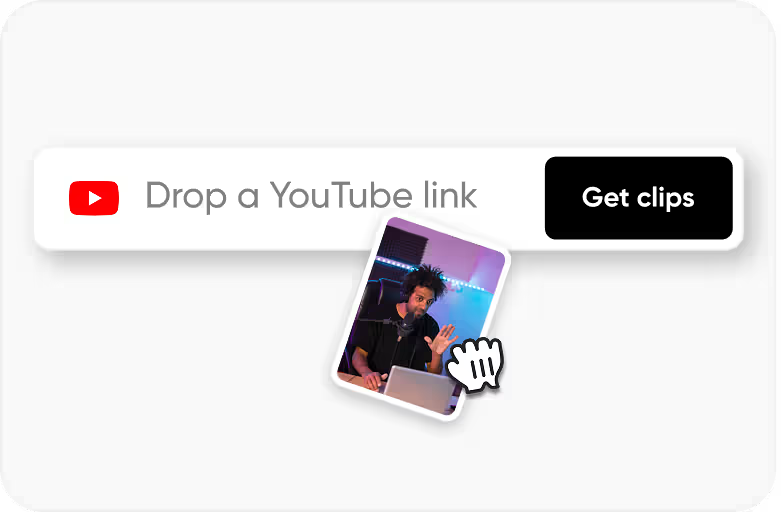
Step 1
Upload an MP4 or MOV video that you own or have permission to process.
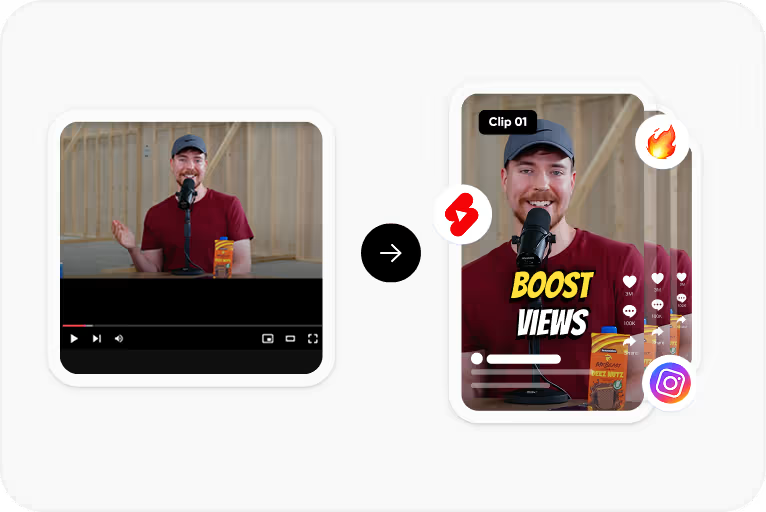
Step 2
Choose the spoken language and CapsAI creates timed captions from the speech in your video.
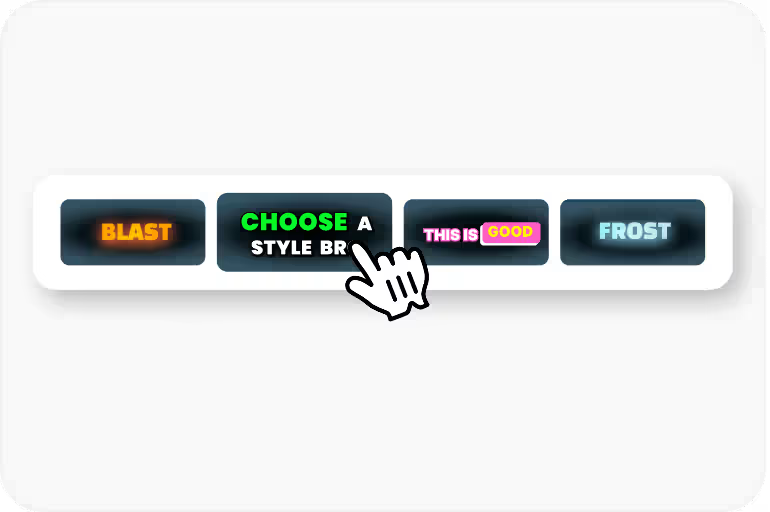
Step 3
Correct the text and timing, then apply a caption style and check its placement.
Step 4
Export an MP4 with the captions burned in, using an option available to your plan.
Use Cases
Captions help students follow a lesson in a noisy room, a library, or on mute.
Captions make recorded lessons more accessible to students who are deaf or hard of hearing.
Review technical terms, names, and formulas spoken aloud before you publish, because automatic drafts can get them wrong.
Generate captions for lessons taught in Hinglish, Hindi, English, and other supported Indian languages.
Related tools
FAQ
CapsAI does not certify compliance with accessibility standards. Review and correct the captions, then check them against the requirements your platform or institution follows.
Specialist terms, names, and formulas spoken aloud can be transcribed incorrectly in the first draft. Review and correct them in the editor before export.
CapsAI does not offer an LMS integration. Export a captioned MP4 and upload it to your learning platform like any other video.
No. The current product processes one uploaded video at a time; batch processing is not available.
The uploader accepts MP4 or MOV video files. Audio-only files and pasted video URLs are not part of the caption workflow.
The export is an MP4 with the captions burned in. Separate SRT or VTT files are not available from the editor yet; the standalone converters under /tools work on subtitle files you already have.
Accuracy depends on audio clarity, background noise, accents, and language selection. CapsAI creates a first draft and lets you edit captions before export.
You can start with 3 free minutes. Free video export may include a CapsAI watermark; watermark-free video export is listed as a paid-plan benefit.
Upload an MP4 or MOV file, review the caption draft, and export a captioned MP4 for your lectures, lessons, and course videos. Start with 3 free minutes.
Try CapsAI FreeRelated tools