Burned-in captions
Captions are rendered permanently into the exported MP4. Separate soft-subtitle tracks are not available.


MP4 Subtitles
Add subtitles to MP4 videos: generate a caption draft, edit text, timing, and style, and export an MP4 with the captions burned in. Start with 3 free minutes.
MP4 or MOV
video upload
3 min
free to start
11
spoken-language options

Features
Captions are rendered permanently into the exported MP4. Separate soft-subtitle tracks are not available.
Burning captions re-encodes the video; export quality options depend on your plan.
Correct words, names, line breaks, and timing before the captions are rendered into the MP4.
Start from an MP4 or MOV file and export a captioned MP4.
Resize and reposition captions for landscape, square, or vertical MP4s.
Choose fonts, colors, and animation treatments for burned-in subtitles to match your brand.
Workflow

Step 1
Upload an MP4 or MOV video that you own or have permission to process.
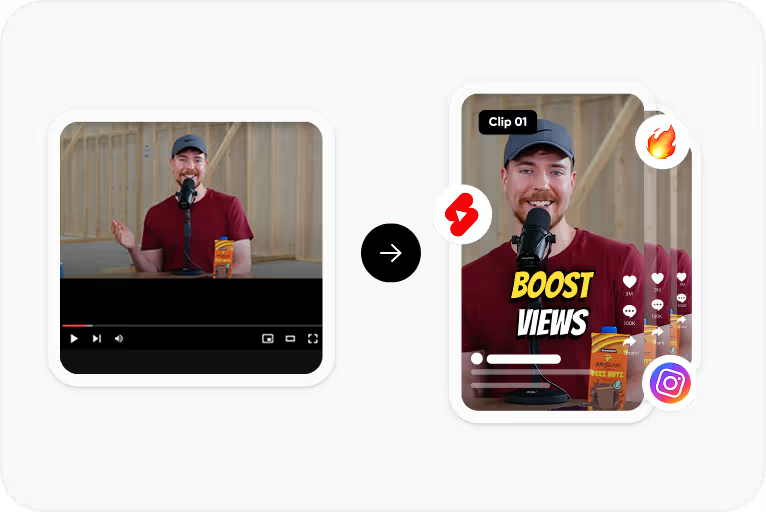
Step 2
Choose the spoken language and CapsAI creates timed captions from the speech in your video.
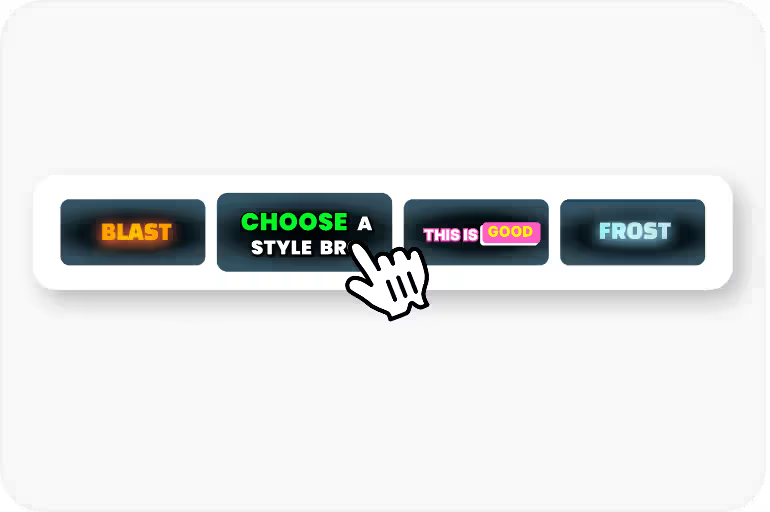
Step 3
Correct the text and timing, then apply a caption style and check its placement.
Step 4
Export an MP4 with the captions burned in, using an option available to your plan.
Use Cases
Captions are rendered into the exported MP4, so they appear on every player and platform.
Downloading edited SRT or VTT files is not currently available; the export is a captioned video.
Upload MP4 files from phones, cameras, or screen recorders.
Adjust fonts, colors, and caption placement, then preview before rendering.
FAQ
Burning captions into a video re-encodes it. Export quality options depend on your plan, so check the pricing page for the quality included in each pack.
Burned-in subtitles are part of the video image and show everywhere, but viewers cannot turn them off. Soft subtitles are separate files that supported players can toggle. The export is an MP4 with the captions burned in. Separate SRT or VTT files are not available from the editor yet; the standalone converters under /tools work on subtitle files you already have.
Not with CapsAI. Its export burns the captions into the video, which requires re-encoding.
No. The current product processes one uploaded video at a time; batch processing is not available.
The uploader accepts MP4 or MOV video files. Audio-only files and pasted video URLs are not part of the caption workflow.
The export is an MP4 with the captions burned in. Separate SRT or VTT files are not available from the editor yet; the standalone converters under /tools work on subtitle files you already have.
Accuracy depends on audio clarity, background noise, accents, and language selection. CapsAI creates a first draft and lets you edit captions before export.
You can start with 3 free minutes. Free video export may include a CapsAI watermark; watermark-free video export is listed as a paid-plan benefit.
Upload an MP4 or MOV file, review the caption draft, and export a captioned MP4 for your MP4 videos. Start with 3 free minutes.
Try CapsAI Free →Related tools