Native MOV support
Upload .mov files directly - no need to convert to MP4 first. CapsAI handles QuickTime container format natively.


MOV Subtitles
Upload MOV files from iPhone recordings, Final Cut Pro exports, or any Apple workflow. CapsAI generates timed subtitles and burns them into an exported MP4.
MOV
native Apple format
iPhone
recordings supported
Free
start with 3 minutes

Features
Upload .mov files directly - no need to convert to MP4 first. CapsAI handles QuickTime container format natively.
iPhone camera exports as MOV by default. Upload your recordings straight from AirDrop or Files without any conversion step.
Working in Final Cut Pro? Export a MOV, upload it, and add burned-in captions to the finished video.
Captions are embedded in the exported MP4 so they show on every player. Separate SRT/VTT tracks are not currently available.
Generate subtitles from MOV audio in Hinglish, English, Hindi, Bengali, Telugu, Marathi, Tamil, Urdu, Gujarati, Kannada, and Punjabi.
Review and correct the AI-generated transcript in the browser editor before burning the subtitles into the exported video.
Workflow

Step 1
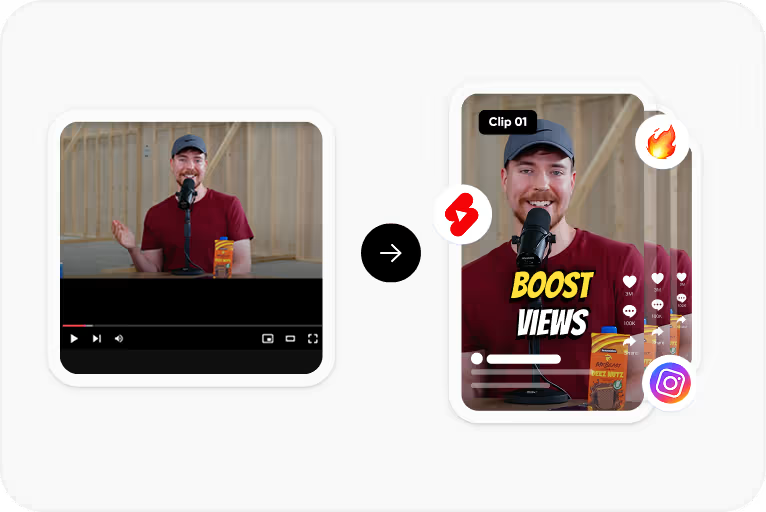
Drag and drop any .mov file - iPhone recordings, Final Cut exports, screen recordings, or QuickTime captures.
Step 2
Choose the spoken language: Hinglish, English, Hindi, Bengali, Telugu, Marathi, Tamil, Urdu, Gujarati, Kannada, and Punjabi.

Step 3
Edit names, places, and technical terms in the browser editor. Adjust timing if needed.
Step 4
Download an MP4 with the captions burned in. The export is MP4, not MOV.
Use Cases
Record on iPhone, AirDrop to Mac or upload from Files. CapsAI generates captions without a format conversion step.
Export a MOV from Final Cut, then add burned-in captions in CapsAI and download the captioned MP4.
macOS screen recordings save as MOV. Add subtitles to tutorials, product demos, and presentation recordings.
Many podcasters record video in MOV format. Generate a transcript and continue into subtitle editing for clips.
FAQ
No. CapsAI accepts MOV files directly.
The export is an MP4 with the captions burned in. Separate SRT or VTT files are not available from the editor yet; the standalone converters under /tools work on subtitle files you already have. MOV output is not currently available.
CapsAI accepts MOV files. If a ProRes file does not upload or play in the editor, export an H.264 MOV or MP4 version and try again.
Yes. iPhone .mov files are the most common use case. Upload directly after AirDrop or from your camera roll backup.
Hindi, Hinglish, Tamil, Telugu, Bengali, Marathi, Kannada, Gujarati, Punjabi, Urdu, and English - the same languages as all CapsAI subtitle tools.
iPhone recordings, Final Cut exports, screen captures - upload any MOV and generate editable subtitles. Start with 3 free minutes.
Try CapsAI Free →Related tools