Muted autoplay ready
Videos often autoplay without sound in the X timeline, so subtitles help your message land on mute.


Twitter/X Subtitles
Add subtitles to Twitter/X videos: generate a caption draft, style it for muted autoplay in the timeline, and export an MP4 with the captions burned in. Start with 3 free minutes.
MP4 or MOV
video upload
3 min
free to start
11
spoken-language options

Features
Videos often autoplay without sound in the X timeline, so subtitles help your message land on mute.
Keep caption lines short and timed to the speech so they read at the pace of the timeline.
Bold, readable subtitle styles that stand out in a fast-moving timeline.
Caption videos spoken in Hinglish, English, Hindi, or another supported language. Captions are not translated.
Fix names, handles read aloud, and timing before export.
Caption each clip you plan to post in a thread, one uploaded video at a time.
Workflow
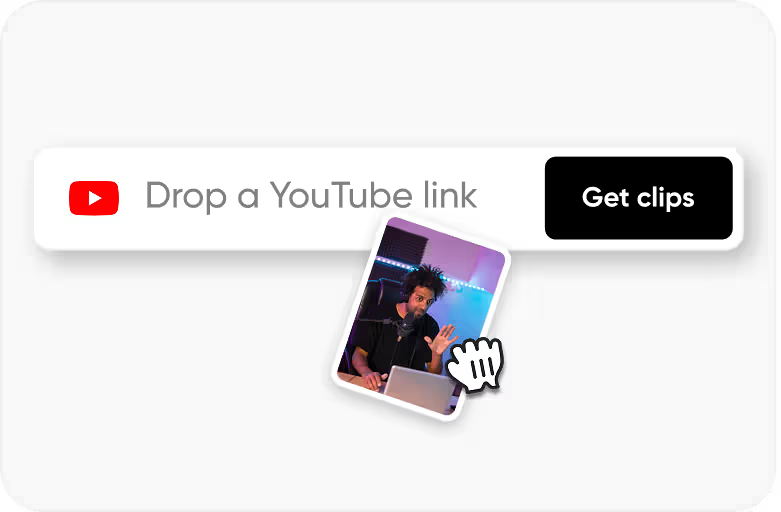
Step 1
Upload an MP4 or MOV video that you own or have permission to process.
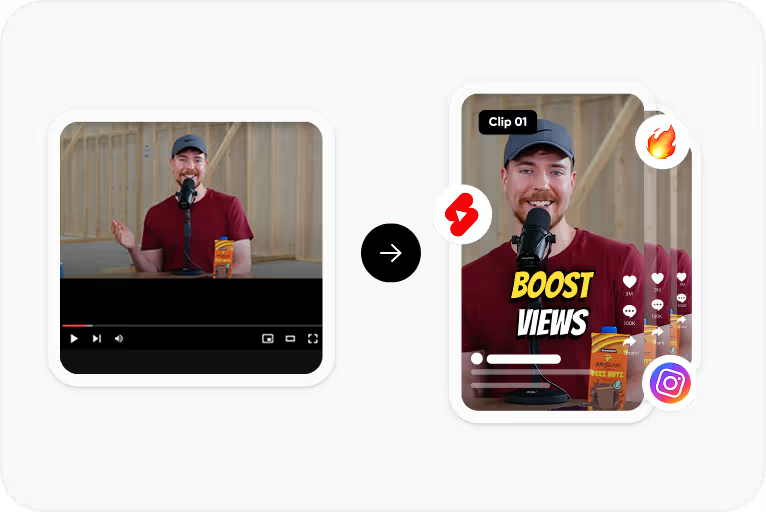
Step 2
Choose the spoken language and CapsAI creates timed captions from the speech in your video.
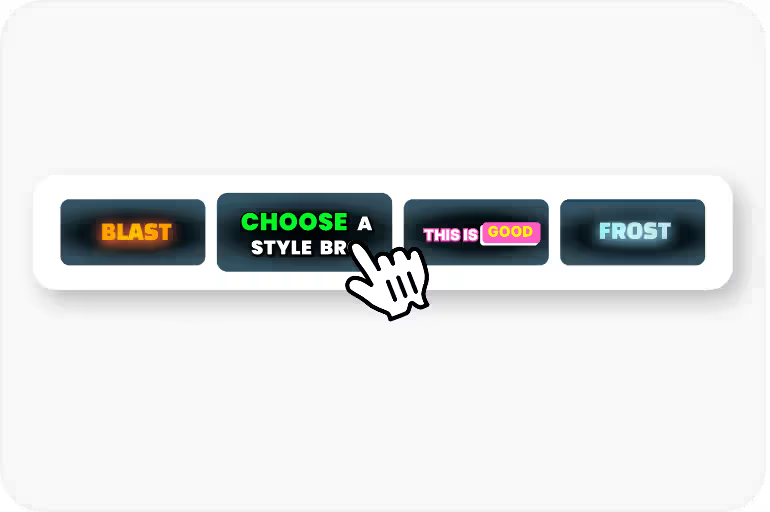
Step 3
Correct the text and timing, then apply a caption style and check its placement.
Step 4
Export an MP4 with the captions burned in, using an option available to your plan.
Use Cases
Put your key point in the opening captions so it lands before viewers scroll on.
Captions help viewers who are deaf or hard of hearing follow your X videos.
Put your key point in the captions so viewers can reply or quote without unmuting.
Use the same caption fonts and colors across your X videos so they are recognisable in the timeline.
Why CapsAI
Burned-in captions are rendered into the video file, so they show up wherever the video plays. That means caption styling and placement have to look intentional.
FAQ
The export is an MP4 with the captions burned in. Separate SRT or VTT files are not available from the editor yet; the standalone converters under /tools work on subtitle files you already have. Burned-in captions are the simplest option for X because they are part of the video and show wherever it plays.
There is no guarantee. Captions help viewers understand a muted video, which can make them more likely to keep watching and respond.
Only if you have the recording as an MP4 or MOV video. CapsAI does not accept audio-only files.
Square (1:1) and landscape (16:9) videos display well in the timeline. Preview caption placement for your aspect ratio before export.
Upload your video to CapsAI, review the caption draft, choose a font and style, then export. The exported MP4 has the captions burned into the video frames.
The uploader accepts MP4 or MOV video files. Audio-only files and pasted video URLs are not part of the caption workflow.
The export is an MP4 with the captions burned in. Separate SRT or VTT files are not available from the editor yet; the standalone converters under /tools work on subtitle files you already have.
Accuracy depends on audio clarity, background noise, accents, and language selection. CapsAI creates a first draft and lets you edit captions before export.
You can start with 3 free minutes. Free video export may include a CapsAI watermark; watermark-free video export is listed as a paid-plan benefit.
Upload an MP4 or MOV file, review the caption draft, and export a captioned MP4 for your X videos. Start with 3 free minutes.
Try CapsAI Free →Related tools