
Bangla script captions
Captions for Bengali speech are generated in Bangla script. Preview the rendering and line breaks before export.


Bengali Subtitle Generator
Generate Bengali subtitles from MP4 or MOV video, then review the Bangla text, timing, and style before exporting a captioned video. Start with 3 free minutes.
Bangla
script captions
AI
Bengali caption draft
3 min
free to start
Bengali subtitle example: এটি একটি প্রিভিউ সাবটাইটেল ডিজাইনের এখনই ট্রান্সক্রাইব করুন আপনার ভিডিও পেতে

Features
Captions for Bengali speech are generated in Bangla script. Preview the rendering and line breaks before export.

Regional accents, dialects, and fast speech can affect the first draft, so review names and uncertain words in the editor.

When speakers mix Bengali and English, review the mixed phrases in the editor before export.

Export an MP4 with the Bengali captions burned in, using an option available to your plan, then upload it to YouTube.

Animated Bengali captions for vertical 9:16 short-form video on Instagram and YouTube.

Start with 3 free minutes. Watermark-free video export is listed as a paid-plan benefit.
Workflow
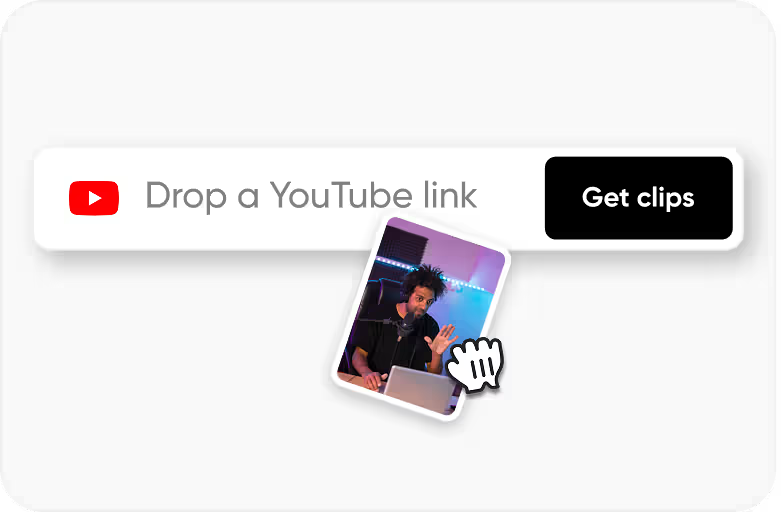
Step 1
Upload an MP4 or MOV video with Bengali speech.
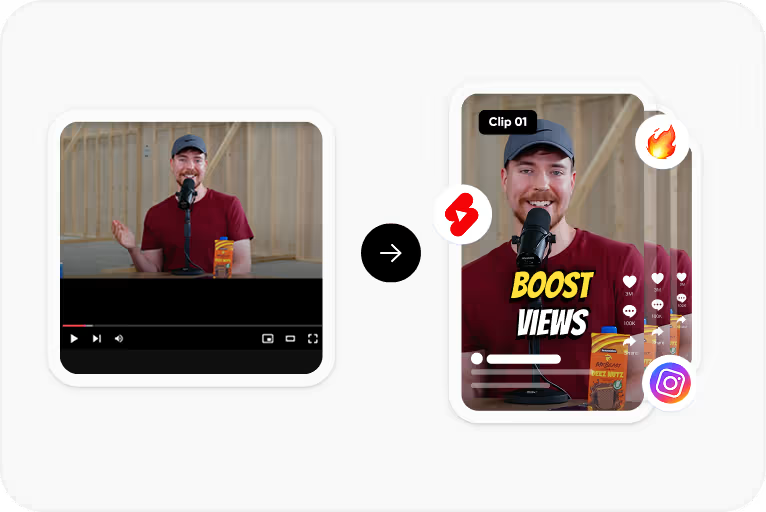
Step 2
Select Bengali and generate a timed caption draft in Bangla script.
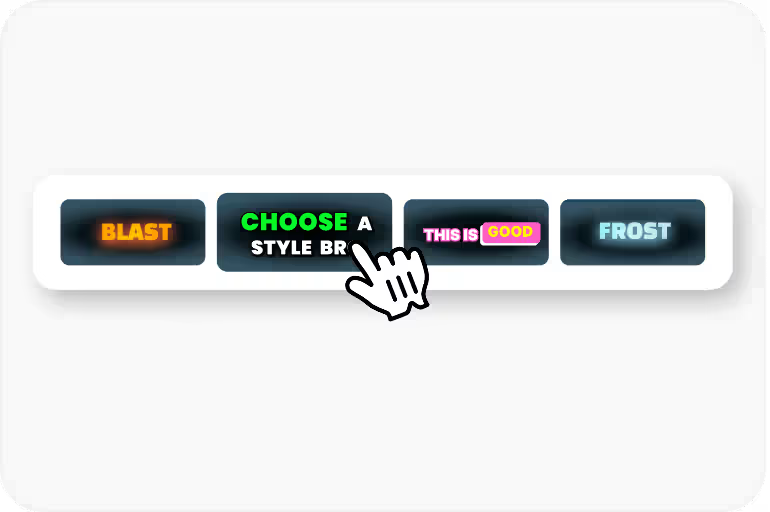
Step 3
Correct words, names, and timing, then apply a caption style and check how the Bangla text renders.
Step 4
Export an MP4 with the captions burned in for YouTube, Reels, or Shorts, using an option available to your plan.
Use Cases
Add Bengali subtitles to your YouTube videos. Bengali YouTube has a massive creator ecosystem spanning India and Bangladesh.
Subtitle Bengali movie clips, trailers, and short-form content for Tollywood's passionate fanbase.
Educational content in Bengali with subtitles for students, competitive exam prep, and e-learning.
Reach Bengali speakers worldwide - UK, US, Middle East, and Southeast Asia diaspora communities.
Why CapsAI
Bengali has 230 million speakers across West Bengal, Bangladesh, and global diaspora communities. It's the seventh most-spoken language in the world. Bengali YouTube content - from music and cinema to educational channels - has a massive built-in audience. Adding Bengali subtitles connects your videos to speakers across two countries and a large international community.

Why CapsAI
Bengali (Bangla) script shares roots with Devanagari but has its own character set with unique conjuncts and vowel marks. The script flows with connecting headlines (matra line) that can break if the rendering engine doesn't handle it properly. Subtitles with broken Bengali characters are immediately jarring to native readers.
FAQ
Captions for Bengali speech are generated in Bangla script. Preview conjuncts, vowel marks, and line breaks in the editor before export, and adjust the font size for mobile screens.
Accuracy depends on audio clarity, background noise, accents, and language selection. CapsAI creates a first draft and lets you edit captions before export.
You can start with 3 free minutes. Free video export may include a CapsAI watermark; watermark-free video export is listed as a paid-plan benefit.
Regional dialects and accents can affect the first draft. Select Bengali, then review names, dialect words, and uncertain phrases in the editor before export.
Mixed Bengali-English speech can appear in the draft, but code-switching can affect generated wording. Review mixed phrases in the editor before export.
Upload an MP4 or MOV video, select Bengali as the spoken language, and generate a caption draft. Review the text and timing in the editor, apply a caption style, and export an MP4 with the captions burned in.
Compare language support, script rendering, caption review, and export terms. CapsAI lets you select Bengali, review the Bangla caption draft in an editor, and start with 3 free minutes; watermark-free video export is listed as a paid-plan benefit.
AI can generate a Bengali caption draft in Bangla script from your video's speech. Clear audio gives the best results; background noise, music, fast speech, and strong accents can introduce errors, so review the draft in the editor before export.
The export is an MP4 with the captions burned in. Separate SRT or VTT files are not available from the editor yet; the standalone converters under /tools work on subtitle files you already have. Generate Bengali captions in CapsAI, review them, and upload the exported video to YouTube, Instagram Reels, or YouTube Shorts.
Upload your vertical video, generate Bengali captions, pick a caption style, check that the Bangla text stays readable on a phone screen, and export the video with captions burned in.
Upload an MP4 or MOV video, review the Bengali caption draft, and export a captioned MP4. Start with 3 free minutes.
Generate Bengali Subtitles Free →Related tools