
Gurmukhi script captions
Captions for Punjabi speech are generated in Gurmukhi script. Preview the rendering and line breaks before export.


Punjabi Subtitle Generator
Generate Punjabi subtitles from MP4 or MOV video, then review the Gurmukhi text, timing, and style before exporting a captioned video. Start with 3 free minutes.
Gurmukhi
script captions
AI
Punjabi caption draft
3 min
free to start
Punjabi subtitle example: ਇਹ ਇੱਕ ਝਲਕ ਹੈ ਸਬਟਾਈਟਲ ਡਿਜ਼ਾਈਨ ਦੀ ਹੁਣੇ ਟ੍ਰਾਂਸਕ੍ਰਾਈਬ ਕਰੋ ਆਪਣੀ ਵੀਡੀਓ ਲੈਣ ਲਈ

Features
Captions for Punjabi speech are generated in Gurmukhi script. Preview the rendering and line breaks before export.

Regional accents, dialects, and fast speech can affect the first draft, so review names and uncertain words in the editor.

When speakers mix Punjabi and English, review the mixed phrases in the editor before export.

Export an MP4 with the Punjabi captions burned in, using an option available to your plan, then upload it to YouTube.

Animated Punjabi captions for vertical 9:16 short-form video on Instagram and YouTube.

Start with 3 free minutes. Watermark-free video export is listed as a paid-plan benefit.
Workflow

Step 1
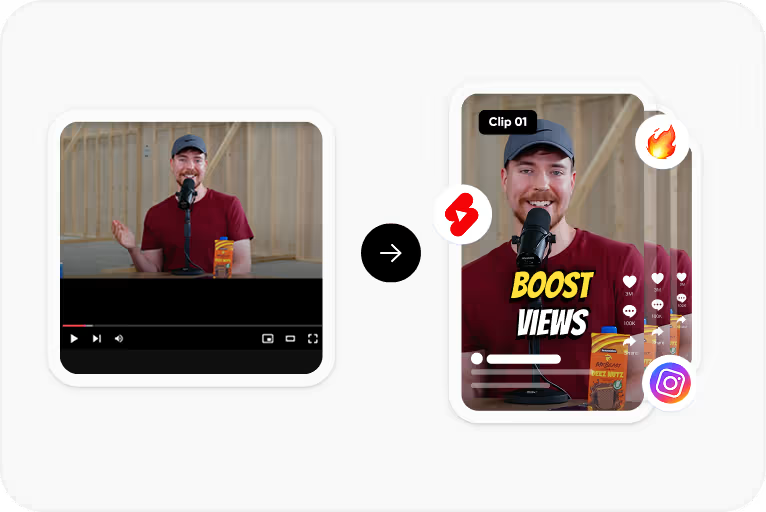
Upload an MP4 or MOV video with Punjabi speech.
Step 2
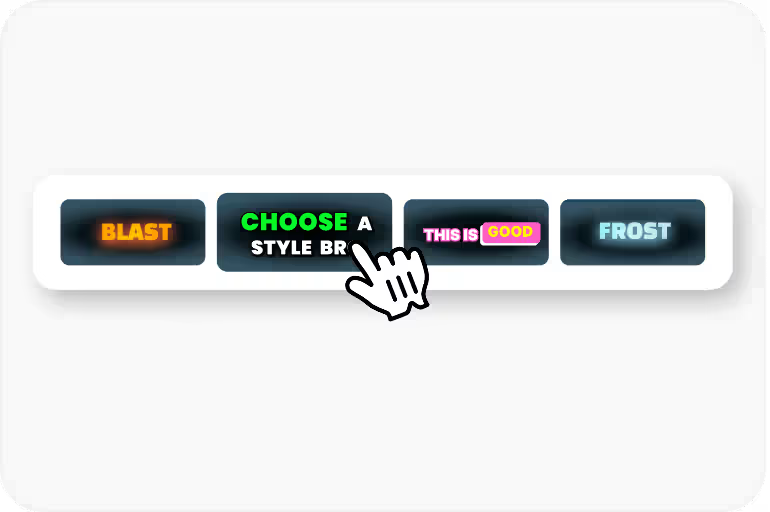
Select Punjabi and generate a timed caption draft in Gurmukhi script.
Step 3
Correct words, names, and timing, then apply a caption style and check how the Gurmukhi text renders.
Step 4
Export an MP4 with the captions burned in for YouTube, Reels, or Shorts, using an option available to your plan.
Use Cases
Add lyric subtitles to Punjabi songs and music videos. Punjabi music dominates Indian YouTube charts.
Subtitle your vlogs, comedy, and lifestyle content in Gurmukhi for Punjab's growing YouTube audience.
Reach Punjabi communities in Canada, UK, and US with subtitled content they can watch anywhere.
Subtitle Punjabi movie clips, trailers, and behind-the-scenes content for Pollywood's global fanbase.
Why CapsAI
Punjabi music videos consistently top YouTube India's trending charts. From Sidhu Moose Wala to AP Dhillon, Punjabi content has a global fanbase spanning India, Canada, UK, and Australia. Adding Punjabi subtitles to videos isn't just about accessibility - it's about serving one of the most engaged and passionate language communities on social media.

Why CapsAI
Punjabi uses Gurmukhi script in India and Shahmukhi (Arabic-derived) in Pakistan. Most Punjabi content creators in India need Gurmukhi subtitles, but many subtitle tools either don't support it or render it poorly. Preview the Gurmukhi text in CapsAI before export to check how it renders.
FAQ
Captions for Punjabi speech are generated in Gurmukhi script. Preview conjuncts, vowel marks, and line breaks in the editor before export, and adjust the font size for mobile screens.
Accuracy depends on audio clarity, background noise, accents, and language selection. CapsAI creates a first draft and lets you edit captions before export.
Music and background sound can affect the first draft. You can generate a draft for a video with Punjabi vocals, but review lyrics and timing carefully before export.
Regional dialects and accents can affect the first draft. Select Punjabi, then review names, dialect words, and uncertain phrases in the editor before export.
You can start with 3 free minutes. Free video export may include a CapsAI watermark; watermark-free video export is listed as a paid-plan benefit.
Upload an MP4 or MOV video, select Punjabi as the spoken language, and generate a caption draft. Review the text and timing in the editor, apply a caption style, and export an MP4 with the captions burned in.
Compare language support, script rendering, caption review, and export terms. CapsAI lets you select Punjabi, review the Gurmukhi caption draft in an editor, and start with 3 free minutes; watermark-free video export is listed as a paid-plan benefit.
Yes. Select Punjabi; captions are generated in Gurmukhi script. Review the draft before export.
Upload the music video as an MP4 or MOV file, select Punjabi, and generate a draft. Lyrics over loud music often need correction, so check each line and its timing, then export an MP4 with the captions burned in for YouTube.
Upload your vertical video, generate Punjabi captions, pick a caption style, check that the Gurmukhi text stays readable on a phone screen, and export the video with captions burned in.
Upload an MP4 or MOV video, review the Punjabi caption draft, and export a captioned MP4. Start with 3 free minutes.
Generate Punjabi Subtitles Free →Related tools