Urdu script captions
Captions for Urdu speech are generated in right-to-left Urdu script. Preview the rendering and line breaks before export.


Urdu Subtitle Generator
Generate Urdu subtitles from MP4 or MOV video, then review the Urdu text, timing, and style before exporting a captioned video. Start with 3 free minutes.
Urdu
script captions
AI
Urdu caption draft
3 min
free to start
Urdu subtitle example: یہ ایک پیش نظارہ ہے سب ٹائٹل ڈیزائن کا ابھی ٹرانسکرائب کریں اپنی ویڈیو حاصل کرنے کے لیے

Features
Captions for Urdu speech are generated in right-to-left Urdu script. Preview the rendering and line breaks before export.

Regional accents, dialects, and fast speech can affect the first draft, so review names and uncertain words in the editor.

When speakers mix Urdu and English, review the mixed phrases in the editor before export.
Export an MP4 with the Urdu captions burned in, using an option available to your plan, then upload it to YouTube.
Animated Urdu captions for vertical 9:16 short-form video on Instagram and YouTube.

Start with 3 free minutes. Watermark-free video export is listed as a paid-plan benefit.
Workflow
Step 1
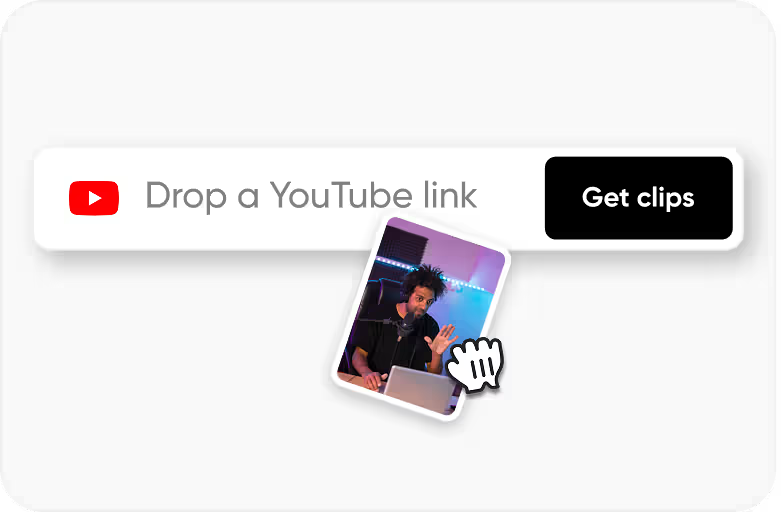
Upload an MP4 or MOV video with Urdu speech.
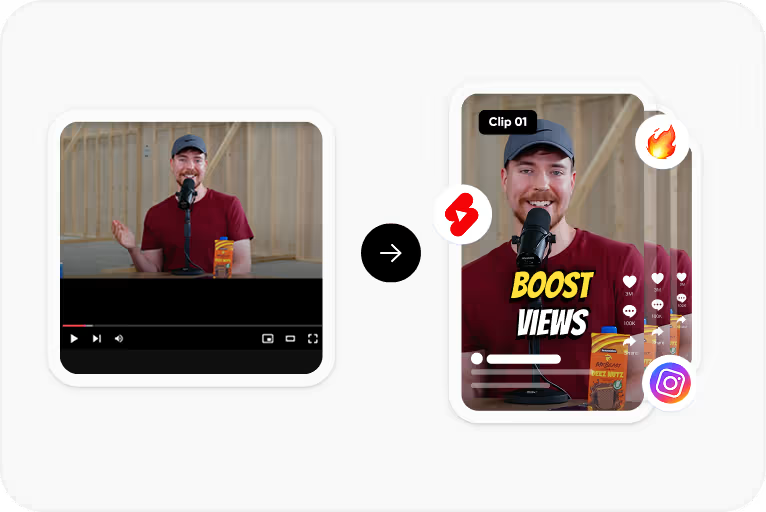
Step 2
Select Urdu and generate a timed caption draft in Urdu script.
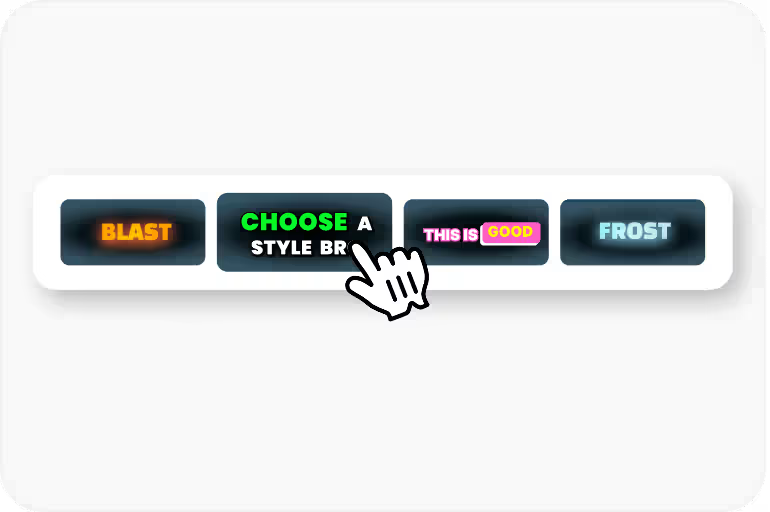
Step 3
Correct words, names, and timing, then apply a caption style and check how the Urdu text renders.
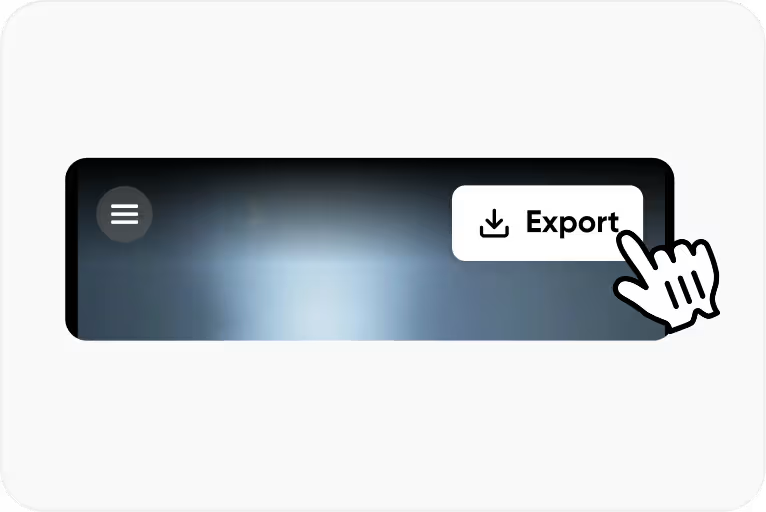
Step 4
Export an MP4 with the captions burned in for YouTube, Reels, or Shorts, using an option available to your plan.
Use Cases
Add Urdu subtitles to your YouTube videos. Urdu content reaches massive audiences across India and Pakistan.
Subtitle Urdu poetry recitations, mushairas, and ghazal performances with Urdu script captions.
Educational content in Urdu with subtitles for students in Urdu-medium institutions and madrasas.
Urdu connects audiences in India and Pakistan - subtitle once, reach 230M+ speakers across borders.
Why CapsAI
Urdu is spoken by 230 million people across India, Pakistan, and diaspora communities worldwide. It's the national language of Pakistan and widely understood across North India. Urdu poetry, music, news, and entertainment content has a devoted audience that values linguistic elegance. Adding Urdu subtitles opens your content to a cross-border audience that no other Indian language can match.

Why CapsAI
Urdu uses Nastaliq script which flows right-to-left with characters connecting in a cursive style. This is fundamentally different from left-to-right scripts and most subtitle tools simply can't handle it correctly. Text direction, character joining, and line alignment all need RTL-aware rendering. Preview the Urdu text in CapsAI before export to check how it renders.
FAQ
Captions for Urdu speech are generated in Urdu script. How the Nastaliq letter forms look depends on the caption font, so preview joined letters and diacritics in the editor before export.
Accuracy depends on audio clarity, background noise, accents, and language selection. CapsAI creates a first draft and lets you edit captions before export.
You can start with 3 free minutes. Free video export may include a CapsAI watermark; watermark-free video export is listed as a paid-plan benefit.
Urdu captions are written right to left. Preview alignment and line breaks, especially where Urdu and English words share a line, before export.
You can generate a caption draft for recitations and ghazals. Formal literary vocabulary, music, and reverb can affect the draft, so review every line before export.
Upload an MP4 or MOV video, select Urdu as the spoken language, and generate a caption draft. Review the text and timing in the editor, apply a caption style, and export an MP4 with the captions burned in.
Compare language support, script rendering, caption review, and export terms. CapsAI lets you select Urdu, review the Urdu caption draft in an editor, and start with 3 free minutes; watermark-free video export is listed as a paid-plan benefit.
Yes. Select Urdu and CapsAI generates the caption draft in Urdu script. Review spellings and diacritics in the editor before export.
The export is an MP4 with the captions burned in. Separate SRT or VTT files are not available from the editor yet; the standalone converters under /tools work on subtitle files you already have. Generate Urdu captions in CapsAI, review them, and upload the exported video to YouTube, Instagram Reels, or YouTube Shorts.
Upload an MP4 or MOV video, select Urdu as the spoken language, and generate the draft. Check right-to-left alignment and line breaks in the editor, then export an MP4 with the captions burned in.
Upload an MP4 or MOV video, review the Urdu caption draft, and export a captioned MP4. Start with 3 free minutes.
Generate Urdu Subtitles Free →Related tools